3E1151SmartScale800UserManual
Page17
Selectingasession
Toselectaparticularsession,completethefollowingsteps:
1. TurnthemodeselectionswitchtoS.
2. SelectSESSIONMENU.
3. Pressthe or softkeystohighlightSESSION.
4. Press .
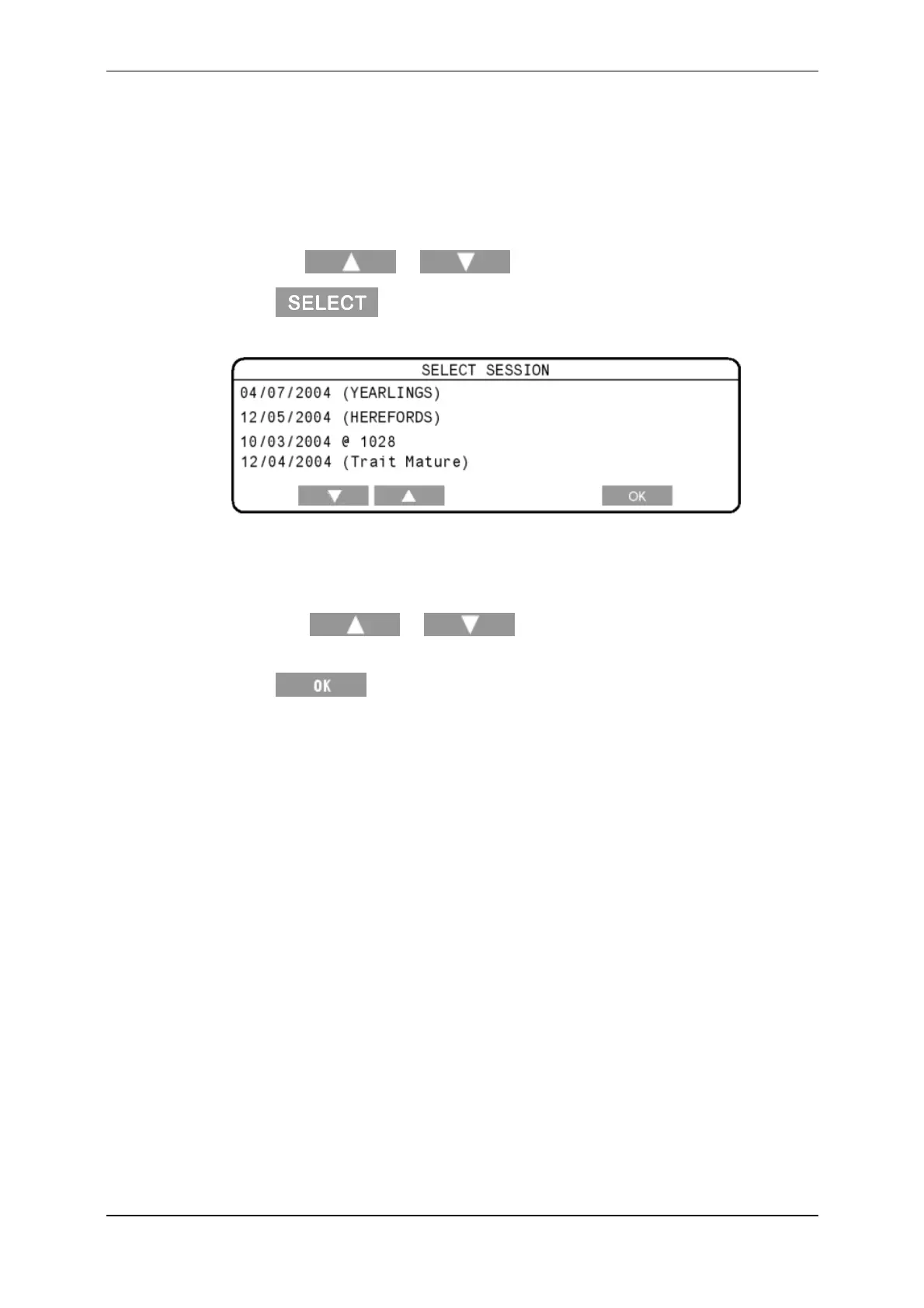
AlistofthestoredsessionsintheScaledisplays.
Eachsessionisidentifiedbythedatethesessionwascreatedandbythe
sessionname(ifonewasentered).Ifthesessionhasnoname,thetime
(usingthe24hourclock)thesessionwascreateddisplays(precededbythe
"@"character).
5. Pressthe or softkeystohighlighttherequired
session.
6. Press toselectthesessionandreturntotheSessionmenu.



 To Next Page