3E1151SmartScale800UserManual
70
14. Iftheweighthaslockedonbutyouwanttore‐weightheanimal,pressthe
greenweighkey.TheScalere‐weighstheanimalandlocksontotheweight
again.Thenewweightreplacestheoriginalweightandthestatisticsare
updated.
Forexample,iftheanimalwasnotcompletelyontheweighingplatform,the
Scalemayhavelockedontoanincorrectweight.
Youdonotneedtore‐entertheVisualTagNumber,conditionscoreornote
ifyouhavere‐weighedtheanimal.
15. Movetheanimalofftheplatform.Theweightoftheanimalisrecordedas
soonastheanimalleavestheplatform(theweightdecreasesby30%or
more).Atthispointtherecordsaves.TofurtheredittheNotesand
ConditionScoresyouhavetousetheprocessoutlinedinEditingweight
records(p73).
Theweightremainsonthescreenuntilthenextanimalstepsontothe
platform.
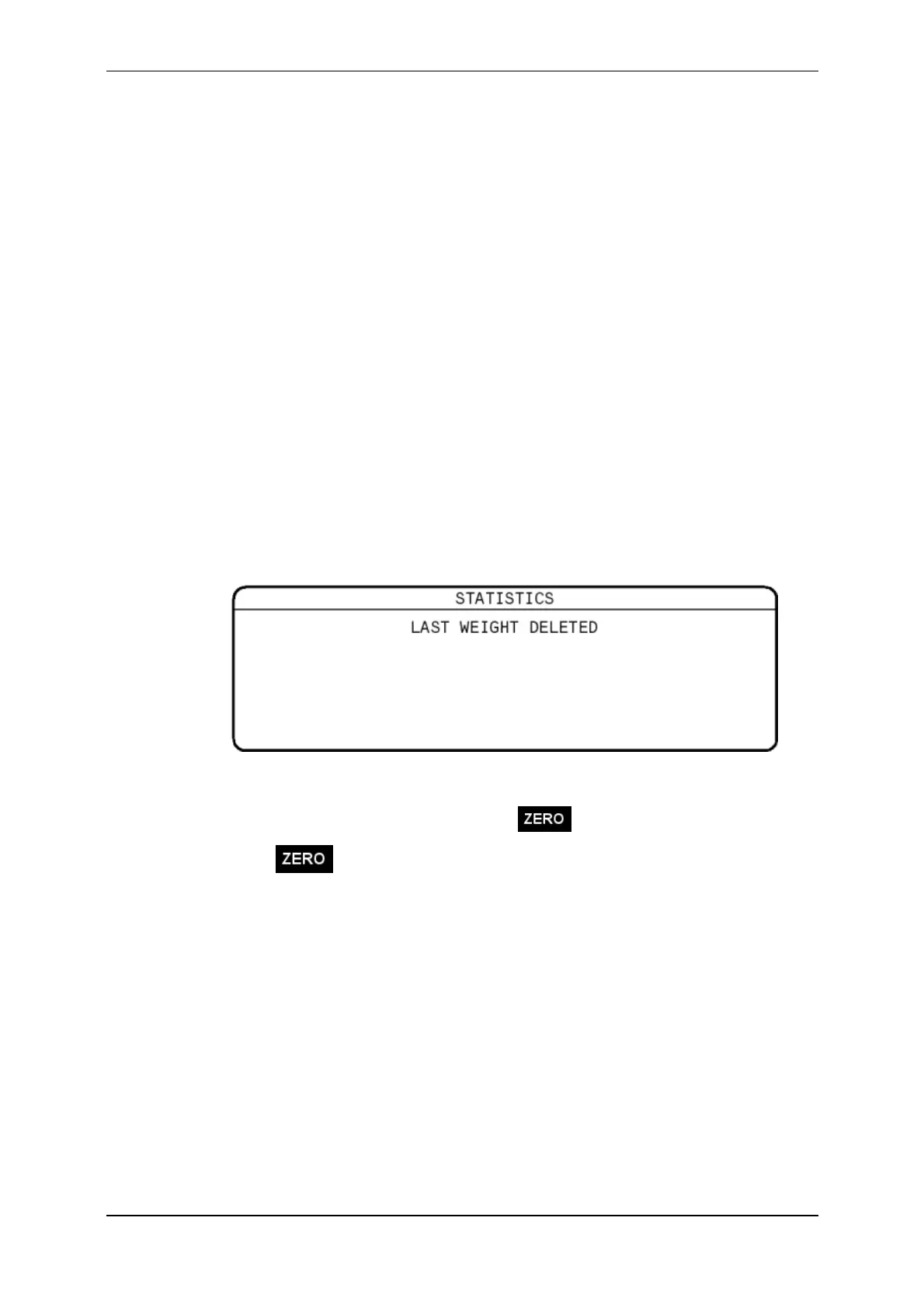
Iftheanimalhaslefttheplatformandyouwanttodeletetheweightthat
hasjustbeenrecorded,pressthereddeletebutton.Thelastweightentered
willbedeletedfromtheScale'smemoryandthefollowingscreenwill
display.
Thecreationdateoftherecordissavedintothesessionfile.
16. TheScaleautomaticallyzero'soffanyweightleftontheplatform(e.g.dirtor
manure).Whenthishasoccurredthe iconisdisplayedonthescreen.
Ifthe icondoesnotdisplay,pressthebluezerobutton.
TheScaledoesnotneedtoreturntozerobeforethenextanimalisloaded
ontotheplatform.Oncetheweighthasdroppedby30%,thedisplaywill
unlockreadyforthenextanimaltobeloadedontotheplatform.Thisisa
usefulfeaturewhenweighingsheep.
17. Repeattheprocessfromstep4untilallanimalsareweighed.



 To Next Page