Garmin © 2005–2006 43 nüvi Owner’s Manual
cusToMizinG The nüVi
cuStoMizinG the nüVi
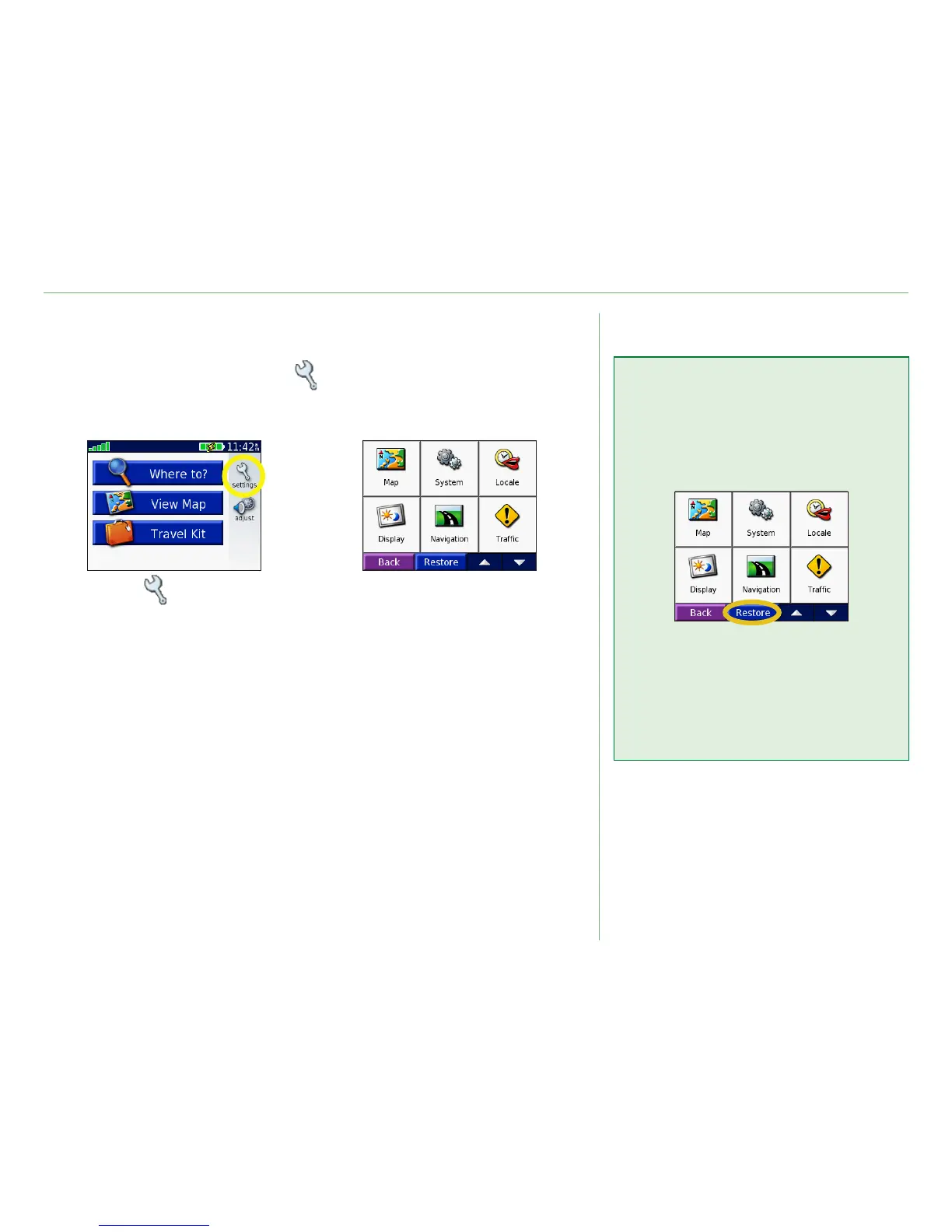
To change nüvi settings, touch (settings). See the following
pages for more information.
Touch to display
the Settings page.
➊
Select the setting
you want to change.
➋
Restoring Settings
To restore all settings you have
changed, press the Restore
button, as shown below.
To restore settings for an
individual category, such as Map,
touch the Restore button on that
particular page.













 To Next Page