Garmin © 2005–2006 52 nüvi Owner’s Manual
fM TMc Traffic inforMaTion
fM tMc traffic inforMation
Using an optional Garmin FM TMC trafc receiver, your nüvi
can receive and use trafc information broadcast over the FM
radio data system. When a trafc message is received, your nüvi
displays the event on the map and can change your route to avoid
the trafc incident. For more information about the FM trafc
receiver, visit the Garmin Web site (www.garmin.com). For
participating subscription providers, refer to the Garmin Web site
at www.garmin.com/fmtrafc.
Receiver to Your nüvi
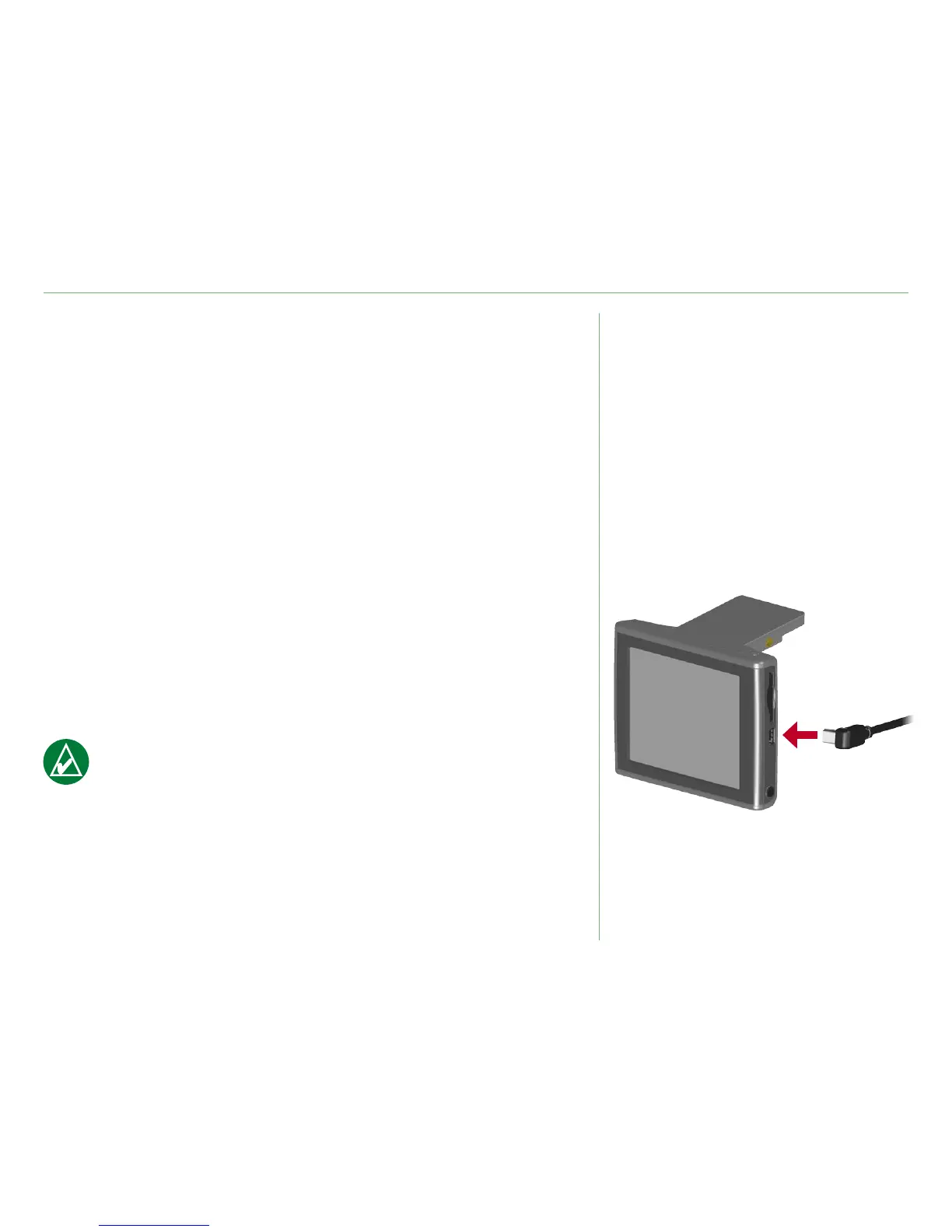
Place your nüvi in the auto mount and plug into the 12-volt
adapter. Plug the trafc receiver’s mini-USB cable into the mini-
USB connector located on the side of the nüvi.
NOTE: You can only access the trafc information and
settings if the nüvi is connected to external power and an
FM trafc receiver, such as a GTM 12.
Connecting the FM TMC













 To Next Page