Astro
Dog Tracking System Owner’s Manual 23
Map Page
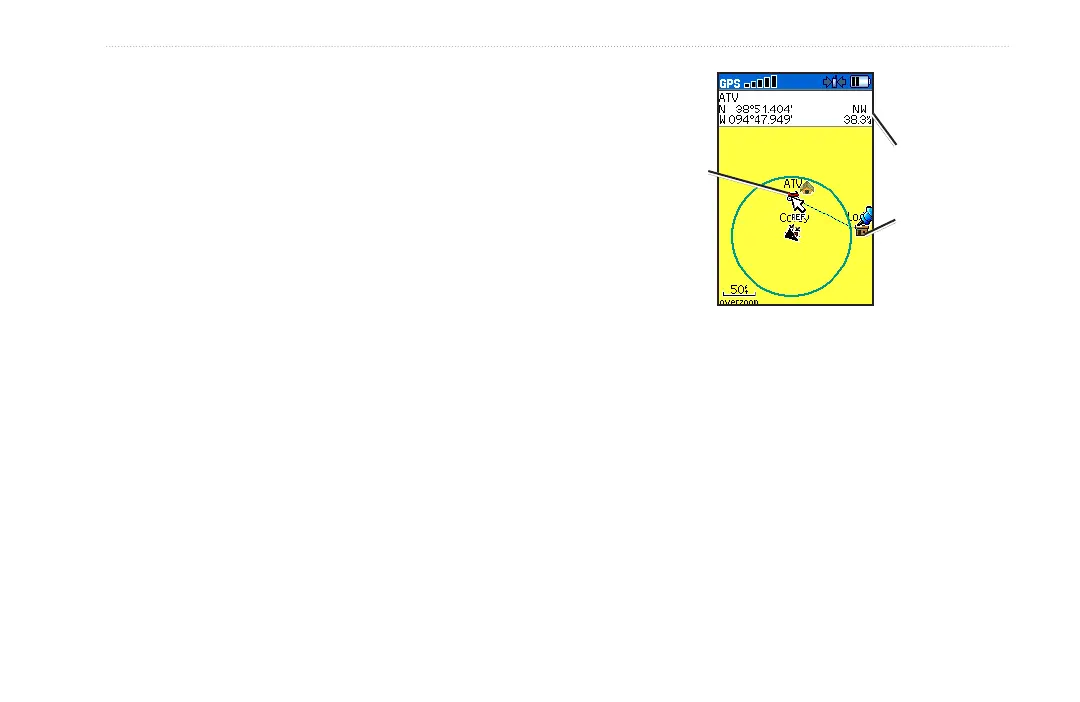
Measuring Distance
You can measure the distance between two map items.
To measure distance between two points:
1. Press MENU > Measure Distance. An on-screen
arrow appears on the map at your current location with
REF below it.
2. Move the arrow to the point you want to measure from
and press ENTER. A push pin marks the point.
3. Move the arrow to the point you want to measure to.
The distance between the two points is shown in the
upper-right corner of the Map page.
Push pin
indicating the
beginning
point of the
measurement
End point of
measurement
labeled REF
Measured
distance






 To Next Page