40 Astro Dog Tracking System Owner’s Manual
GPS Applications
Using Tracks
The Tracks feature creates an electronic bread crumb
trail or “track log” on the Map page of your travels and
those of your dog(s). The track log contains information
about points along its path, including time, location, and
elevation for each point.
The track log starts recording as soon as the unit gets
a location x. The percentage of memory used by the
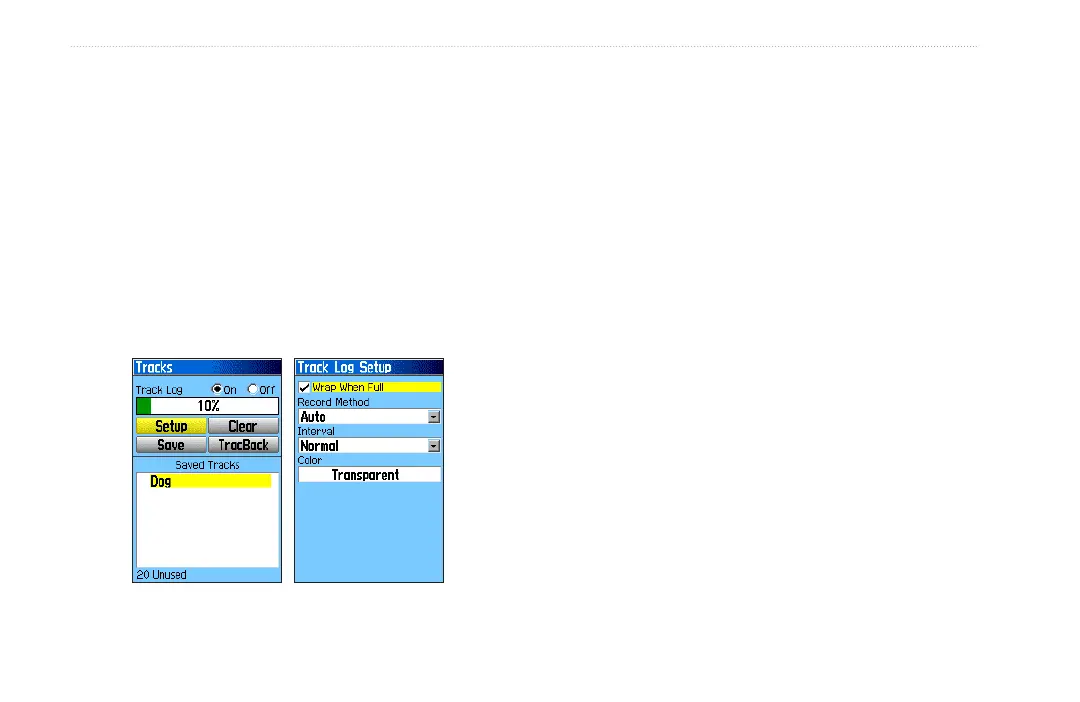
current track log appears at the top of the Tracks page.
After you clear the track log, it shows 0%.
Tracks Page Track Log Setup
To clear the track log:
1. Press MENU twice > select Advanced > GPS
Applications > select Tracks.
2. Select Clear > select Yes to clear the track log.
To setup a track log:
1. Press MENU twice > Advanced > GPS Applications
> select Tracks.
2. Select Setup to open the Track Log Setup page.
Wrap When Full—sets the track log to record over
the oldest data with new data when full.
Record Method—Distance records track points
after a specied distance is traveled. Time creates
track points after a specied time has elapsed.
Auto, you can choose from ve intervals.
Interval—records a track according to the Record
Method and Interval. Enter a specic distance,
time, or frequency.
Color—selects the color of the active track. If
you want to change the color of a dog’s track and
pointer, use the color option on the Saved Track
page.
•
•
•
•






 To Next Page