30 Astro Dog Tracking System Owner’s Manual
GPS Applications
GPS Applications
The Main Menu Advanced option contains the GPS
Applications Menu. The Main Menu can be accessed by
pressing the MENU key twice. Each GPS Application has
an options menu, containing setup options and functions
that apply to the application. To view the options menu
for an application, press MENU.
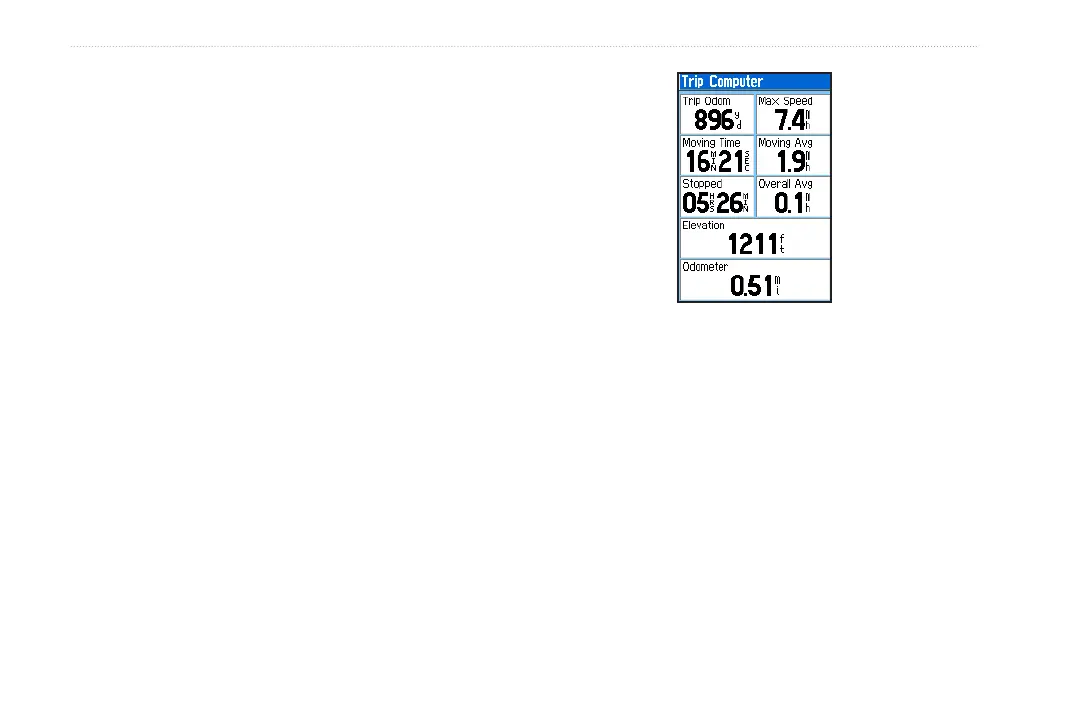
Trip Computer Page
The Trip Computer page provides you with a wide variety
of travel data that can be useful when navigating a long
distance. It indicates your current speed, average speed,
trip odometer, and many other helpful statistics useful for
navigation.
You can customize the trip computer screen to meet your
personal requirements by pressing MENU and selecting
Change Data Fields.
Trip Computer Page Options Menu
The following options are available:
Reset—clears saved trip statistics.
Big Numbers—shows fewer data elds with larger
numbers.
Change Data Fields—allows you to change the type
of data shown on the Trip Computer.
Restore Defaults—returns the data elds to factory
settings.
•
•
•
•






 To Next Page