58 Astro Dog Tracking System Owner’s Manual
Settings
Map Setup – Information Page
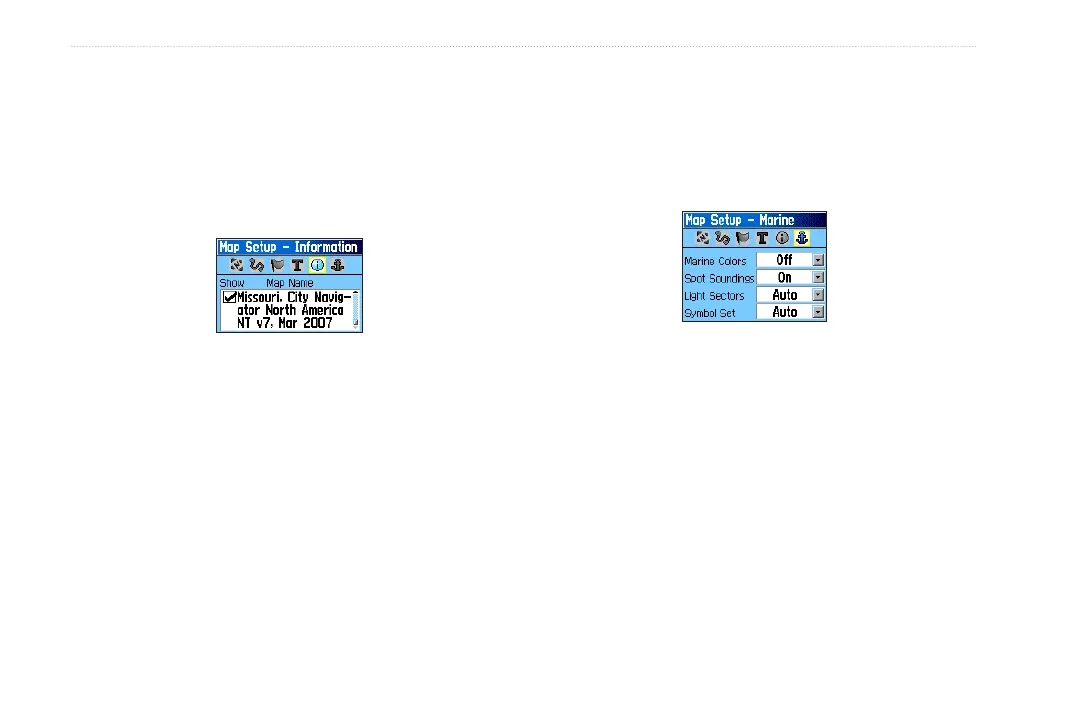
The Map Setup –Information page shows a list of
downloaded detailed maps such as topographic, marine
charts, and MapSource maps with auto-routing capability.
Use the ROCKER to select a map, and press ENTER to
show it on the map display or turn it off.
Press MENU to view the options for displaying maps.
Map Setup – Marine Page
Use the Map Setup – Marine page to customize settings
for marine colors, spot soundings, light sectors, and
symbol sets when using downloaded marine charts
(MapSource BlueChart marine mapping data).
Marine Colors—toggles marine colors on or off on
the Map page.
Spot Soundings—toggles spot soundings on or off on
the Map page. (Periodic depth measurements shown
on the map.)
Light Sectors—select Off, Auto, or ON. (navigational
light locations)
Symbol Set—select the symbol set to use (Auto,
GARMIN, NOAA, International).
•
•
•
•






 To Next Page