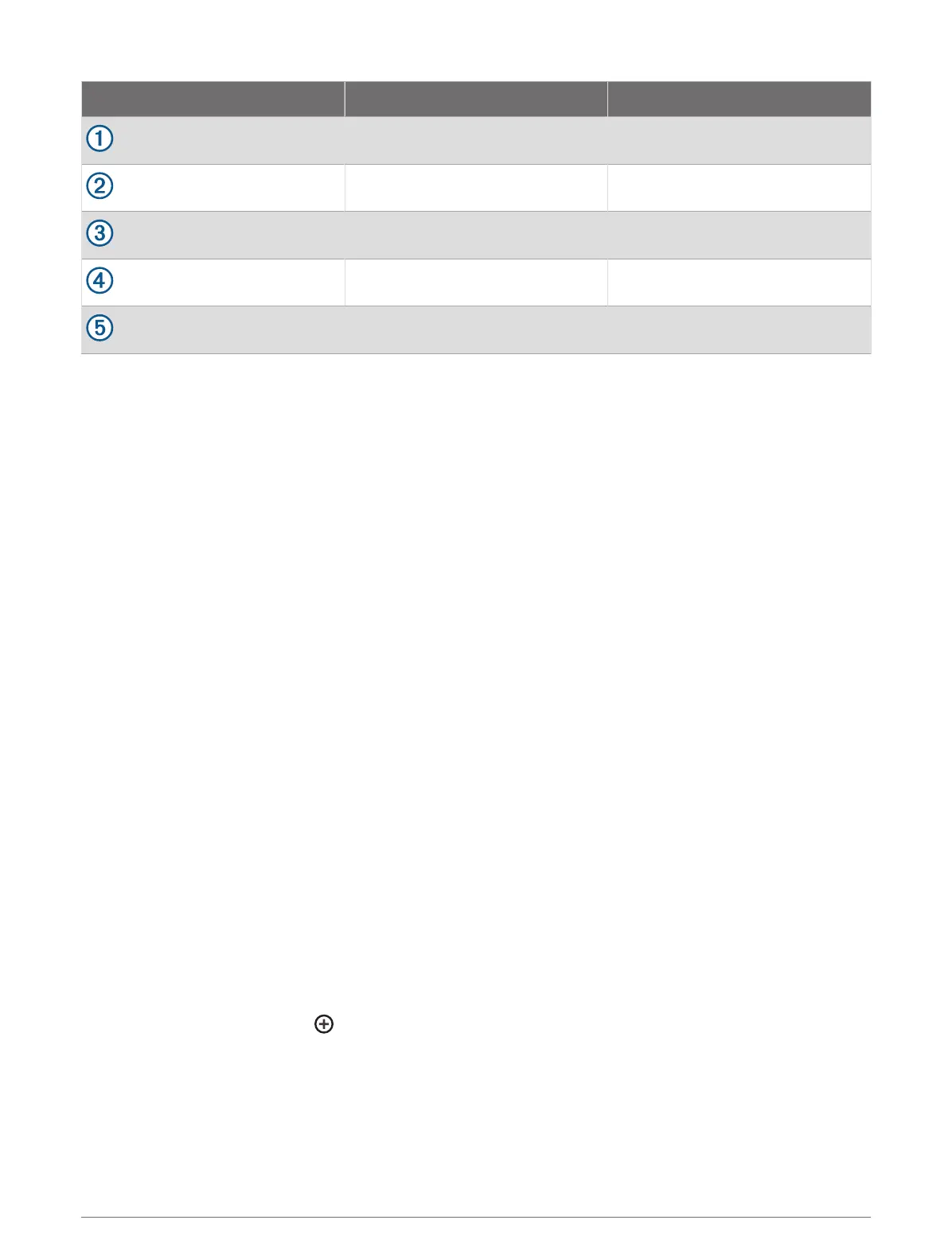
Item Wire Function Wire Color
Data Blue
Data Brown
Ground Black
Data Green
Data White
Selecting a File Type for Third-Party Waypoints and Routes
You can import and export waypoints and routes from third-party devices.
1 Insert a memory card into the card slot.
2 Select Nav Info > User Data > Data Transfer > File Type.
3 Select GPX.
To transfer data with Garmin devices again, select the ADM file type.
Copying User Data from a Memory Card
You can transfer user data from a memory card to transfer from other devices. User data includes waypoints,
routes, Auto Guidance paths, tracks, and boundaries.
NOTE: Only boundary files with an .adm extension are supported.
1 Insert a memory card into a card slot.
2 Select Nav Info > Manage Data > Data Transfer.
3 If necessary, select the memory card to copy data to.
4 Select an option:
• To transfer data from the memory card to the chartplotter and combine it with existing user data, select
Merge from Card.
• To transfer data from the memory card to the chartplotter and overwrite existing user data, select Replace
from Card.
5 Select the file name.
Copying User Data to a Memory Card
You can save user data to a memory card to transfer to other devices. User data includes waypoints, routes,
Auto Guidance paths, tracks, and boundaries.
1 Insert a memory card into the card slot.
2 Select Nav Info > Manage Data > Data Transfer > Save to Card.
3 If necessary, select the memory card to copy the data to.
4 Select an option:
• To create a new file, select , and enter a name.
• To add the information to an existing file, select the file from the list, and select Save to Card.
Sharing and Managing User Data 105





 To Next Page