GNS 430 Pilot’s Guide and Reference
7-20
SECTION 7
WPT PAGES
2) Press the ENT Key to capture the position
and display the User Waypoint Page (Figure
7-44).
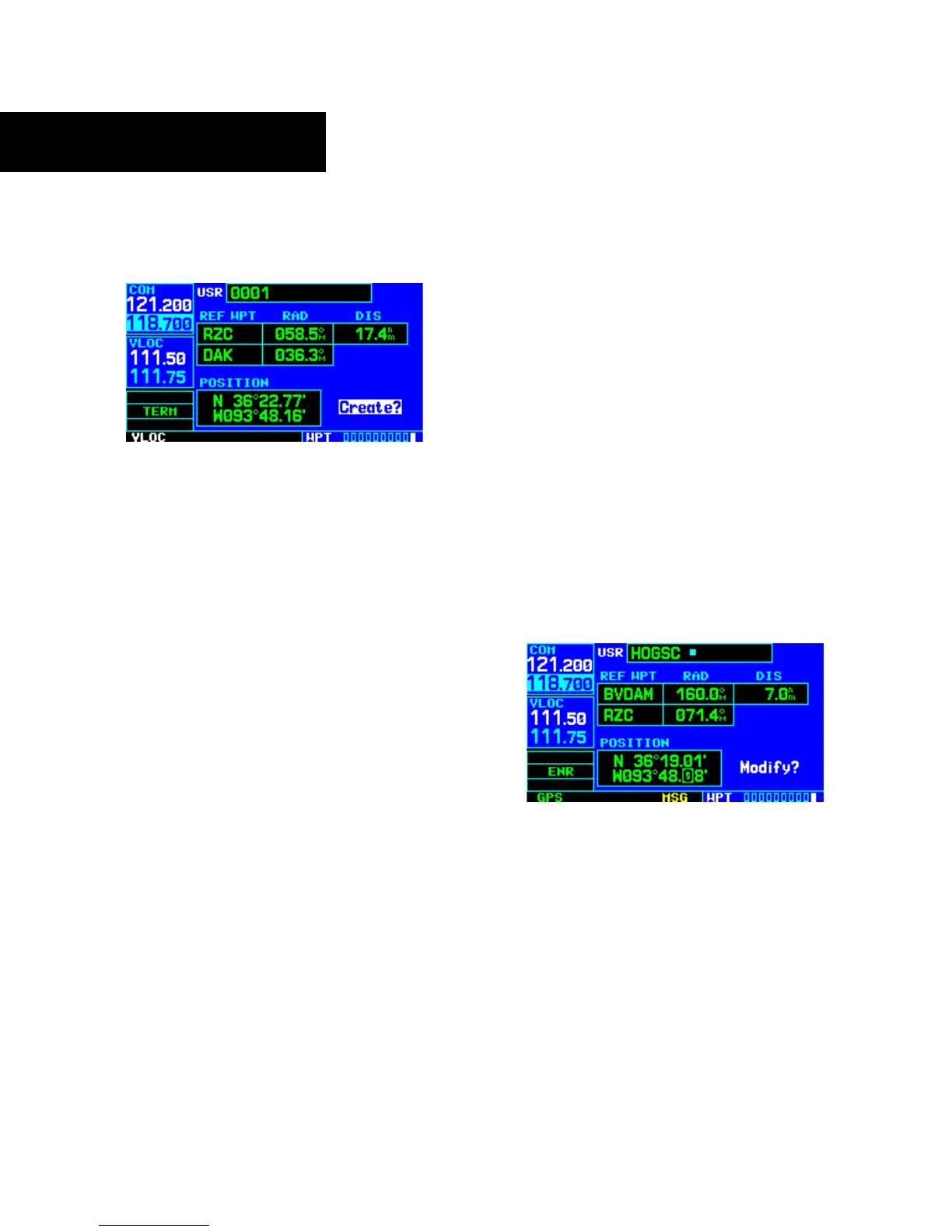
Figure 7-44 User Waypoint Page
3) A four-digit name is automatically assigned to
the waypoint. To change this name, turn the
large right knob to highlight the name field,
then use the small and large right knobs to
select a new name. Press the ENT Key to
accept the selected name.
4) The cursor moves to the ‘Create?’ action field.
Press the ENT Key to save the new waypoint.
Modifying User Waypoints
To modify an existing waypoint, select that waypoint
on the User Waypoint Page and enter the new position
information directly over the old information.
To modify a user waypoint by changing its
latitude/longitude position:
1) With the User Waypoint Page displayed, press
the small right knob to activate the cursor.
2) Use
the small and large right knobs to enter
the name
of the desired waypoint and press
the ENT Key.
3) Turn the large right knob to highlight the
position field at the bottom of the page.
4) Use the small and large right knobs to enter
th
e new position coordinates (Figure 7-45)
and press the ENT Key to accept the selected
position.
Figure 7-45 Position Field Selected
5) The cursor moves to the ‘Modify?’ action field.
Press the ENT Key to modify the waypoint.
6) Press the small right knob to remove the
flashing cursor.





 To Next Page