GNS 430 Pilot’s Guide and Reference
SECTION 3
NAV PAGES
3-15
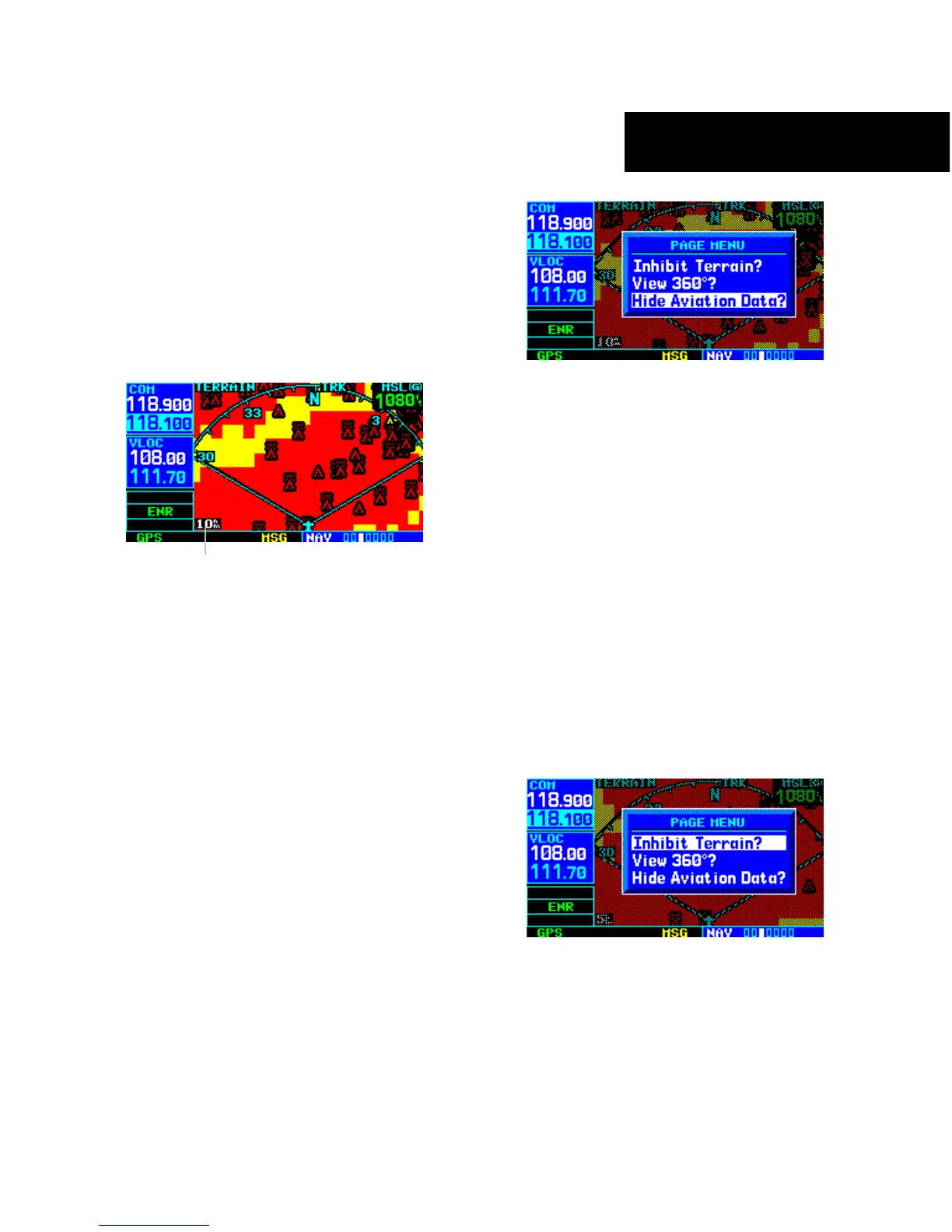
Seven display ranges are available, allowing for a
more complete view of the surrounding area.
To change the display range:
Select the TERRAIN Page and press up or down
on the RNG Key to select the desired range:
1
nm, 2 nm, 5 nm, 10 nm, 25 nm, 50 nm,
100 nm (Figure 3-28).
DisplayRange Field
Figure 3-28 TERRAIN Display Range
Aviation information such as airports, VORs, and other
NAVAIDS can be turned on or off from the TERRAIN
Page.
To show or hide aviation data:
1) Select the TERRAIN Page and press the MENU
Key
.
2) Select ‘Show (or Hide) Aviation Data’ (Figure
3-29) and press the ENT Key. Pressing the CLR
Key
when the TERRAIN Page is displayed can
also be used to toggle aviation information on
or off.
Figure 3-29 TERRAIN Page Menu
Inhibit Mode
The Garmin TERRAIN system provides an ‘inhibit
mode’. This mode is designed to deactivate terrain
alerting when deemed unnecessary by the pilot. Flying
VFR into an area where unique terrain exists could cause
the system to annunciate nuisance alerts. Pilots should
use discretion when inhibiting the TERRAIN system and
always remember to enable the system when appropriate.
See Section 11.3 for more information on TERRAIN
alerts.
To inhibit TERRAIN:
1) Select the TERRAIN Page and press the MENU
Ke
y. ‘Inhibit Terrain?’ is selected by default
(Figure 3-30).
Figure 3-30 TERRAIN Page Menu





 To Next Page