GNS 430 Pilot’s Guide and Reference
10-1
SECTION 10
AUX PAGES
SECTION 10: AUX PAGES
10.1 AUX PAGE GROUP
Section 3.1 introduced the GNS 430’s main page groups
(Table 10-1)—NAV, WPT, AUX, NRST—and described
each page in the NAV group. The third page group (AUX)
allows the pilot to change unit settings. The AUX pages
(Figure 10-1) also provide E6B functions, such as trip
planning, fuel planning, density altitude, true airspeed,
and winds aloft calculations.
Page Groups
NAV Group WPT Group AUX Group NRST Group
see Section 3 see Section 7 4
A
UX pages see Section 8
Table 10-1 Page Groups
Figure 10-1 AUX Pages
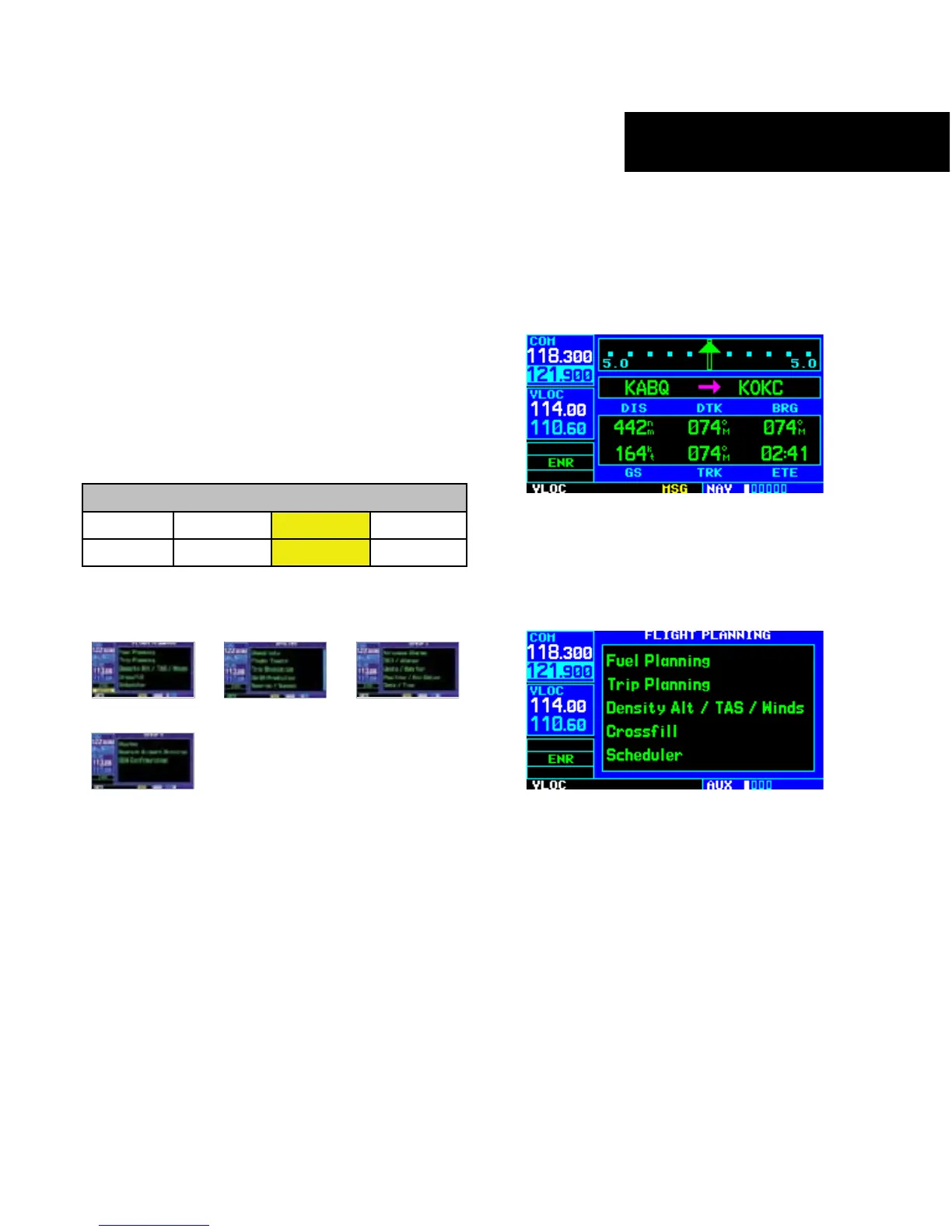
To quickly select an AUX page:
1) From any page, press and hold the CLR
Ke
y to select the Default NAV Page (Figure
10-2). If any of the main pages are already
being displayed, this step may be skipped.
Figure 10-2 Default NAV Page
2) Turn the large right knob to select the AUX
Page Group (Figure 10-3). ‘AUX’ appears in
the lower right corner of the screen.
Figure 10-3 Flight Planning Page
3) Turn the small right knob to select the desired
AUX page.





 To Next Page