GNS 430 Pilot’s Guide and Reference
8-1
SECTION 8
NRST PAGES
SECTION 8: NRST PAGES
8.1 NRST PAGE GROUP
Section 3.1 introduced the GNS 430’s main page groups
(Table 8-1)—NAV, WPT, AUX, NRST—and described
each page in the NAV group. This fourth page group
(NRST) provides detailed information for the nine nearest
airports, VORs, NDBs, intersections, and user waypoints
within 200 nm of the current position. In addition, the
NRST pages (Figure 8-1) include the five nearest Flight
Service Station (FSS) and center (ARTCC/FIR) points of
communication, plus alerts the pilot to any nearby Special
Use (SUA) or Controlled Airspaces.
Page Groups
NAV Group WPT Group AUX Group NRST Group
see Section 3 see Section 7 see Section 10 8 NRST pages
Table 8-1 Page Groups
Figure 8-1 NRST Pages
NRST Airport
NRST Intersection
NRST NDB
NRST VOR
NRST
User
NRST Center
NRST Flight Service
NRST Airspace
To quickly select a NRST page:
1) From any page, press and hold the CLR Key to
select the
Default NAV Page (Figure 8-2). This
step may be skipped if any of the main pages
are already displayed.
Figure 8-2 Default NAV Page
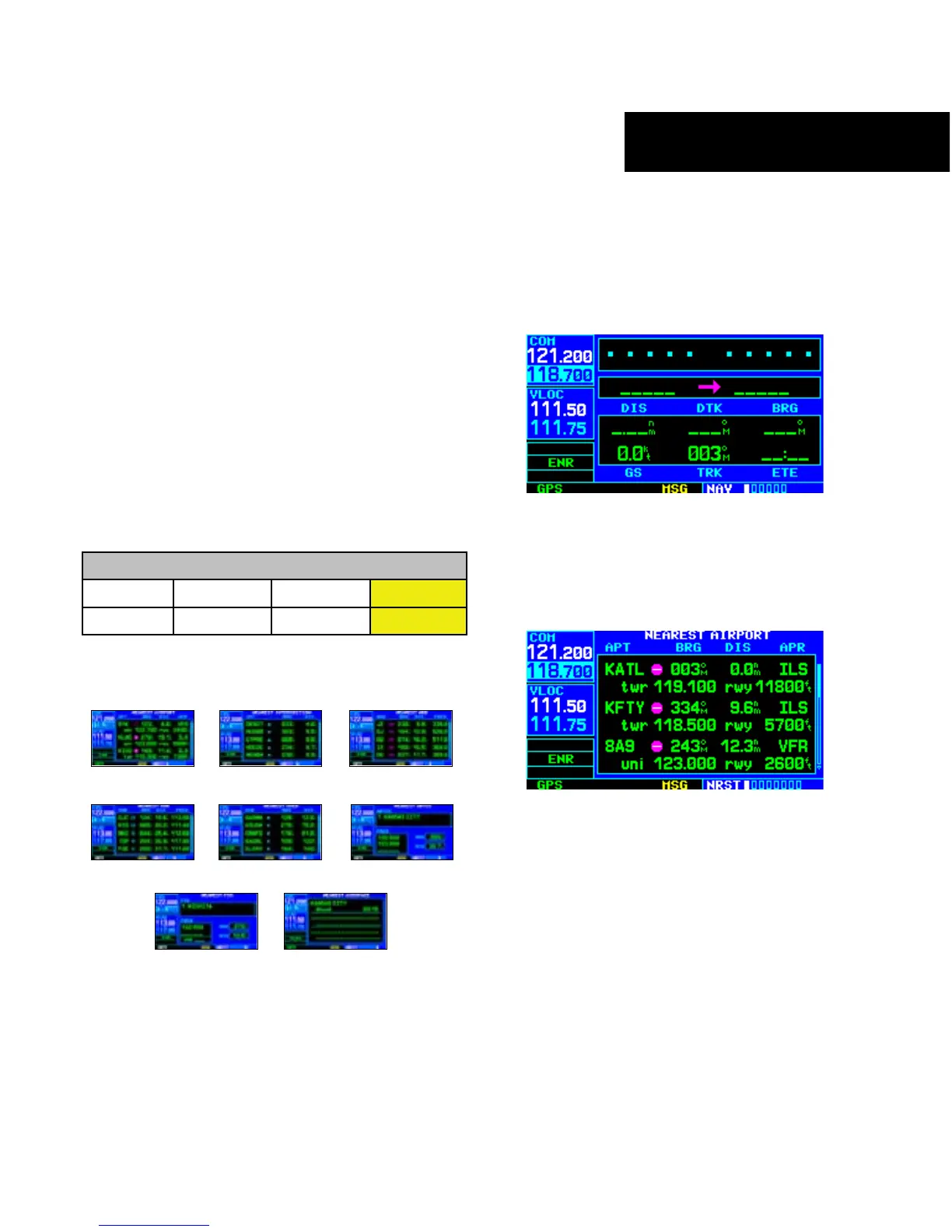
2) Turn the large right knob to select the NRST
Page Group (Figure 8-3). ‘NRST’ appears in
the lower right corner of the screen.
Figure 8-3 Nearest Airport Page
3) Turn the small right knob to select the desired
NRST page.





 To Next Page