GNS 430 Pilot’s Guide and Reference
2-5
SECTION 2
COM
To select a COM frequency for any airport
in the database:
1) Turn the large right knob to select the NRST
Page Group
.
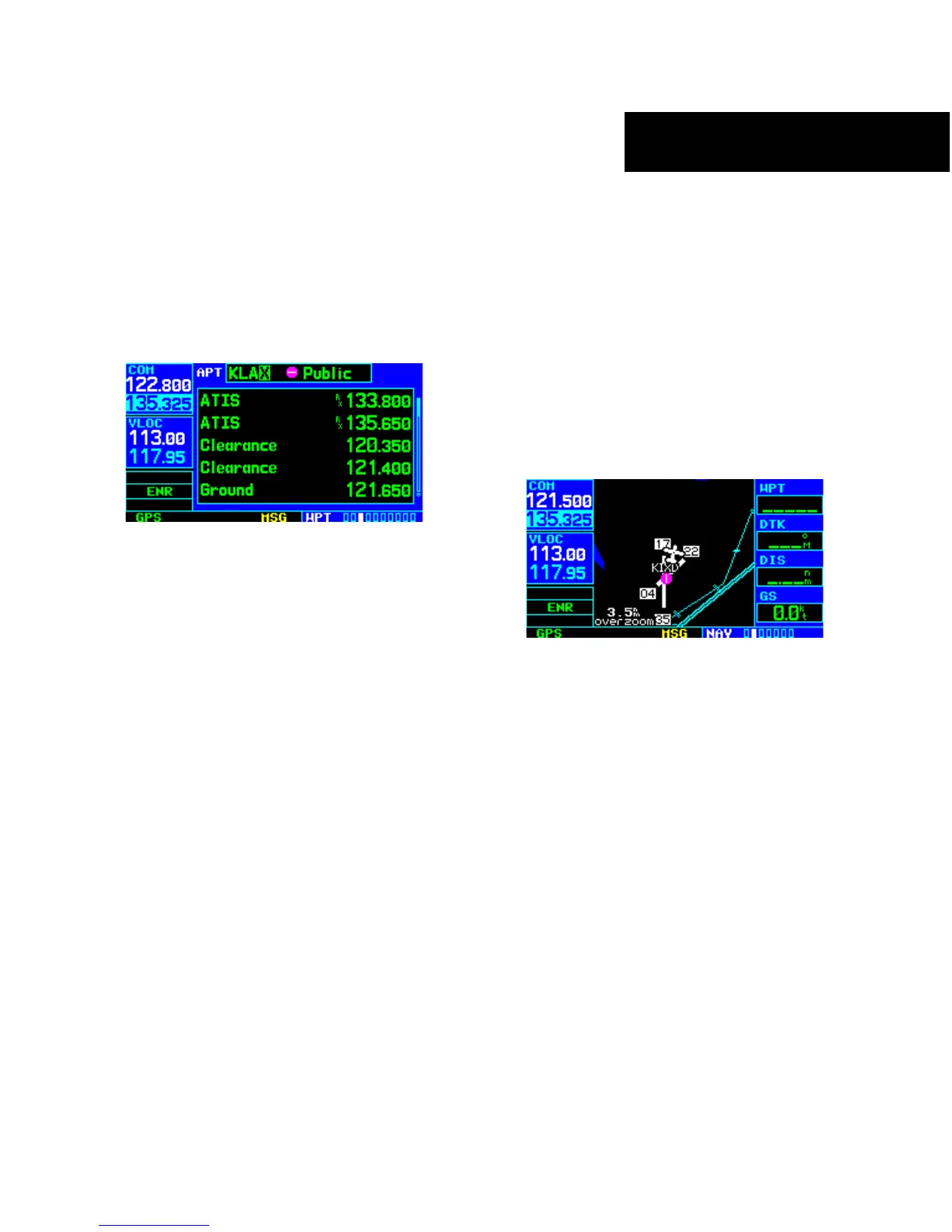
2) Turn the small right knob to select the Airport
Frequencies P
age (Figure 2-9).
Figure 2-9 Airport Frequencies Page
3) Press the small right knob to place the cursor
on the airport identifier field.
4) Use the small and large right knobs to enter
the identifier
of the desired airport. Press the
ENT Key when finished.
5) T
urn the large right knob to highlight the
desired frequency.
6) P
ress the ENT Key to place the highlighted
frequency in the standby COM Window field.
Emergency Channel
The GNS 430’s emergency channel select provides
a quick method of selecting 121.500 MHz as the
active frequency in the event of an in-flight emergency.
Emergency channel select is available anytime the unit
is on, regardless of GPS or cursor status, or loss of the
display.
To quickly tune and activate 121.500:
Press and hold the COM Flip-flop Key for
approximately two seconds (Figure 2-10).
Figure 2-10 Emergency Channel Active





 To Next Page