Installation
MX20 Installation Manual 560-1025-09 Rev E 27
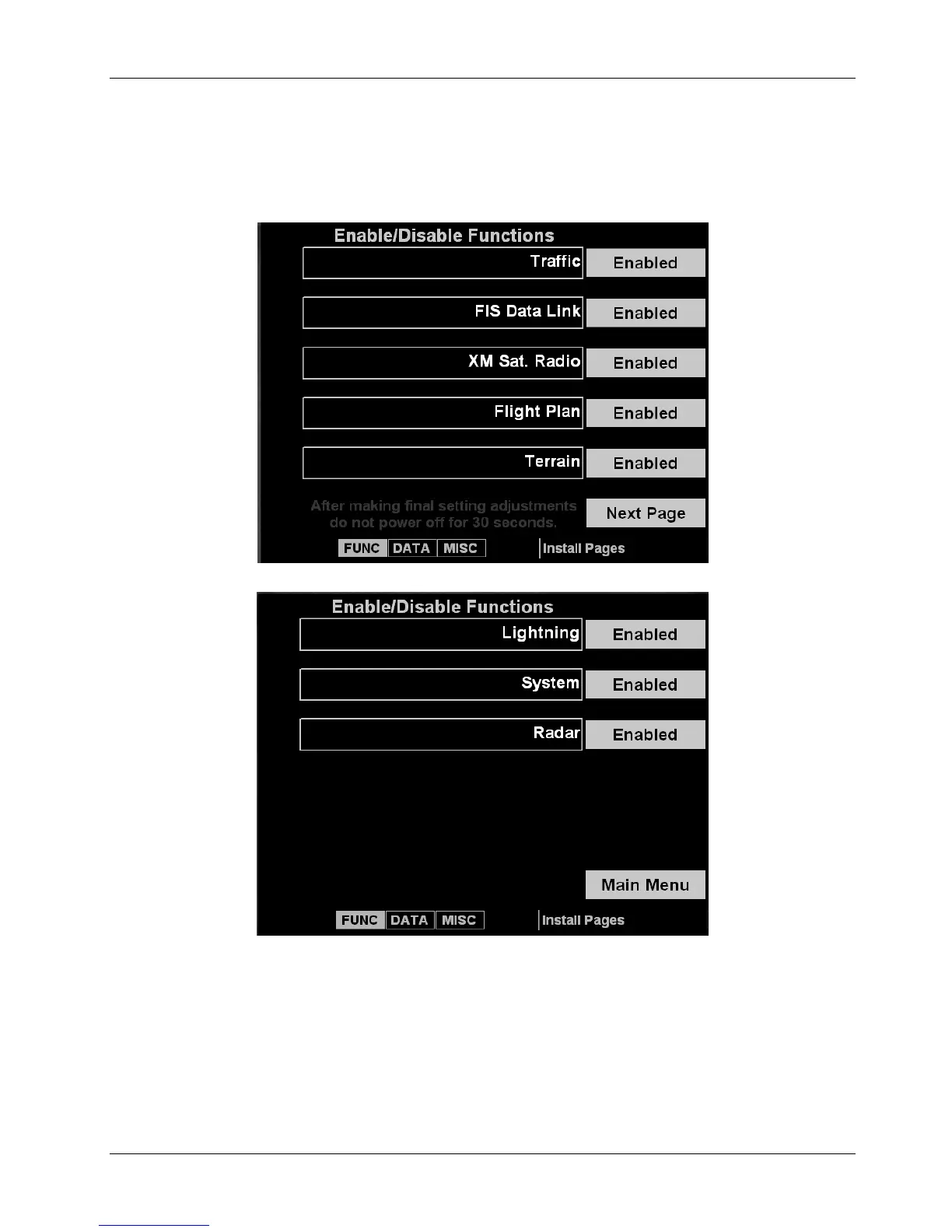
3. Press the Next Page line select key to view additional functions.
a. Enable Lightning only if WX-500 is installed.
b. Enable the System function to allow viewing of the System function.
c. Enable Radar only if a unit is an I/O model and interfaced to a radar unit.
4. A typical installation will have all functions enabled except those noted above based on what
hardware is installed in the aircraft.













 To Next Page