ORIUS ™ 833 User’s Guide Series Rev 3 2-6
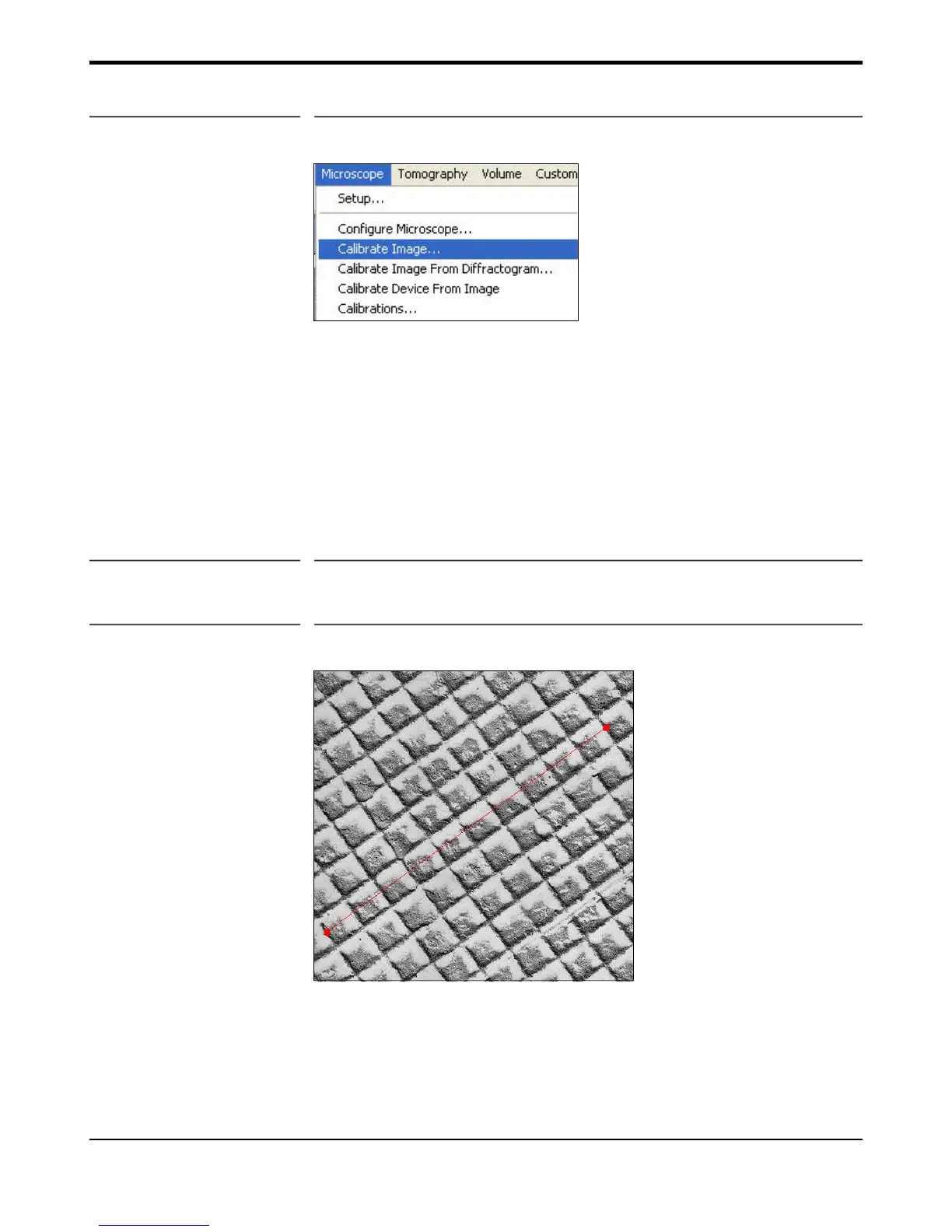
Figure 2-5 Microscope menu
In the “Magnification” section in the “Global Microscope Info” window (Figure 2-4) choose:
• Select the checkbox ‘Ask User” next to Magnification
• Pull down the menu and select “Always”
• Click OK
2.5.1 Low magnification
• Record an image of a cross grating sample (Figure 2-6)
Figure 2-6 Cross grating sample
• Choose “Calibrate image…” under the “Microscope” menu (Figure 2-
5)
• Follow the on screen instructions (Figure 2-7)


 To Next Page