ORIUS ™ 833 User’s Guide Series Rev 3 2-7
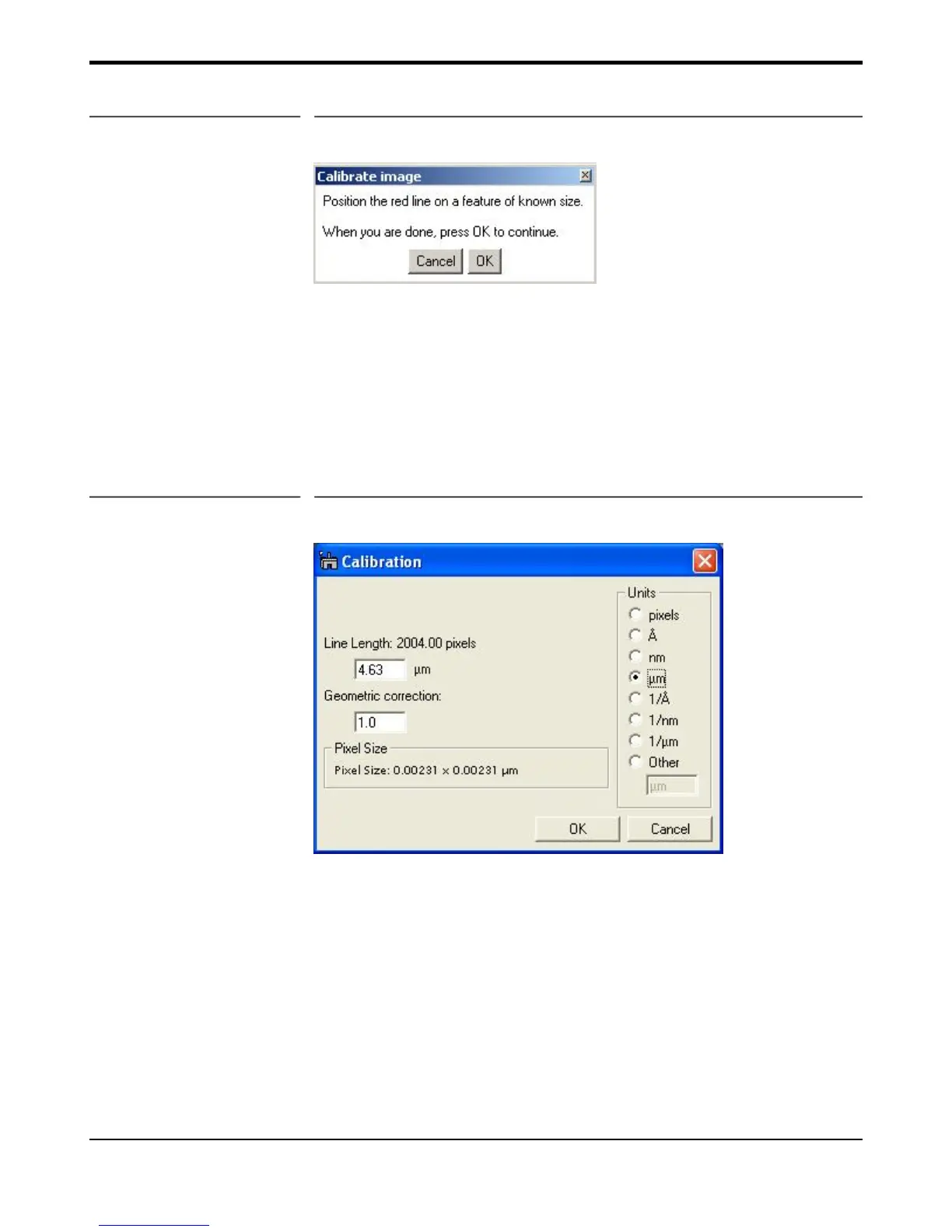
Figure 2-7 Instructions window
A red line will appear on the image.
• Position it on a feature of known size.
• Press OK on the “Calibrate image” window.
• Enter the correct distance for the selected feature (for example 10 line
pairs of cross grating sample where the distance = 10 x 0.463μm) in
the “Calibration” window and select the units (see Figure 2-8).
Figure 2-8 Calibration window
• Press OK.
• Choose YES in the next window (see Figure 2-9) to complete the
magnification calibration.


 To Next Page