ORIUS ™ 833 User’s Guide Series Rev 3 3-9
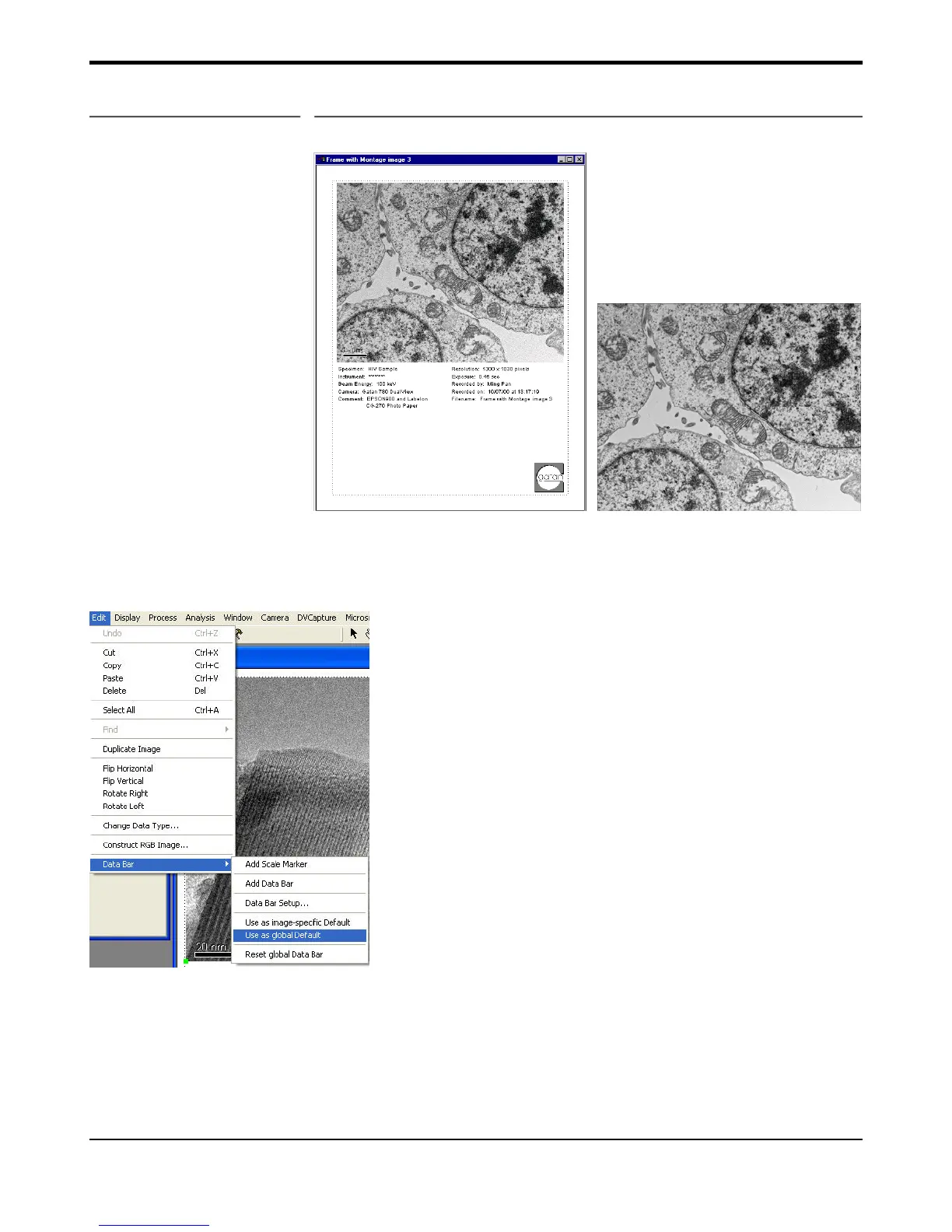
Figure 3-10 (a) Report view (b) Image view
Users can customize the layout and selection of parameters on the page (for example, using pointer to move the
text around) and then save the setting as a report template. This is done by navigating via Edit, Databar, Save as
Global Default in the Menu bar at the top of the main screen (Figure 3-10 c).
Figure 3-10 (c)


 To Next Page