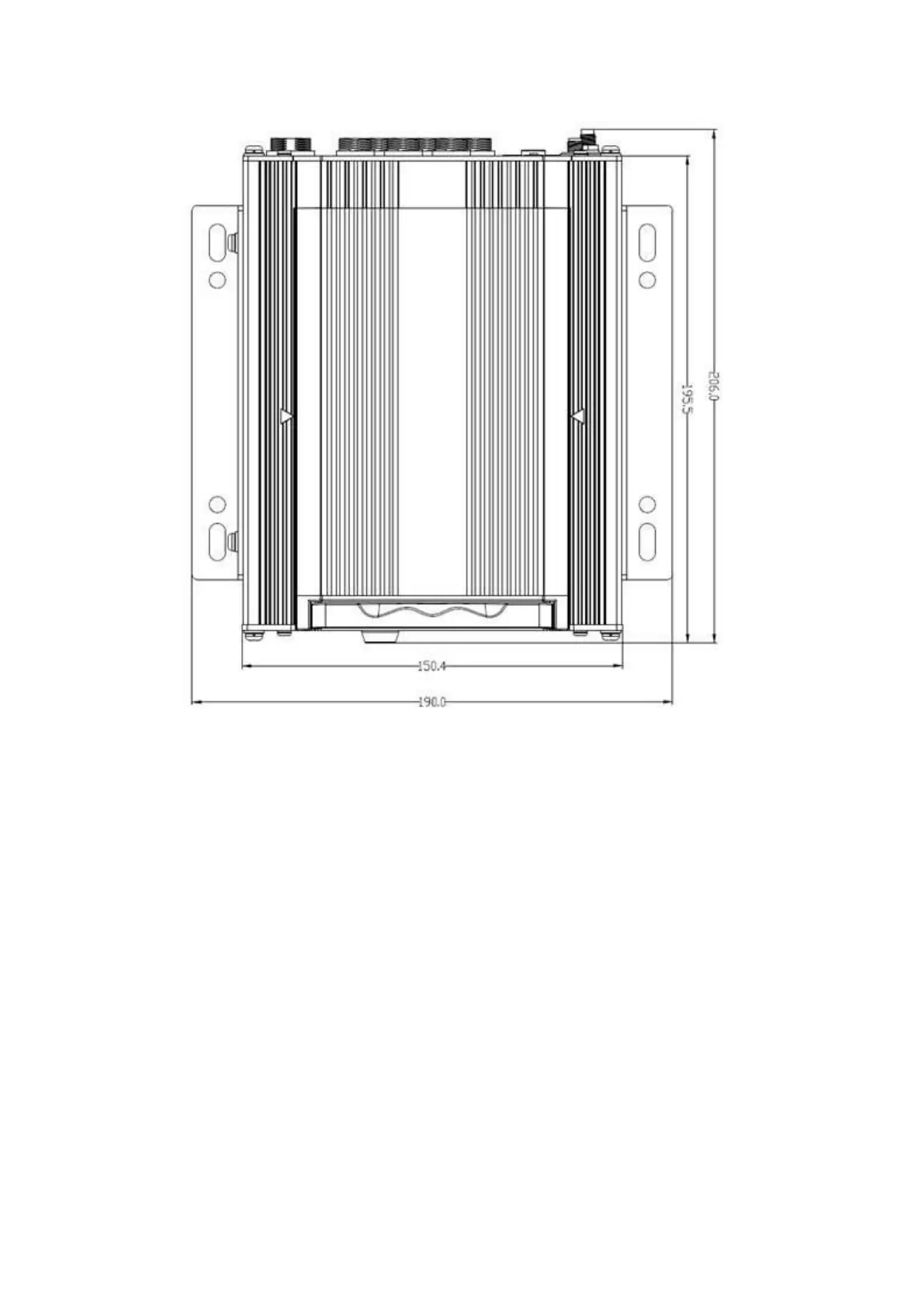
Figure 9-4: Y35 HD v3 Measurements in mm.
9.4 Camera Mounting and Connections
General Considerations
▪ Camera mounting locations are to be determined by the customer/client.
▪ Cameras should be mounted to the ceiling whenever possible. Install the rubber pad provided
with each camera and cut a small notch in the rubber pad to accommodate the camera cable.
The audio hole on the front of the camera can be used as an aiming guide for the direction the
camera needs to be facing.
▪ All camera harnesses must be carefully routed to the Y35 HD v3 unit to avoid pinching or
piercing the shielded camera cable.
▪ All cables running through holes in sheet metal (ceiling, bulkhead, etc.) must be protected with
grommets.



 To Next Page