Y35 HD v3
User Manual & Install Guide
4.3 Step 3: Logging in and Accessing System Configuration
You may now log into the system and go to the Main Menu where you can access the device Setup and
configuration settings.
▪ If you are using a Finger Mouse, click the Right Button, whereas ICD2 users can just
tap on the screen.
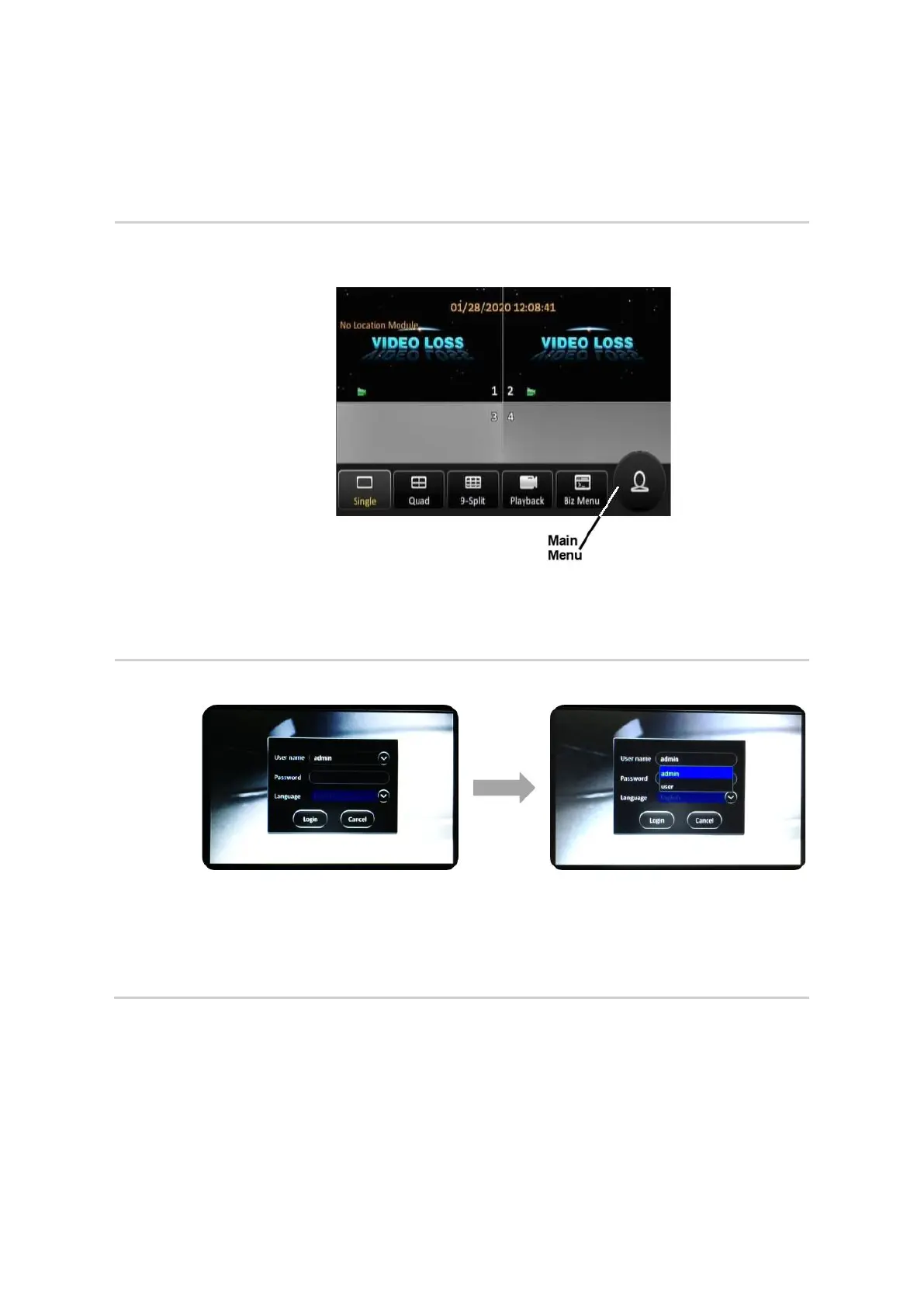
▪ On the quick menu, click the Person icon. This will prompt you to login to the
system.
▪ System will display the log-in dialog box as shown below.
▪ Ensure that admin is displayed in the User Name field.
▪ If not, then click on the drop down (v) button at the right corner of the User Name
field. A drop-down list of user names will appear where you will be able to click on
admin to select it.



 To Next Page