Revert to Defaults: Clicking the (Default) button will revert all the settings to their defaults.
Save Settings: The (Save) button allows you to save the IP camera configuration settings.
6.5 Collection Settings
Navigate to: Main Menu
→
Setup
→
Collection
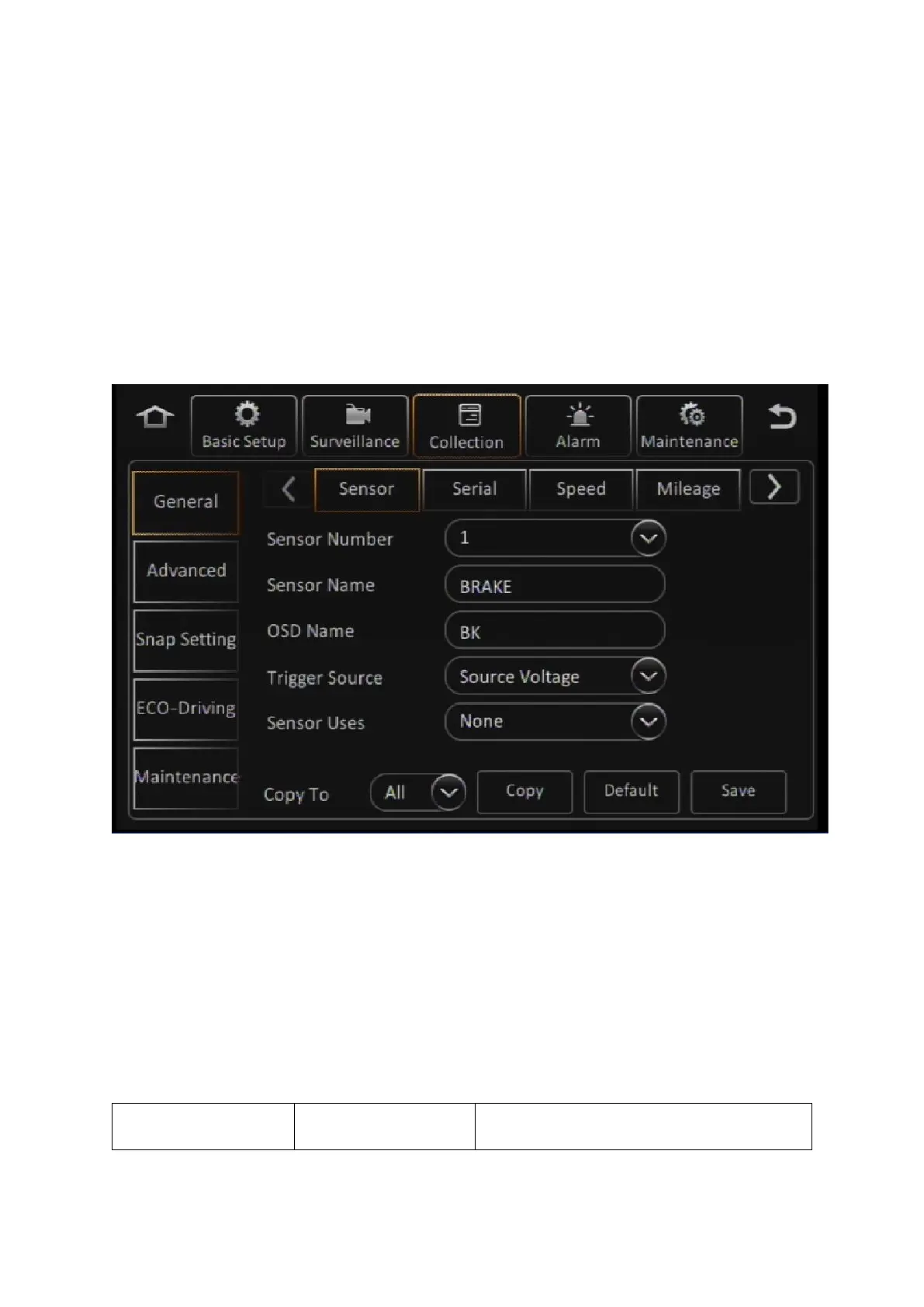
This section allows the user to configure all the settings related to data collection. This includes event
logging from sensor input as well as alarms. The user can also configure the options for automated
snapshots from the cameras based on specified triggers.
Figure 6-6 Collection Tab in the Device Configuration Options
6.5.1 General
Navigate to: Main Menu
→
Setup
→
Collection
→
General
This subsection enables you to view and edit the data collection settings for sensors, alarms and other
related events.



 To Next Page