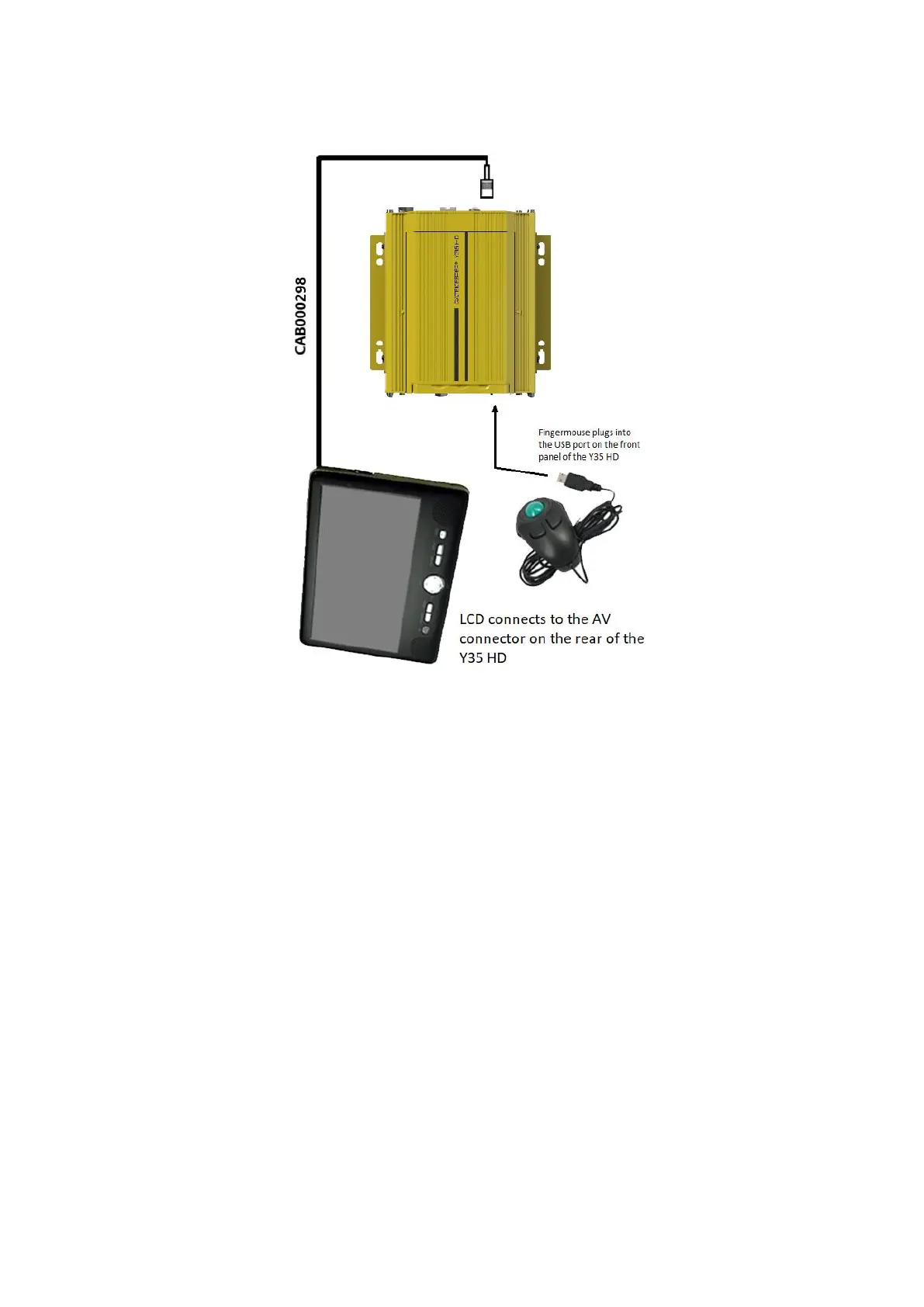
How to Connect the Finger Mouse and LCD Monitor
Figure 3-2 Connecting the Finger Mouse and LCD Monitor
3.1.3 Using the Interactive Control Display (ICD2)
The ICD2 is a full featured touch display that makes navigating the device menu system very intuitive.
Besides the touch function, this accessory also has a number of buttons which act as hotkeys allowing
the user to quickly select and go to different functions.



 To Next Page