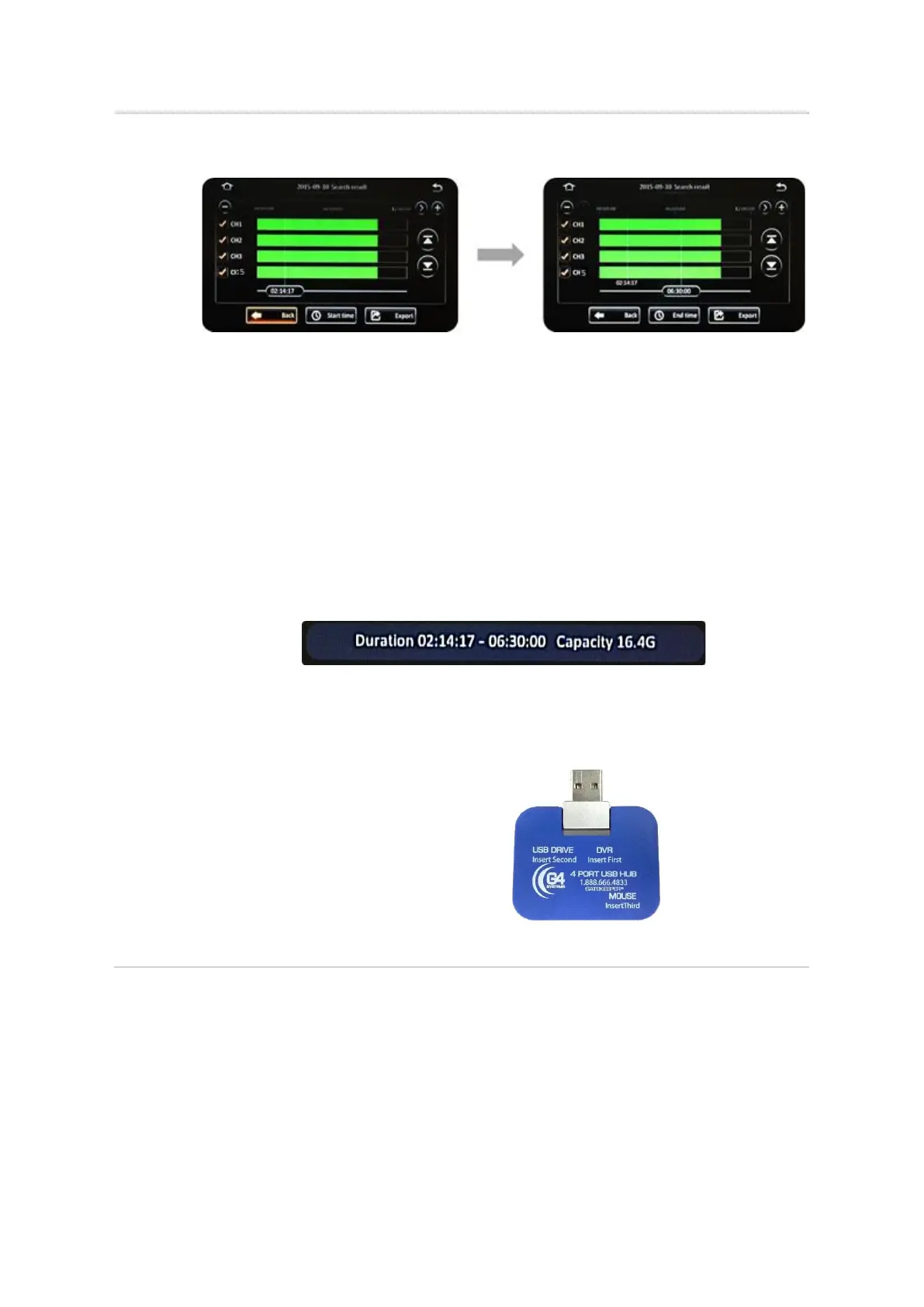
▪ After selecting the camera channels, you can also specify the time period of the
video data that you wish to export.
▪ Click on the Playback Start Time to key in the specific start time of the video that
you wish to export.
▪ If you are using the Finger Mouse or the ICD2, you may also click and drag the
Playback Start Time Marker to the start time that you desire.
▪ Click the (Start Time) button to register this as the desired start time. Your
selection will be displayed on the screen.
▪ Next, select the desired end time by once again clicking on the time and keying in,
or moving the marker as before.
▪ When your desired check is displayed, click the (End Time) button to register this.
▪ Your selected end time will be displayed on the screen.
▪ The system will calculate and display the estimated file size of the video clip for this
selected time period.
▪ Click the (Export) button to proceed.
▪ You may also click the (Cancel) button in order to go back and select a different
time period.



 To Next Page