GA600AC Sliding Gate Opener User Manual
III. Connect to Equipment
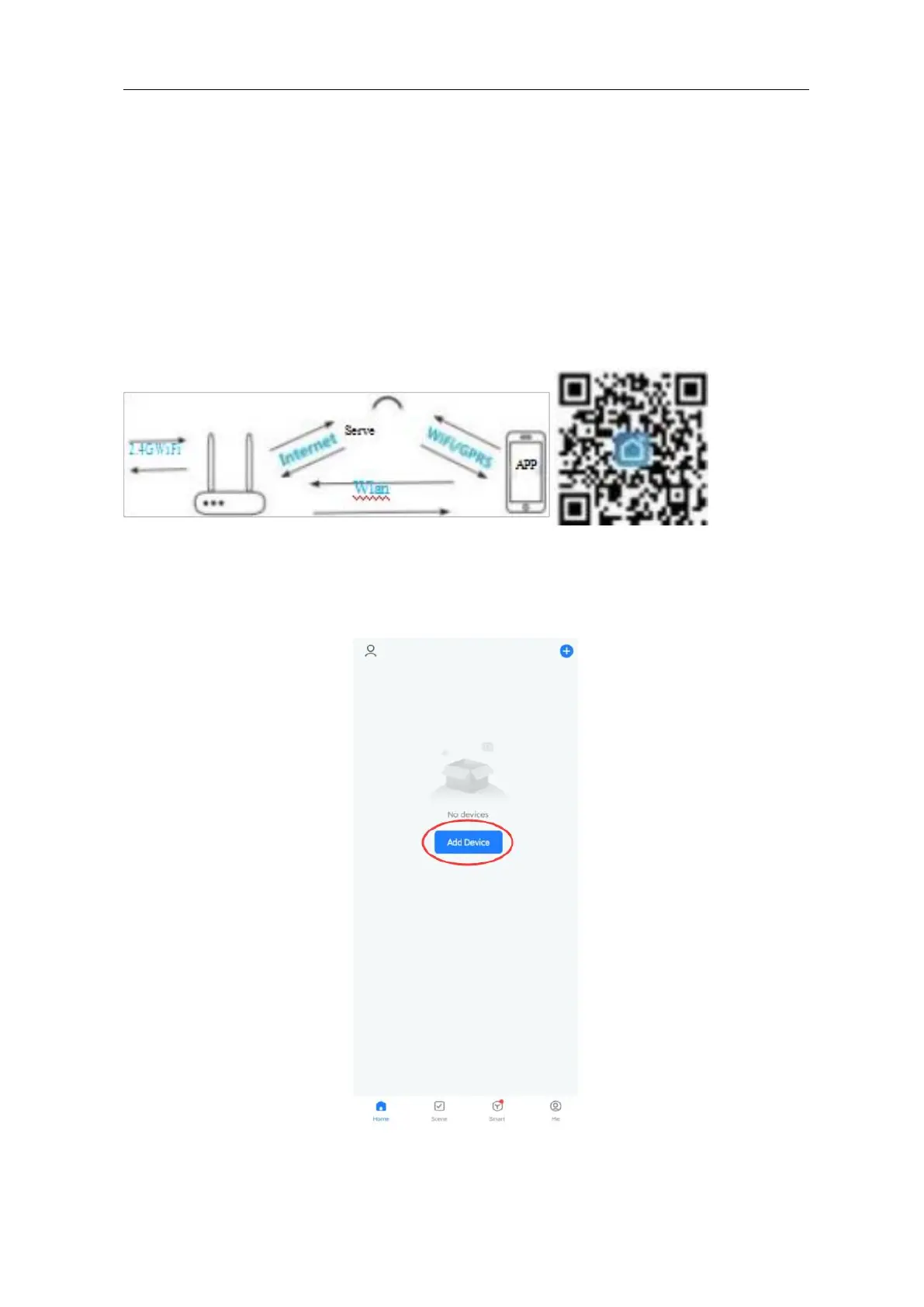
Make sure your mobile phone has connected to the internet through 2.4G WIFI.
This WIFI device only supports 2.4G WIFI. If you router supports both 5G and 2.4G WIFI,
please select 2.4G WIFI.
Download the Tuya or Smart Life App from App Store or Google Play Store.
During paring, make sure your mobile phone and WIFI device is connected to the same
WIFI router.
Make sure the Mac address of your router is open, if not, please close the Mac flittering.
Figure 21 Figure 22
IV. APP Operation
Step 1: Open the App, click “add device”.



 To Next Page