2.3 Blade Installation
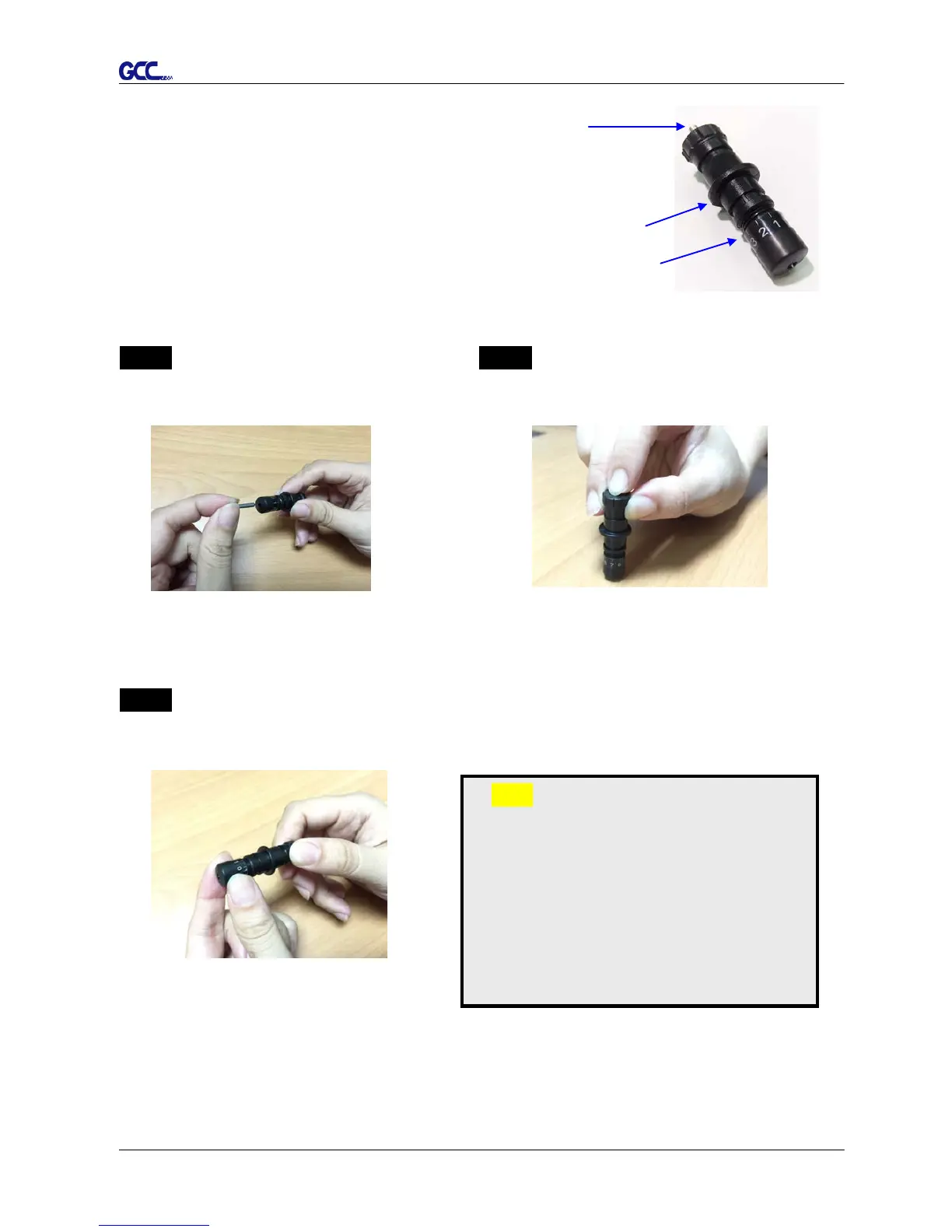
Figure 2-7 is the illustration of the blade
holder. Insert a blade into the bottom of
the blade holder, while pushing the top pin
to remove the blade. Make sure your
fingers are away from the blade tip.
Step 1 Step 2
Install blade (Figure 2-8). Push the blade to the bottom of the blade
holder (Figure 2-9).
Step 3
Adjust the blade tip to suitable length by screwing “Blade tip adjustment screw” clockwise or
count-clockwise (Figure 2-10).
Tips:
“The proper length” means the blade’s
length is adjusted 0.1mm more than
media’s thickness. That is, if the
thickness of film is 0.5mm, then blade’s
length is properly adjusted 0.6mm and it
can completely cut through the film layer
yet avoid penetrating the backing.
Figure 2-8
Figure 2-9














 To Next Page