2.6.2 Sure Cuts A Lot Installation (Optional Item)
2.6.2.1 Auto Installation
Step 1 Put your installation DVD into your CD-ROM to start the installation. The software is
compatible with Windows 7 and above and Macintosh OSX 10.6 and above.
Step 2 Select “Install Sure Cuts A Lot” to start the installation.
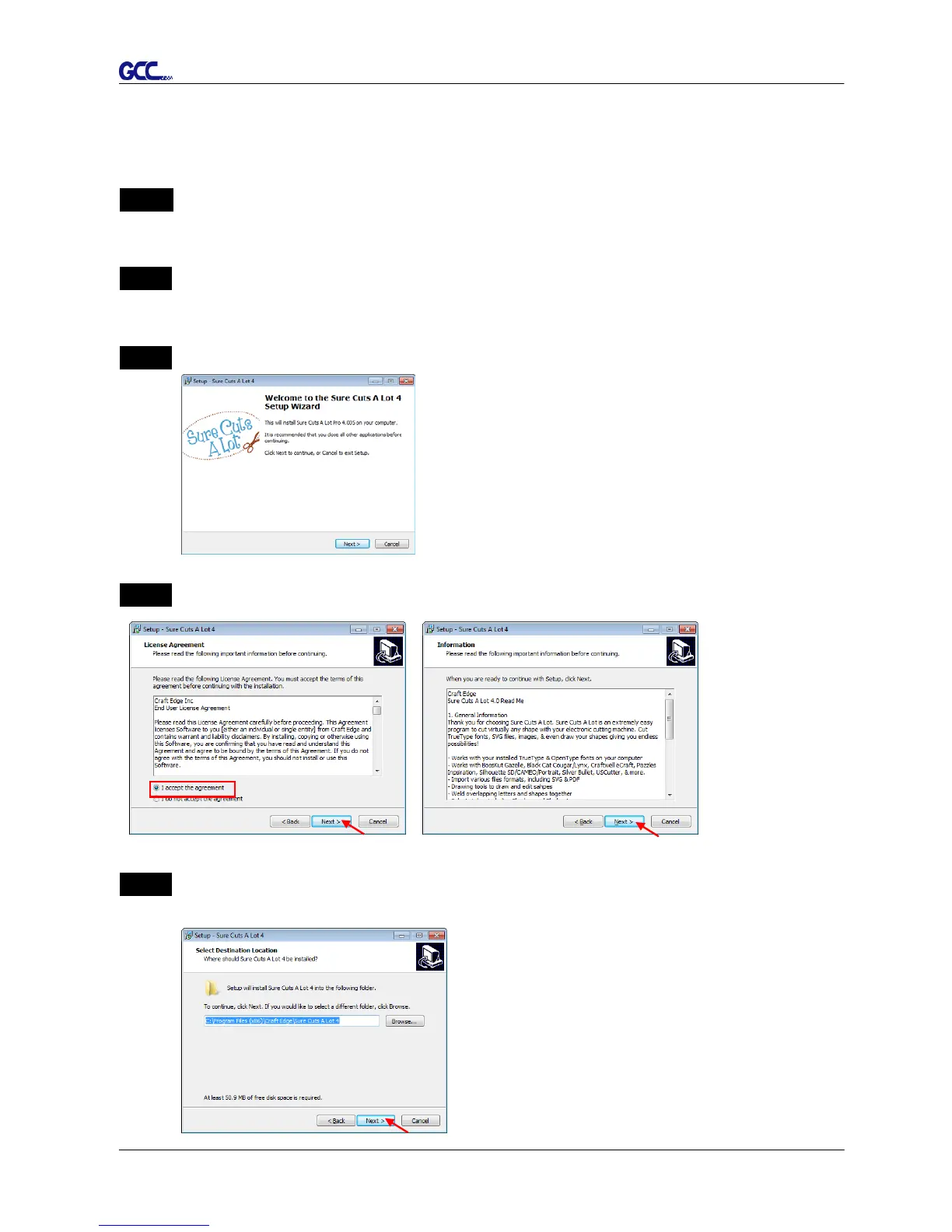
Step 3 Press Next to continue.
Step 4 Select “I accept the agreement” and press “Next.”
Step 5 Use the default folder (suggested) or select a folder you want to install the Sure Cuts A
Lot and press “Next.”














 To Next Page