AR-24 User Manual
Sure Cuts A Lot A-4
Sure Cuts A Lot
There are basic instructions of Sure Cut A Lot below. If you need detailed instruction, please
refer to Sure Cut A Lot Help.
1. Select the cutter you want to output and change the work area.
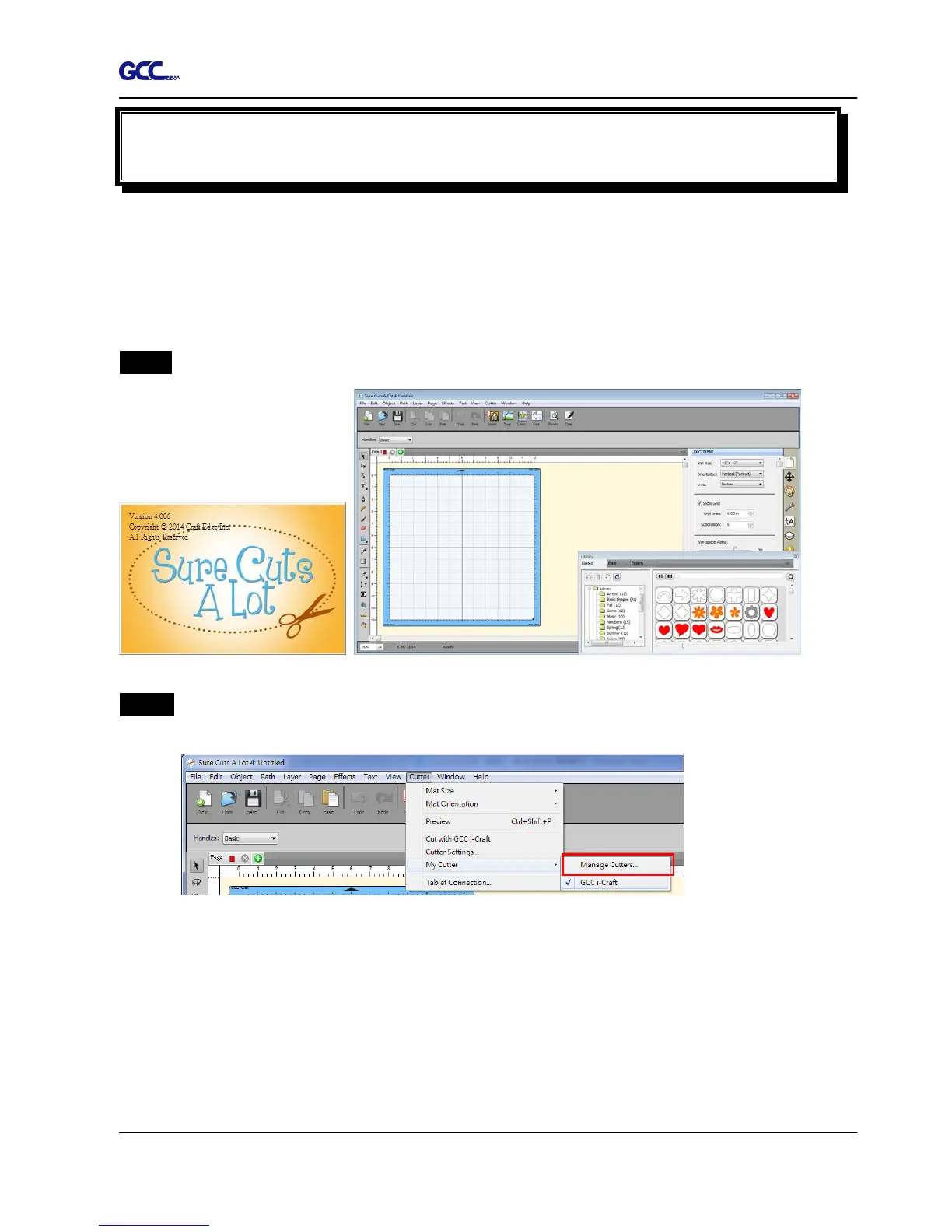
Step 1 Run Sure Cuts A Lot software.
Step 2 Select “Cutter” and select “Manage Cutters” under My Cutter to change the work
area.














 To Next Page