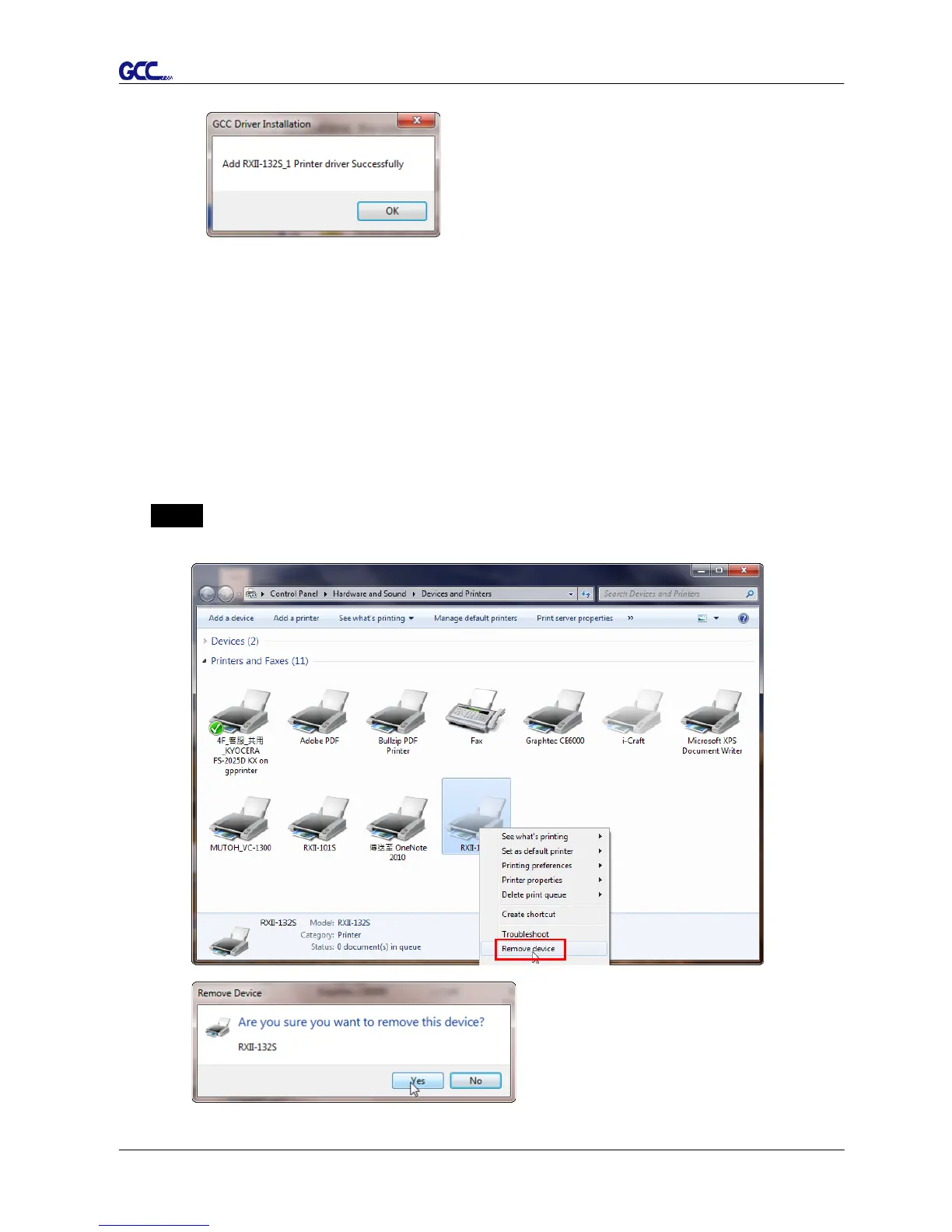
(2) If the user selects yes, a second copy of the driver will be installed.
2.5.1.3 Driver Un-installation
You have to remove previous version driver installed on your PC system completely
before you can install the latest version successfully. Please refer to below steps.
Step 1 Go to Control Panel\Hardware and Sound\Devices and Printers window. Right
click the printer and select “Remove device.”














 To Next Page