AR-24 User Manual
Sure Cuts A Lot A-4
7. Print and Cut Your Design
The Print and Cut function allows you to print the graphics from Sure Cuts A Lot to printer,
and then put the printed materials on the GCC cutter to cut out the contour of printed jobs
from Sure Cuts A Lot.
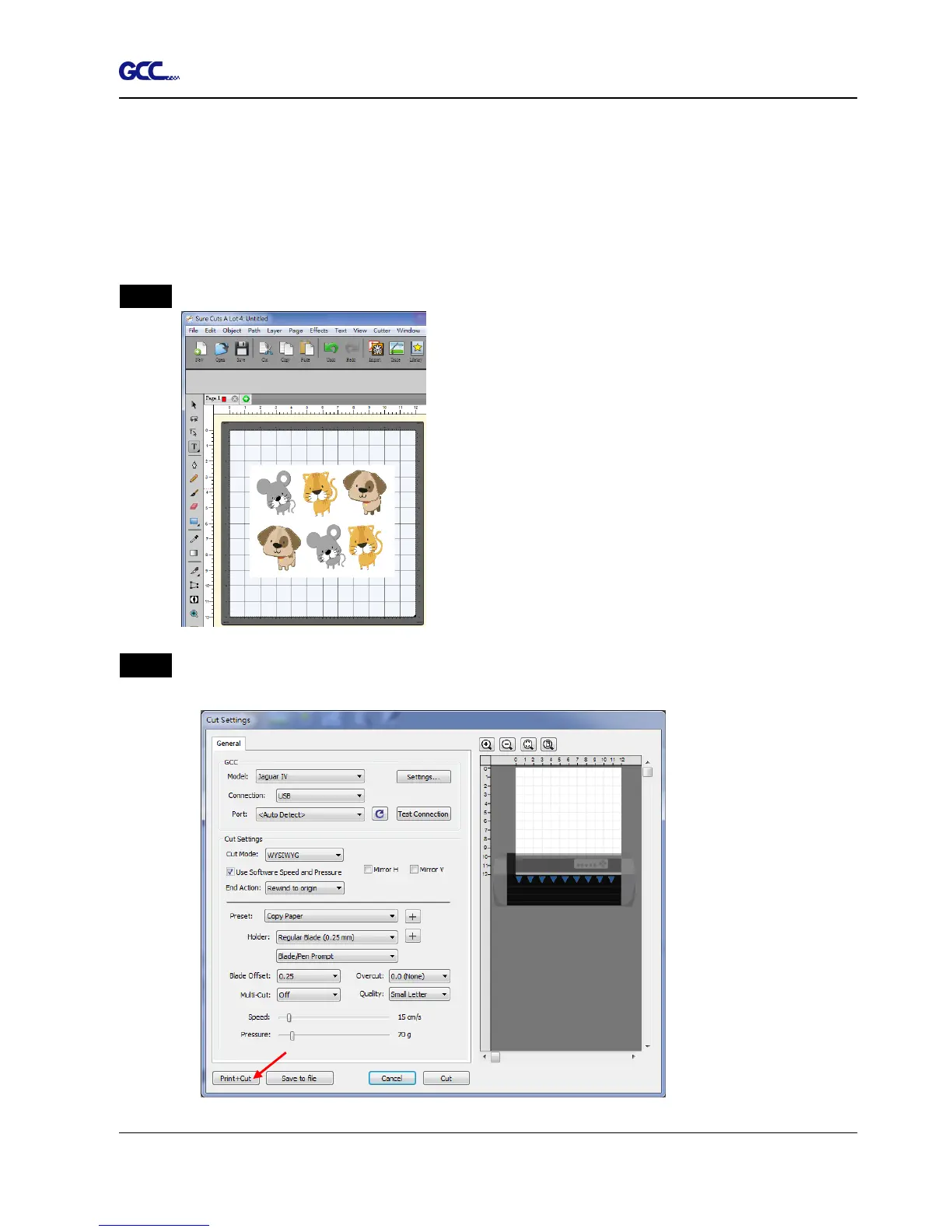
Step 1 Open an image file in Sure Cuts A Lot.
Step 2 Click on the Cutter icon on the toolbar, set the parameters and click on “Print+Cut” to
add the registration marks and print out the image.














 To Next Page