13
More than one person may be needed when loading and unloading the shipping crate
in order to avoid body injury or damage to the machine.
2.1 Unloading and Unpacking
The GCC LaserPro E200 is shipped in one crate that contains machine, software, and all of the necessary
accessories. The following section shows detailed step-by-step instructions for unpacking and assembly the
accessory to workstation.
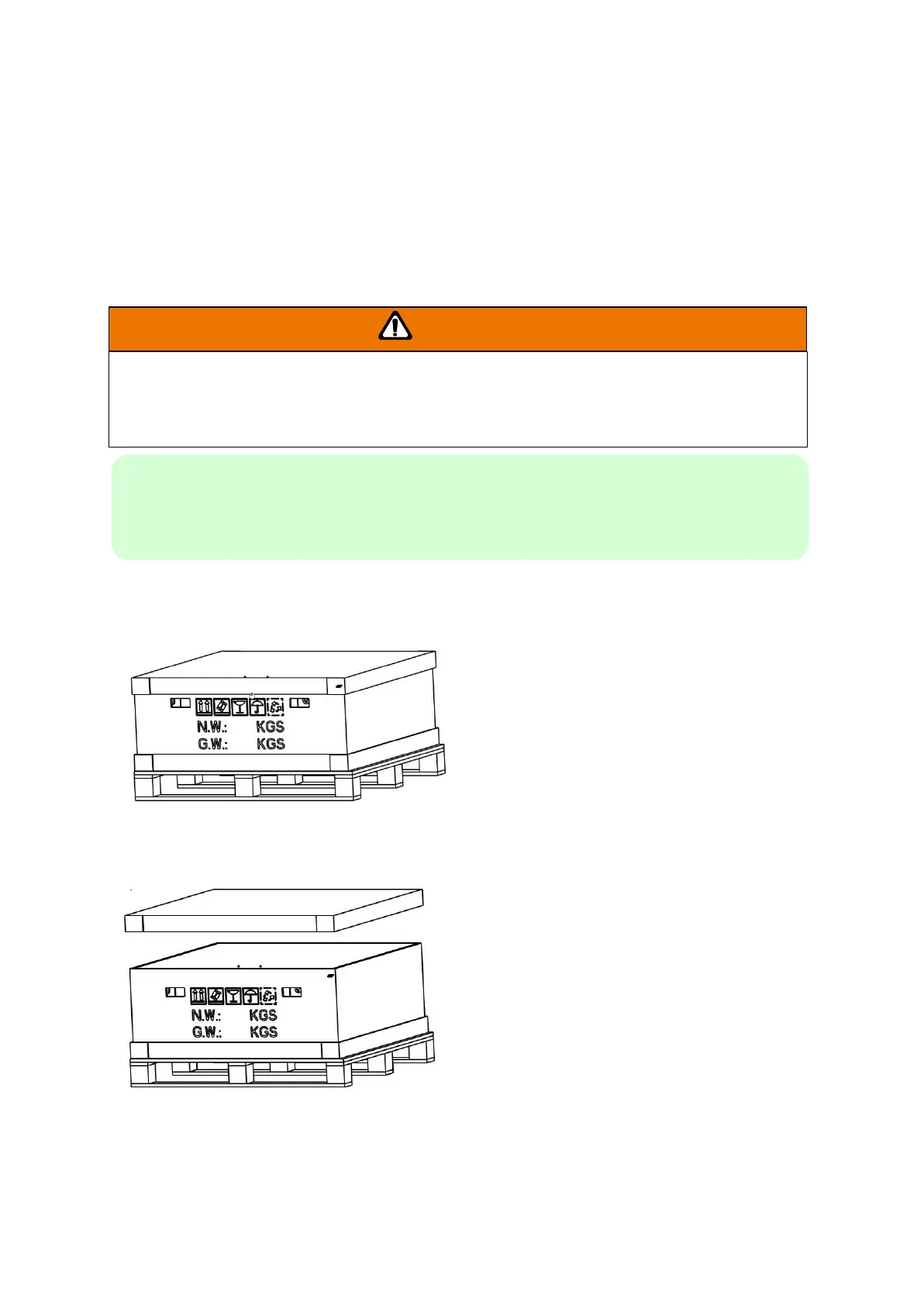
1) Move the shipping crate to the proximity of the designated work area.
2) Remove the top cover carton.
NOTE
Please keep and store the original shipping crate in case it is needed for future transportation or
product servicing.



 To Next Page