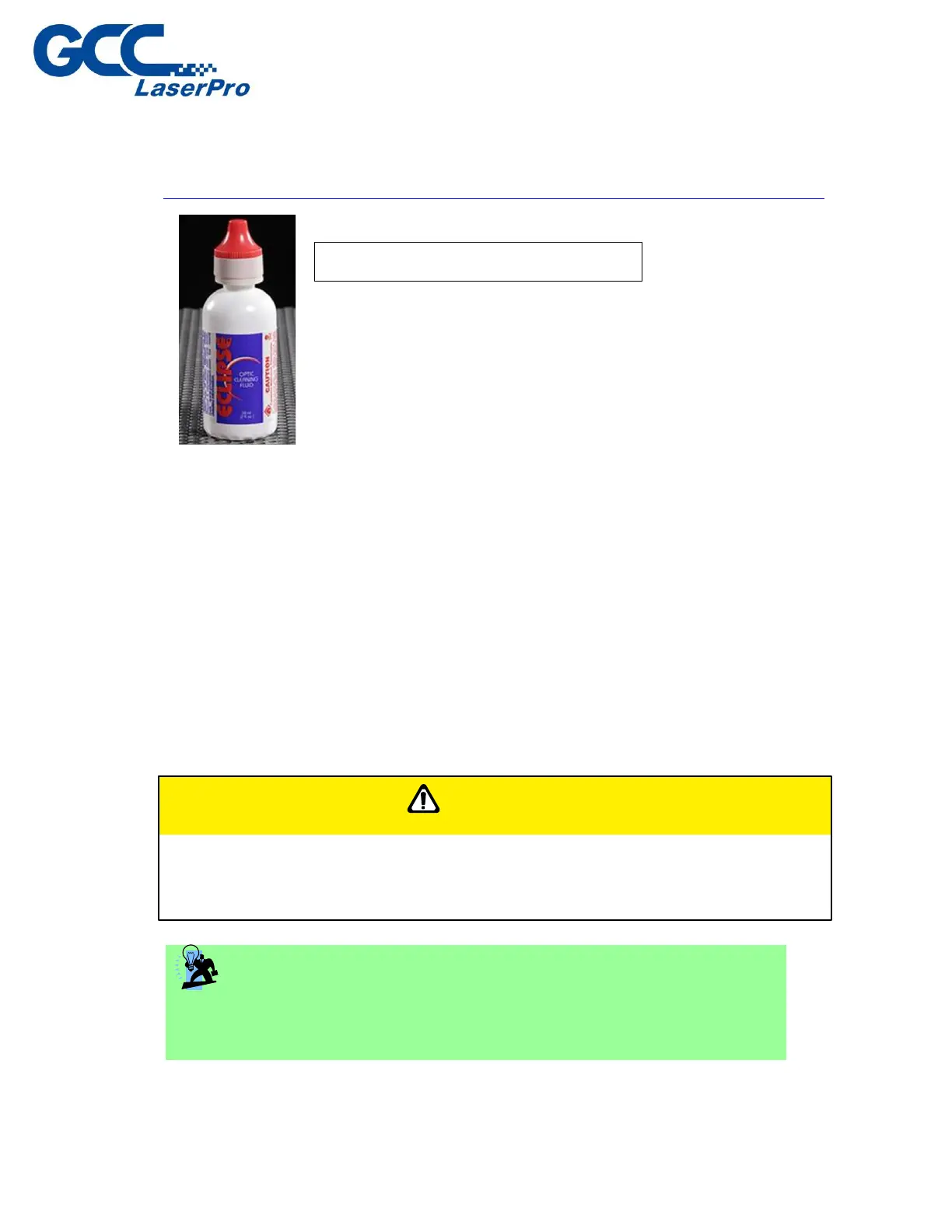
*The recommended lens cleaner is Eclipse Cleaning System Solution from Photographic
Solutions or HPLC grade Methanol. Search “Eclipse Cleaning System Solution” on Amazon or
eBay to get the solution locally.
http://www.amazon.com/Photographic-Solutions-ECDCS-Cleaning-Solution/dp/B0000AUR1I
9.2 Maintaining the Worktable and Motion System
9.2.1 Cleaning the Worktable and Motion System
Clean the working table and the motion system on weekly basis through the following steps:
1) Turn the power off and unplug the E200 before cleaning.
2) Use a vacuum cleaner with a flexible nozzle to remove dust and debris from the worktable
and motion system.
3) Apply small amounts of all-purpose cleaner, alcohol, or acetone to a paper or cotton towel to
clean the working table.
4) Apply a soap solution, all-purpose cleaner, or alcohol to a paper or cotton towel to wipe down
the rails of the motion system.
5) Wait for all cleaning residue to dry completely before plugging in and operating the E200.
CAUTION
• Never pour or spray alcohol or acetone directly to the working table.
• Oil, alcohol and acetone can cause fires or smoke build-up if improperly used.
TIP
Please clean the AutoFocus pin each time after completing the engraved
job to make sure the AutoFocus pin is free to move.
Eclipse Cleaning System Solution



 To Next Page