29
5.1 Recommended Computer Configuration
SmartJOB E200 software was designed to work best using both Windows and MAC system with the following
minimum requirements
Computer Configuration
Intel Pentium, 1GHz or above
1 GB of free hard drive space
Super VGA display (1204 x 768 min. resolution)
PC or Laptop, USB 3.0 x 2
MS Windows, MAC OSX 10.6-10.15**
5.2 E200 Software - SmartJOB Installation
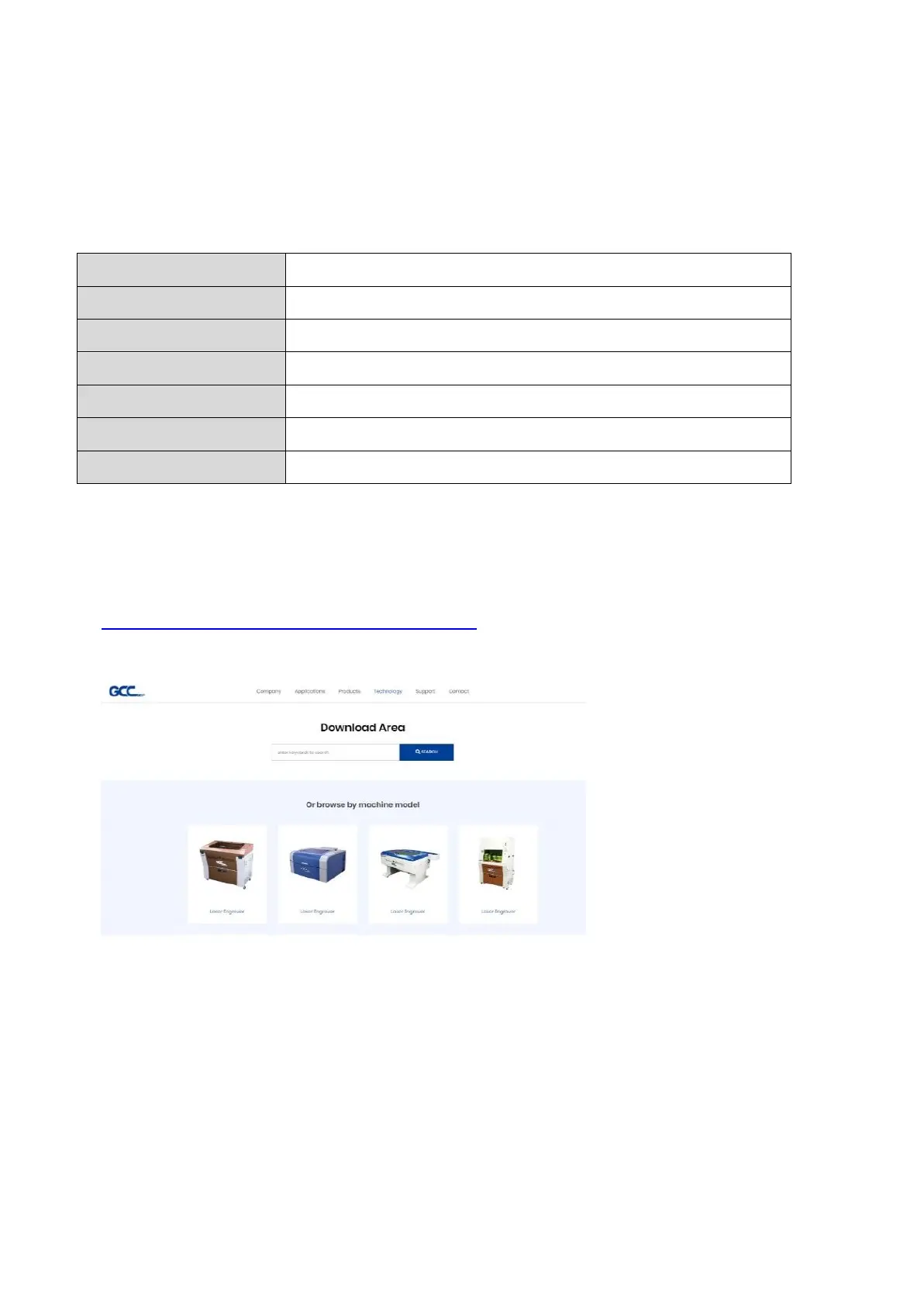
Install E200 software - SmartJOB, please click the following link to download files.
https://www.gccworld.com/download.php?sid=software
1) Click on “E200 – SmartJOB software”
from the menu of the download page.



 To Next Page