52
7.2.4 Engraving & Cut by SmartJOB (workflow)
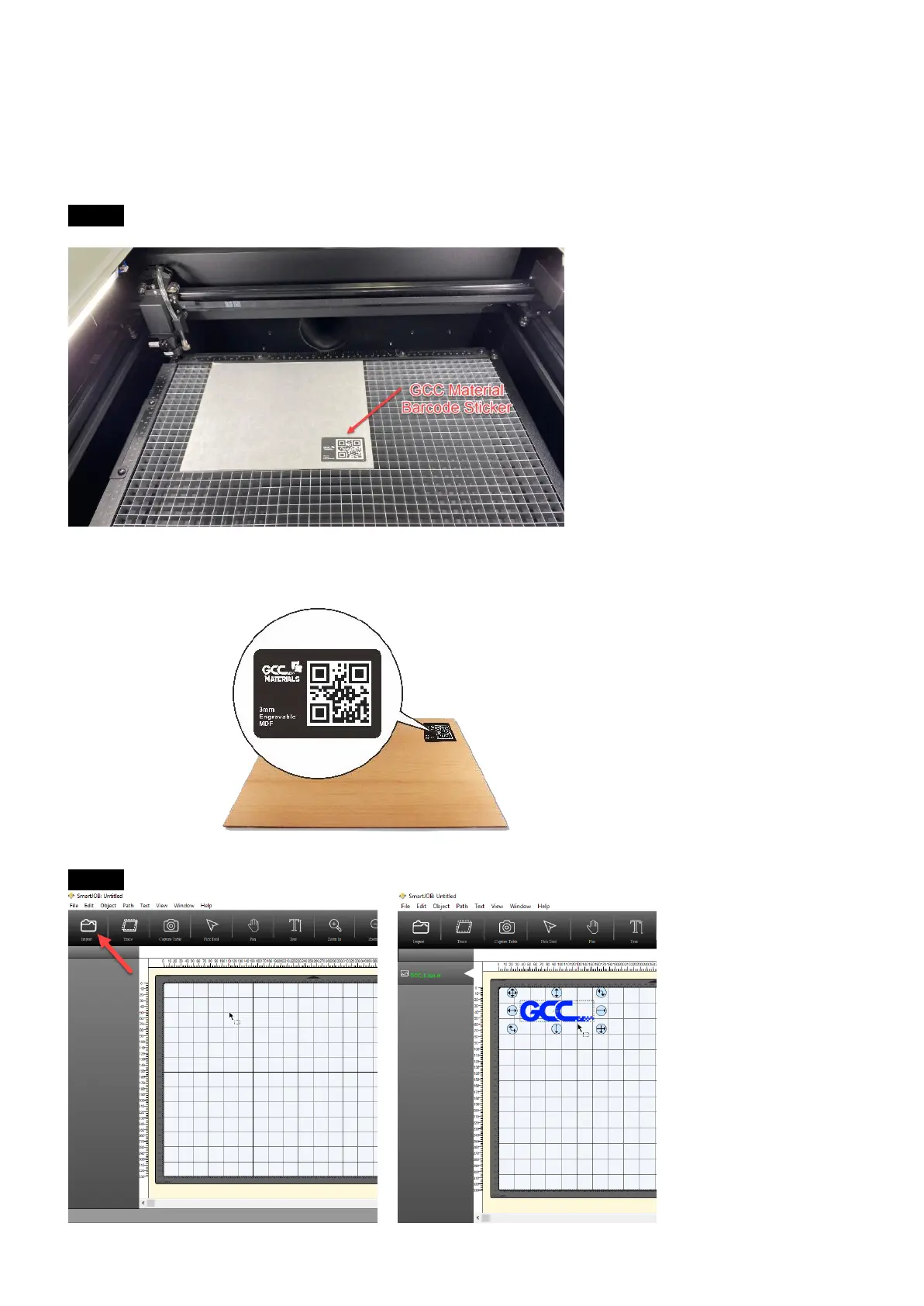
Step 1 Place the GCC Material to E200 machine.
NOTE: Every material piece which comes with E200 has a specific barcode on the
surface of the material. When removing protection foil, please do NOT remove the QR
code sticker.
Step 2 Open the SmartJOB software and import the file which you’d like to process.



 To Next Page