49
7.2.3 Trace Image Files
SmartJOB allows you to import image files (ai., bmp., jpg., gif., png. etc… formats) and will
trace the image for cutting. Please note, results may vary depending on the source image file.
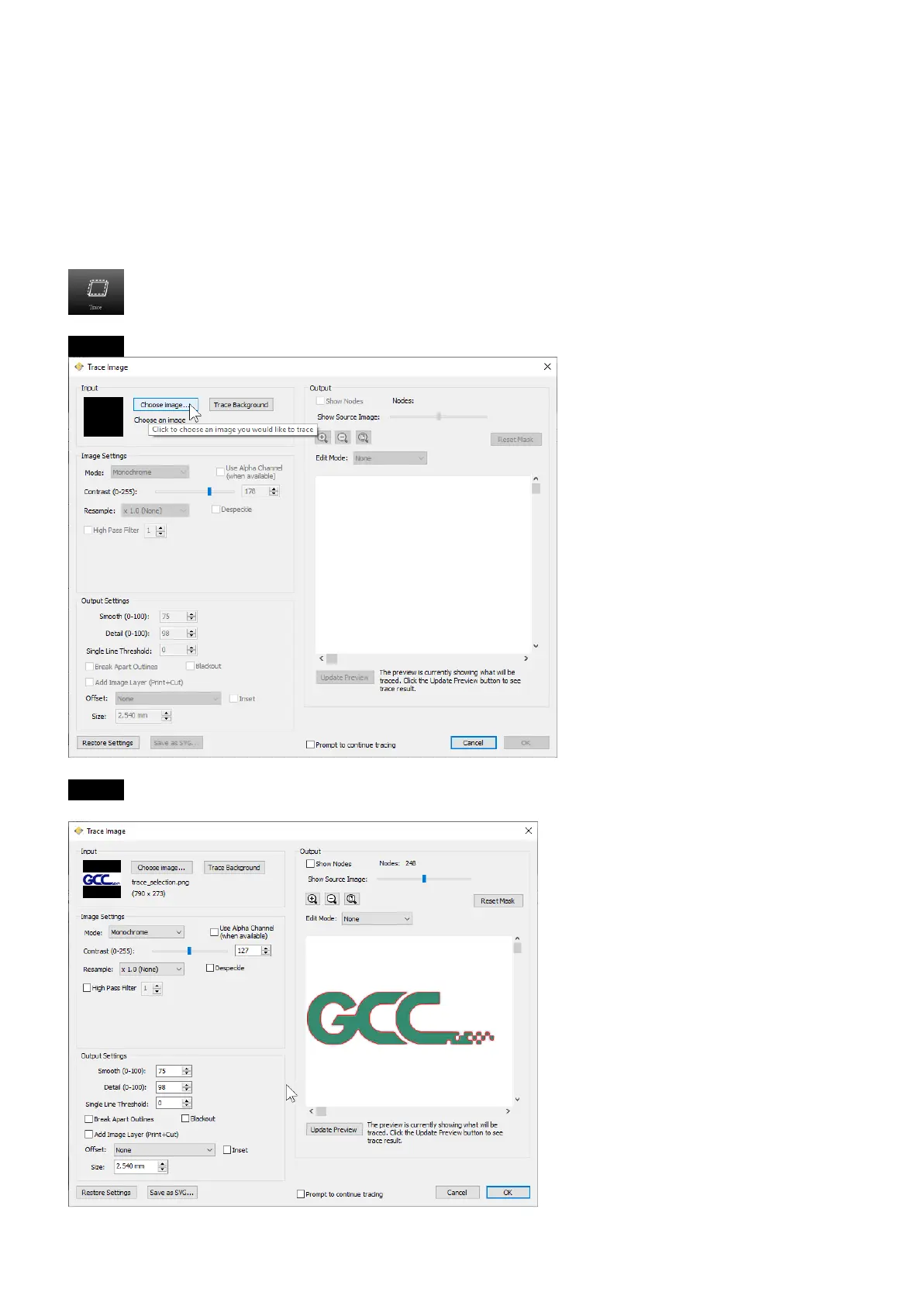
To trace an image, choose "Trace Image" from the File menu, or click the Trace toolbar button.
Step 1 Select Trace Image button on the toolbar to open the setting window.
Step 2 Click on “Choose an image” to input the image, adjust Image Settings and Output
Settings, and click OK. Then the outline of the image will be outputted automatically.



 To Next Page