75
The Air Delay setting allows you to specify the delay in seconds of the SmartAIR air-assist after the point of laser
firing.
• Air Delay: 1-100 seconds
Tip
Depending on the material you are engraving with, your laser settings, and the desired
results, please experiment with the air delay to achieve your desired results.
7.4.9 Offset Tuning
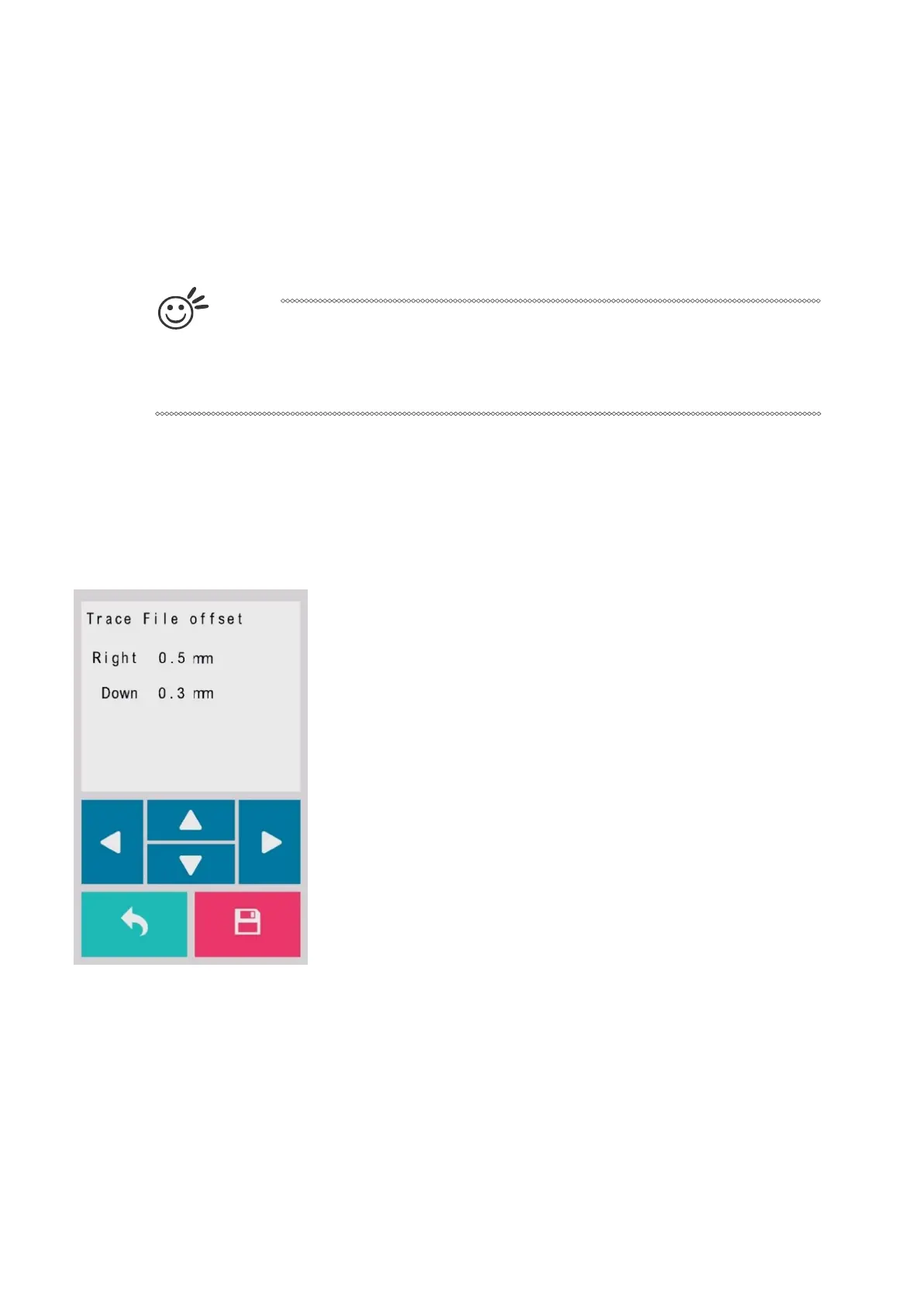
The trace file offset page allows you to adjust the offset for trace file, you can tuning the trace file by using this
function.



 To Next Page