47
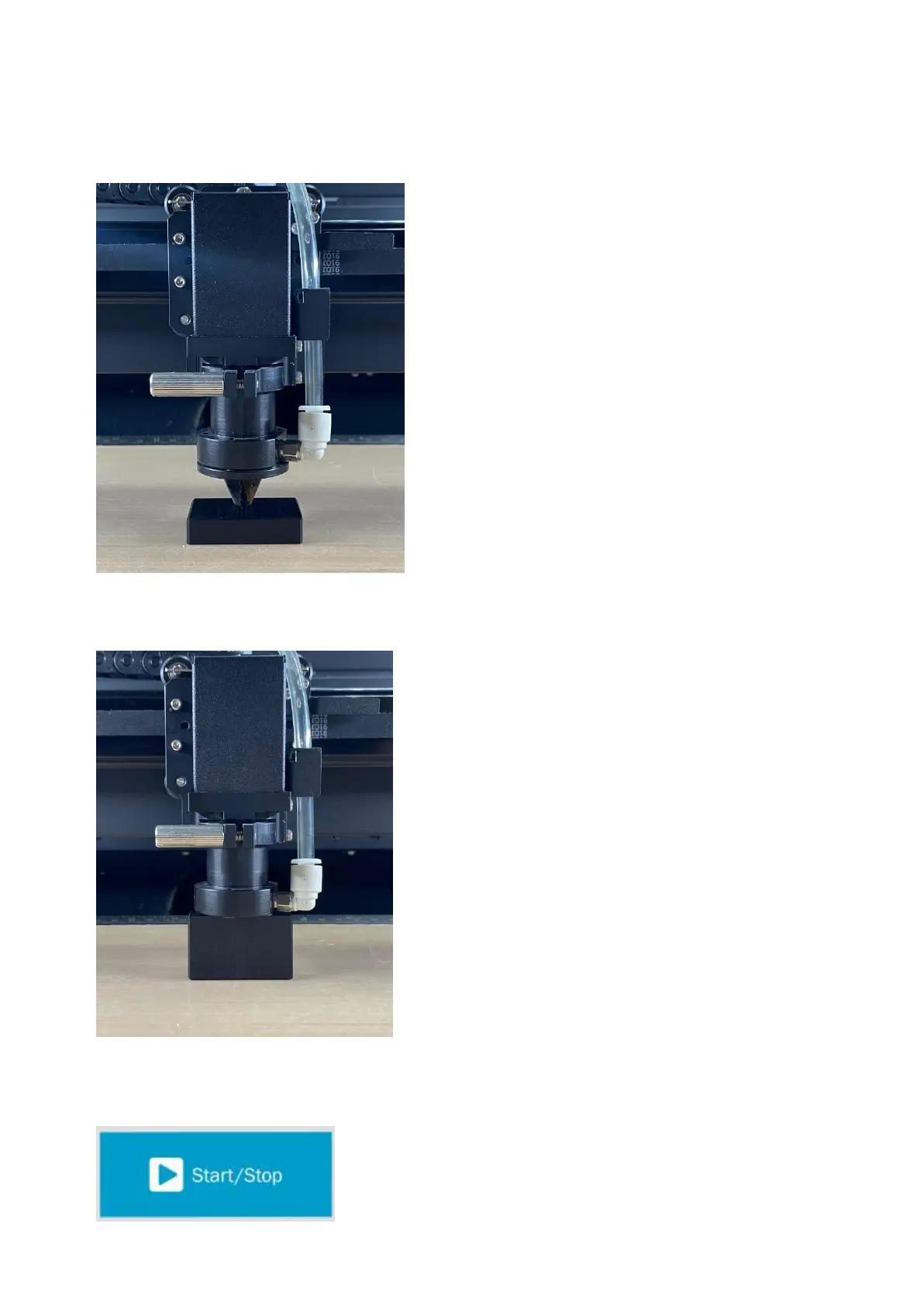
2. Place the focus tool between the material and the carriage, the following picture shows the focus distance
with the nozzle installed.
3. Place the focus tool between the material and the carriage, the following picture shows the focus distance
with the nozzle installed.
4. Send the file to E200 machine.
5. Press "Start" on the touch panel to begin laser output.



 To Next Page