86
NOTE
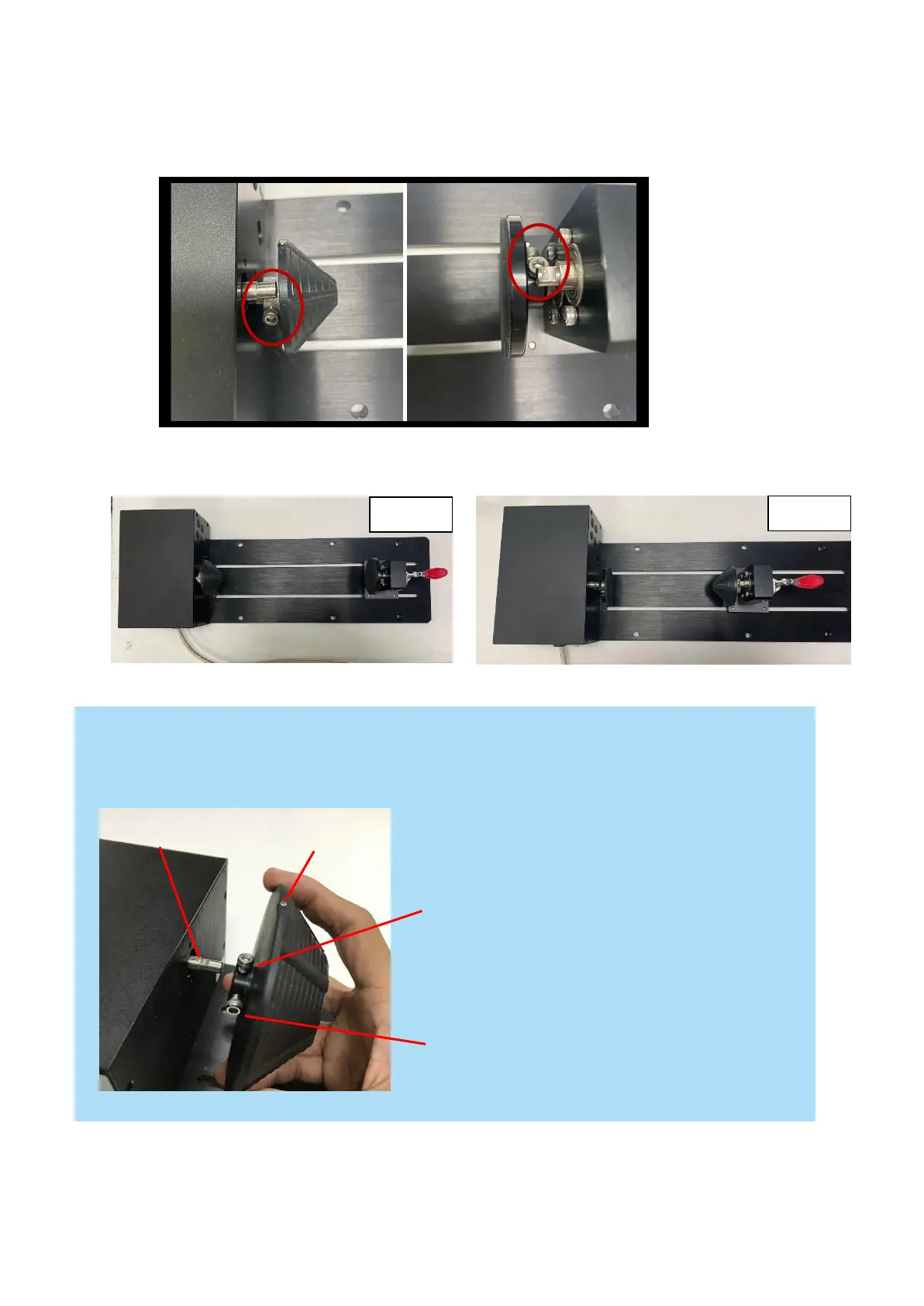
Align the origin point to the flat top of shaft then tighten the first screw against it, following to tighten the
second screw.
Follow the procedure to exchange the front fixture and back fixture:
1) Remove the two screws holding the fixtures.
2) Exchange the front fixture and back fixture as below picture,
1. Align the origin to flat shaft, then
tighten this screw against it
2. Following to tighten the second
screw



 To Next Page