3 Installation
32551-IMG rev 6 GE Healthcare 27
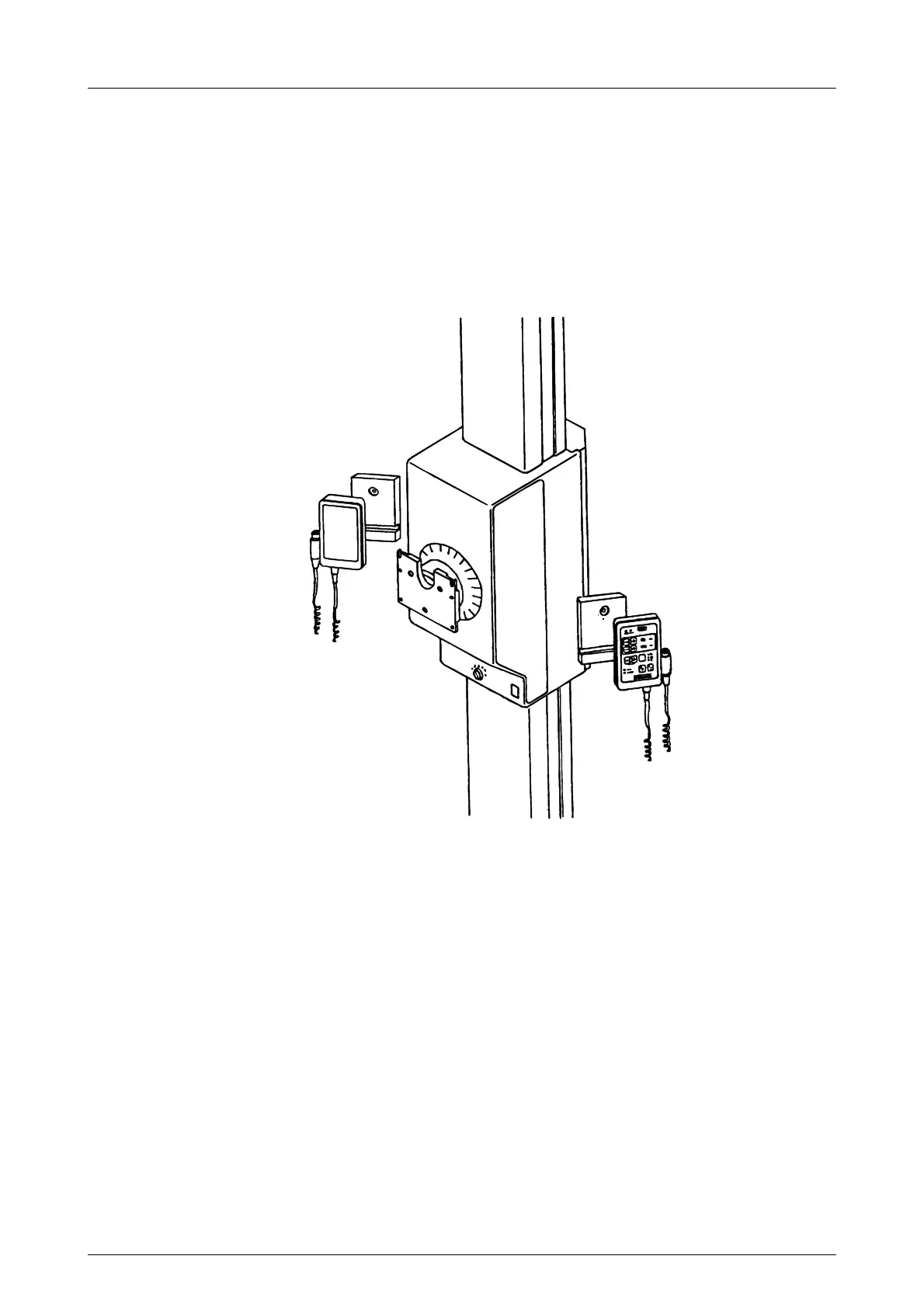
Install the control panel by pushing it against the base so that the plastic
knob mounts into the hole in the base. Use setscrews to fasten the panel
to the base.
Also fasten the exposure button to its place with a setscrew, if required.
Attach the cable of the panel to the D connector at the base of the
carriage.
The control may be installed flat to the side of the carriage, or to an angle
with the angled back piece.
Fig 3.10. Control panel attachment



 To Next Page