5 Setups, alignments and adjustments
66 GE Healthcare 32551-IMG rev 6
5.2.4 C-arm angle display calibration (Pr#54 Can)
The c-arm angle is calibrated with the special program #54 CAn.
Select the special program and enter the program by pressing Autoexp.
The timer display will show CAn. The kV and mAs display indicates “to 00”.
Turn the c-arm to Cranio-Caudal, 0º position and press Autorel. The 0º is
now programmed.
The kV and mAs display indicates now “to 180”. If another calibration
angle than 180º is used, change the angle display with the +/- density
buttons. Turn the c-arm to exactly 180º and press the Autorel button.
If the calibration is correct, the mAs display will indicate PAS and the
program menu is entered. If the calibration is not correct, the program is
automatically returned to the beginning and the “to 00” is displayed in the
kV and mAs display.
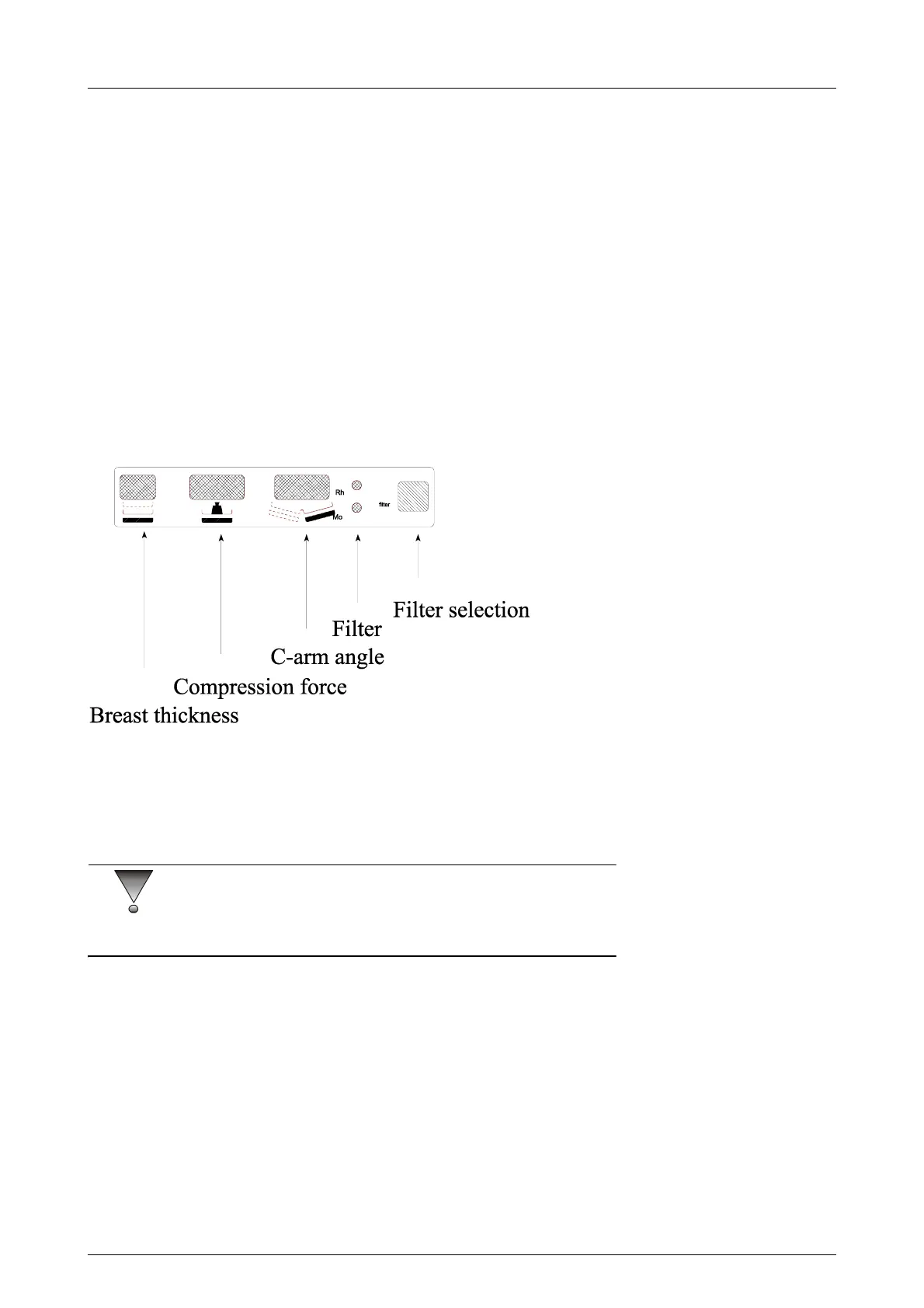
Fig 5.3. C-arm display
5.2.5 Compression force display calibration (Pr#55 Cfo)
The compression force display can be calibrated with the special program
#55 “Cfo”.
CAUTION!
Make sure that the c-arm angle display is calibrated before calibrating the
compression force display (Pr #54).
1 Enter the special program #55 by press Autoexp.
The timer display shows Cfo. The kV and mAs display indicates “to 50”.
Make sure that the compression paddle is attached and that there is 50 N
(5kg) compression.
2 Press Autorel; the 50N level is now programmed. The kV and mAs
display shows now “to 200”. Make a compression of exactly 200 N
(20kg).
If another maximum compression force is used, change the 200 N on the
display with the +/- density buttons.



 To Next Page