3 Installation
30 GE Healthcare 32551-IMG rev 6
3.10 TESTING THE CONTROL FUNCTIONS
1 Provided that you have all the connectors closed, turn the power of
Alpha RT on. Check that the circuit breaker in the back of system is in
the ON position. Switch power ON using the main power switch in
the front.
The timer display shows r.ES., kV display Pr, mAs display software version
and density display shows the country code.
Resetting must be acknowledged by pushing the auto exp button, which
starts the internal testing routine.
2 Check that all segments of the 7-segment display and LEDs are lit.
C-arm display shows the software version of C-arm control board.
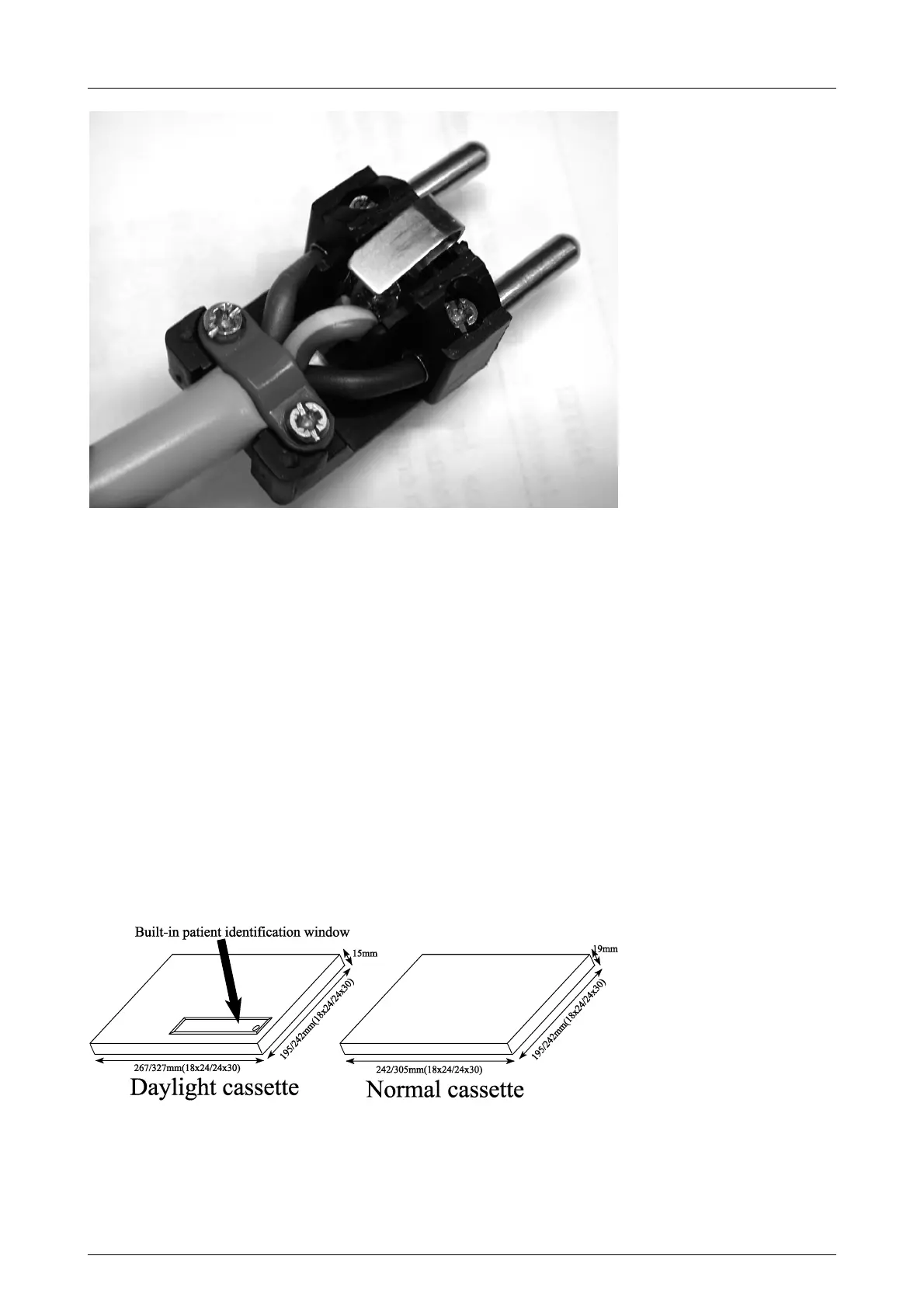
3 Install a cassette tunnel for normal film/screen imaging,
corresponding diaphragm and a cassette. Notice the cassette type:
Normal or Daylight.
Fig 3.14. Patient identification window in a daylight cassette allows the use of Alpha ID II
or other identification system to print the patient data onto the film.
1
2
3
1 Blue
2 Green/Yellow
3 Brown



 To Next Page