4 Alpha RT softstart procedure
32551-IMG rev 6 GE Healthcare 39
4.5 REMOVAL OF THE BACK COVER
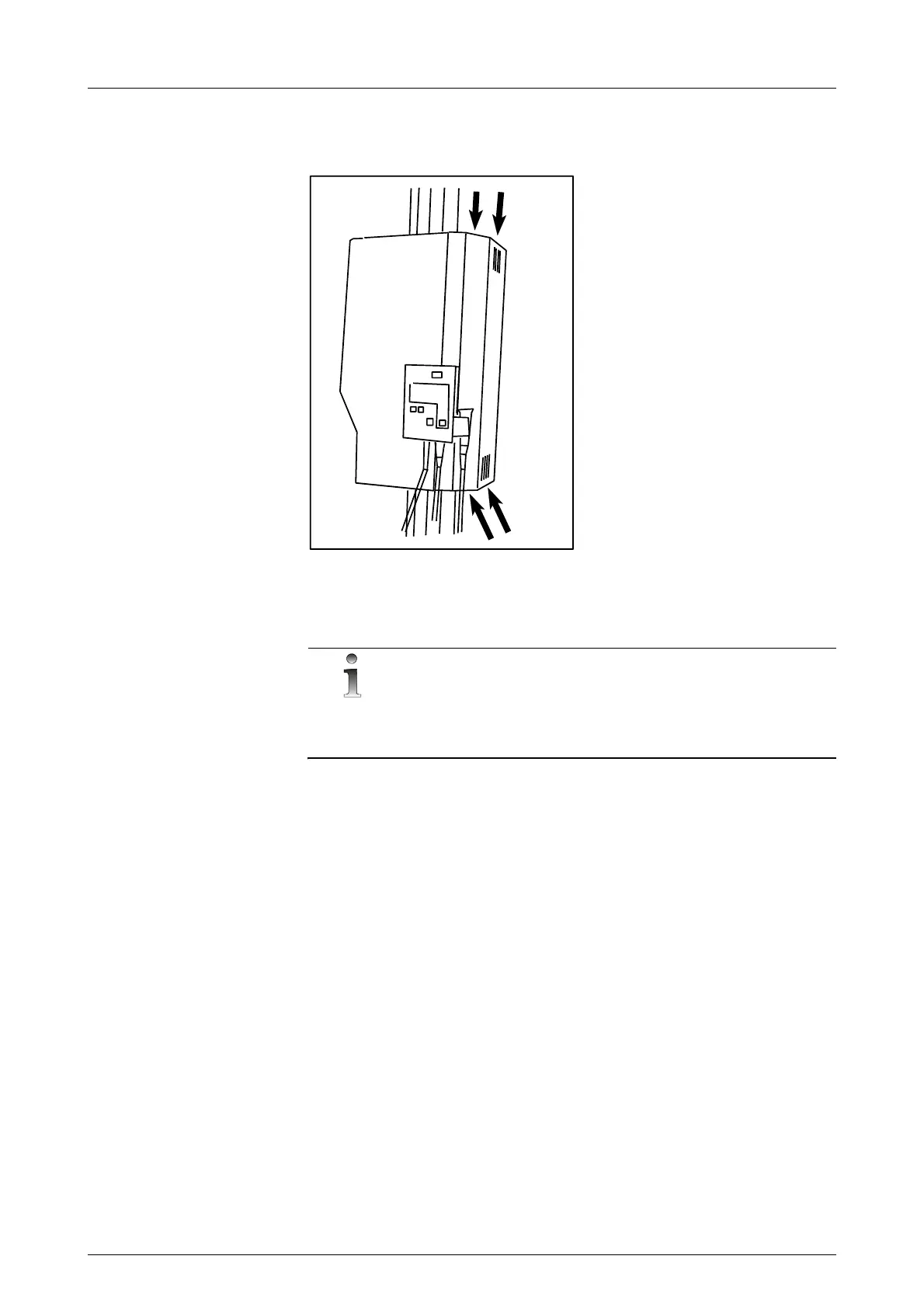
1 Remove the back cover to expose the circuit boards.
Fig 4.4. Removing the back cover by opening the four screws
4.6 PREVENTING X-RAYS (FOR EXAMPLE IN EXHIBITION)
NOTE!
The following three items disconnects all power from the generator, but
the system can be still operated. This can be done for example when
installing for an exhibition, where X-rays are not allowed.
1Unplug connector X1 on the INVERTER Board (a four-pin connector).
2 Set the test switches on both the INVERTER Board and the FILAMENT
CONTROL Board to “TEST” position. Set the jumper X8 on the
FILAMENT CONTROL Board to 1-2 position [left-hand position]; (mA
feedback from the filament circuit only).
3 On the FILAMENT CONTROL Board unplug the connector X4 (power to
the filament).
4 Turn OFF the unit and plug in the connectors X1 on the INVERTER
board and X4 on the FILAMENT CONTROL board.
5 Set the test switch S1 on the INVERTER board to “NORMAL” position.
– Set the jumper X8 on the FILAMENT CONTROL Board to 2-3
position (right-hand position).



 To Next Page