4 Alpha RT softstart procedure
44 GE Healthcare 32551-IMG rev 6
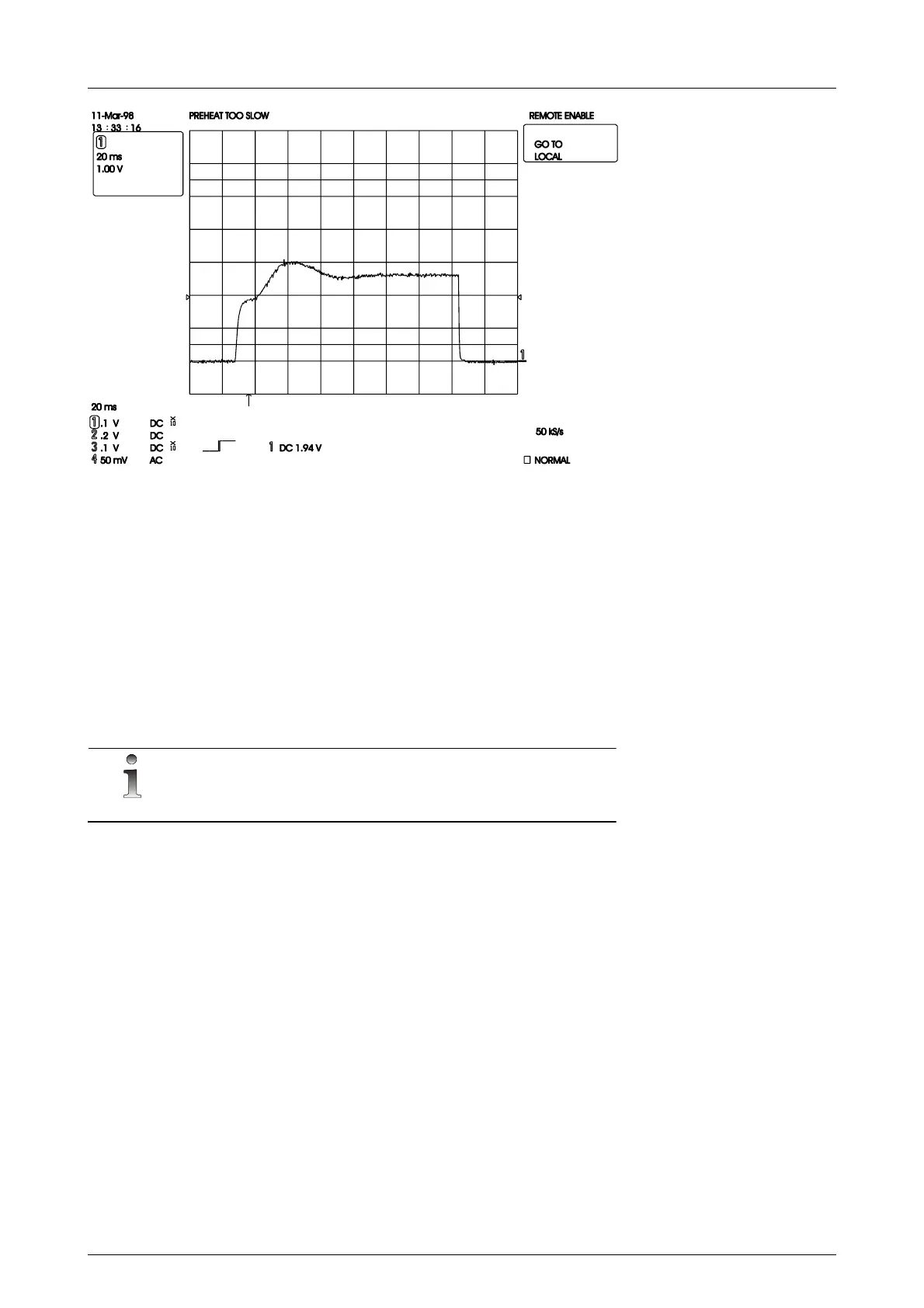
Fig 4.9. Preheat rises too slow
4.11 KV- REGULATION CHECK
1 Connect the DVM (averaging - NOT TRMS) on INVERTER BOARD to
TP22 and TP25 GND. Set the DVM to 0-10 Vdc range.
2 Set the unit to 28kV and 100 mAs (To get longer exposure time,
increase mAs. Make sure that the exposure is long enough for the
DVM reading to stabilize).
3 Make an exposure and check the voltage from the DVM during
exposure. It should be 2.8±0.01Vdc.
4 If not, adjust from trimmer potentiometer R63.
NOTE!
kV is set at the factory. For calibration use Unfors, RTI, PMX-I/M or similar



 To Next Page