5 Setups, alignments and adjustments
32551-IMG rev 6 GE Healthcare 67
3 Press Autorel. If the calibration is performed correctly, the mAs
display will indicate PAS.
The programming can be interrupted by pressing the Autoexp button. The
program returns to the main menu.
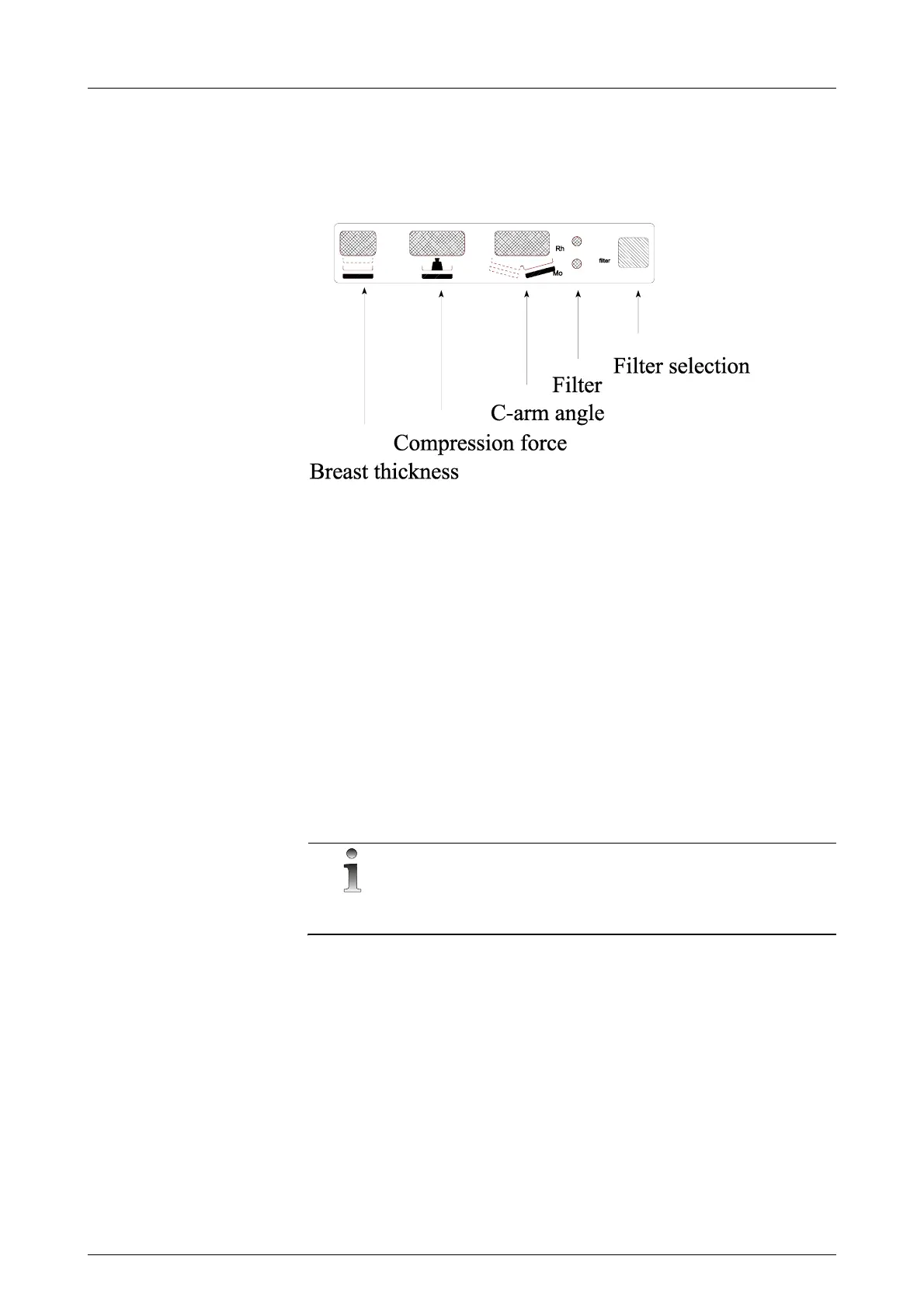
Fig 5.4. C-arm display
5.2.6 Compression thickness display calibration (Pr#56 Cth)
The compression thickness display is calibrated with the special program
#56 Cth. After entering this program the mAs display shows “to 00” with
bucky or “to 20” with cassette tunnel.
1 Drive the compression paddle completely down against the bucky /
cassette tunnel. Press Autorel. The 0.0 / 2.0 cm level is now
programmed. The control unit shows “to 60”.
2 Place 60 mm acrylic on the Bucky / cassette tunnel and drive the
compression paddle down. If you do not have 60 mm acrylic
available, the 60-mm display can be changed from the Density+/-
buttons. Press Autorel.
3 Use proper (40-50 N) compression with the acrylics. Otherwise a
wrong thickness reading will affect clinical use.
NOTE!
This calibration has to be made for each cassette holder, magnification,
and bucky.



 To Next Page