27
Annunciator Panel Wizard
Relay 1
(green)
Relay 2
(green)
Relay 3
(green)
PMCS
DDE Server
Annunciator Panel Wizard monitors DDE Items at Event Logger
Event Logger
tracks events
reported by
PMCS DDE
Server
Annunciator Panel Wizard
Relay 1
(red)
Relay 2
(green)
Relay 3
(green)
Event Logger
PMCS
DDE Server
Annunciator Panel Wizard monitors DDE Items at Event Logger
Event Logger
tracks events
reported by
PMCS DDE
Server
Event Logger
DDE Item Name: Trip1
Status: OFF
Configured Events Received
Relay Tripped? NO
Error Condition? NO
Overvoltage Condition? NO
Relay 1
Relay 2
Relay 3
Relay 1
Relay 2
Relay 3
DDE Item Name: Trip1
Status: ON
Configured Events Received
Relay Tripped? YES
Error Condition? NO
Overvoltage Condition? NO
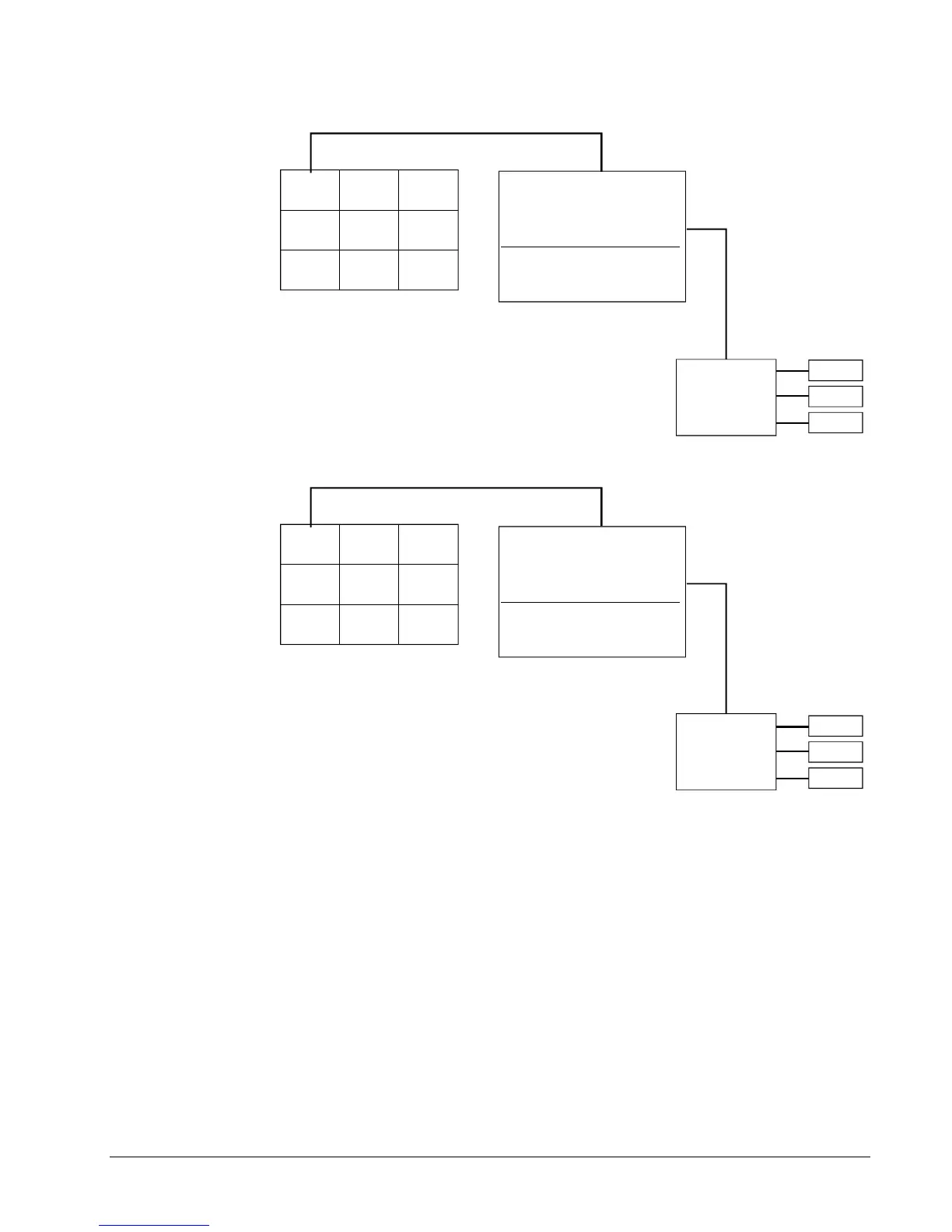
In the upper illustration, the Event Logger watches for any of the three events
configured to cause a change of state to the Trip 1 DDE Item. None of these three
events have occurred, so the status of the Trip 1 DDE Item is at OFF. The
Annunciator Panel wizard is monitoring the configured DDE Items at the Event
Logger, but all DDE Items are “OFF” so the Annunciator Panel displays green
indicator tiles.
In the lower illustration, the Event Logger has recorded a “Trip” event for the unit in
question, and changed the state of the Trip 1 DDE Item to “ON”. The Annunciator
Panel wizard sees this change, and responds by changing the color of the annunciator
panel tile for Relay 1 to red.



 To Next Page