28 PMCS Interface Toolkit
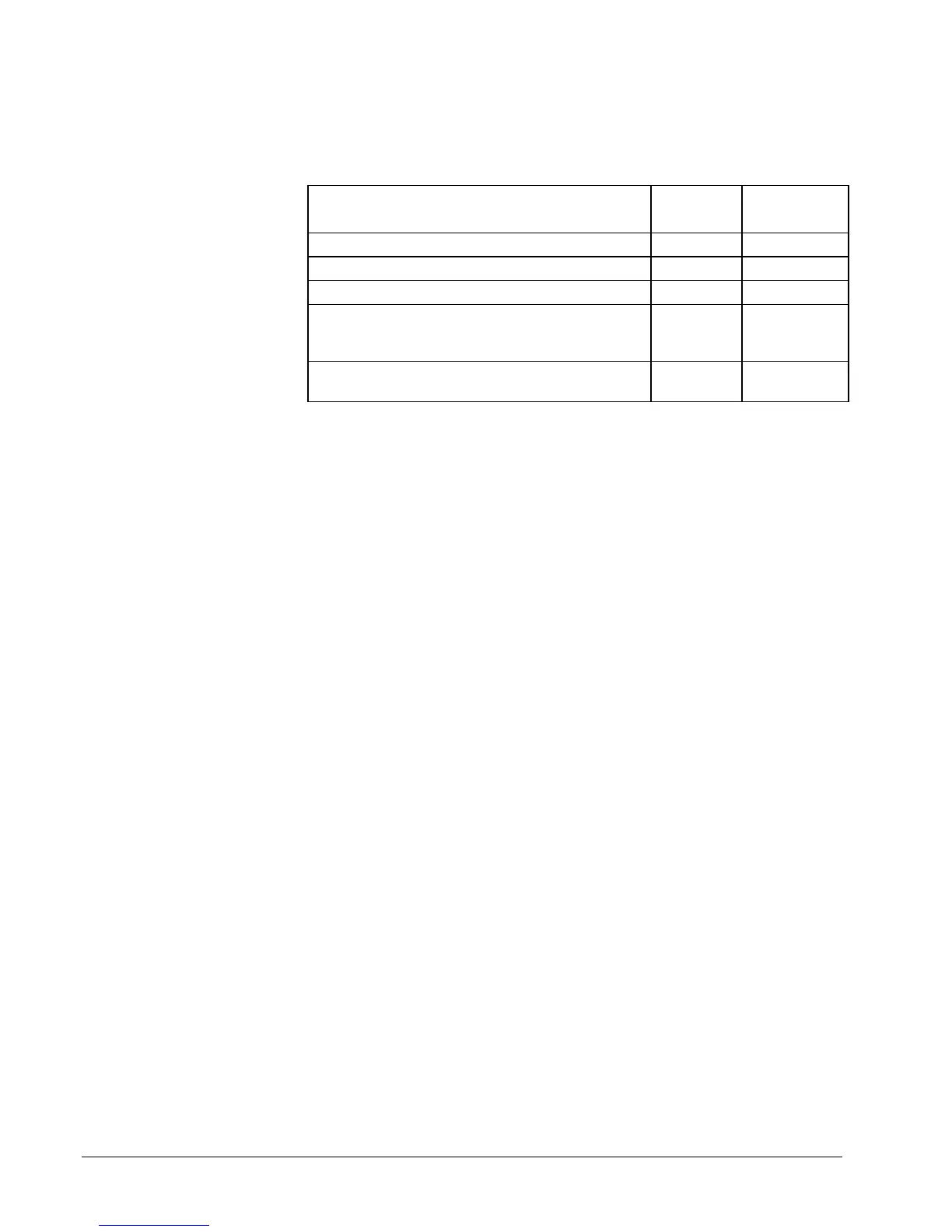
Each "Alarm indicator" as defined by the Event Logger will appear to InTouch as a
DDE Integer item which can have the following values/states:
State Tag
Value
Default
Color
Normal (no alarm) 10 - 19 Solid Gray
Alarm Active - Unacknowledged 20 - 29 Red Blinking
Alarm Active - Acknowledged 30 - 39 Solid Red
Alarm Reset - Unacknowledged
(alarm occurred but later went off before being
acknowledged)
40 - 49 Solid Yellow
Alarm Disabled
(Event Logger has disabled this alarm indicator)
0 Dark Gray
Each panel button displays one of five different colors, based on the states defined
above. A fill color animation link controlled by an indirect integer tag is used to
change colors. The fill color link is set as follows:
<= 9: Dark Grey
10 -> 19: Grey
20-> 29: Grey (will also have a flashing Red animation link)
30 -> 39: Red
>= 40: Yellow



 To Next Page