Chapter 5. Using the Configuration Menu
62 moisture.IQ User’s Manual
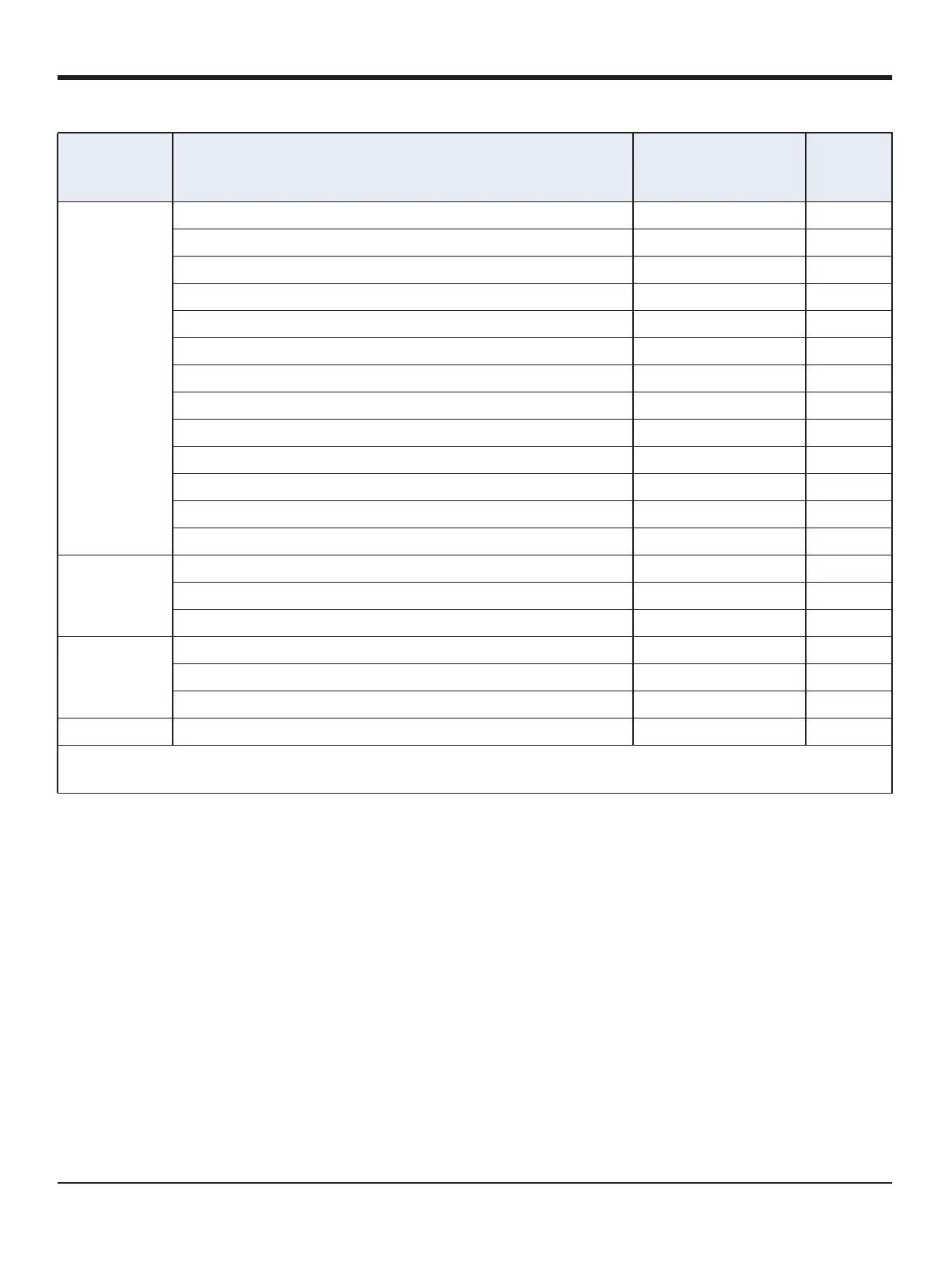
Pressure kPa(a) = KiloPascal Absolute (default) Pressure kPa(a)
mPa(a)= MegaPascal Absolute Pressure MPa(a)
Pa(a) = Pascal Absolute Pressure Pa(a)
kPa(g) = KiloPascal Gauge Pressure kPa(g)
mPa(g)= MegaPascal Gauge Pressure MPa(g)
Pa(g) = Pascal Gauge Pressure Pa(g)
PSI(a) = Pounds per Square Inch Absolute Pressure PSI(a)
PSI(g) = Pounds per Square Inch Gauge Pressure PSI(g)
ATM = atmospheres Pressure ATM
Bar(a) = Bars Absolute Pressure Bar(a)
Bar(g) = Bars Gauge Pressure Bar(g)
mmHg = Millimeters of Mercury Pressure mmHg
FP = FP* (Diagnostic Mode) Pressure FP
Auxiliary 1 mA = Milliamps (default) Aux1 mA
V = Volts Aux1 V
Scaled = scale defined by the user in the calibration menu Aux1 Scaled
Auxiliary 2 mA = Milliamps (default) Aux1 mA
V = Volts Aux1 V
Scaled = scale defined by the user in the calibration menu Aux1 Scaled
User Func1-6 = User defined functions for each channel TBD TBD
*The MH, FH and FP values are the moisture sensors’ response values and
are the values that are recorded during calibration.
Table 8: Available Measurement Modes and Units (cont.)
Selected
Measurement
Mode Unit Description
Displayed
Measurement Mode
Displayed
Units


 To Next Page