Appendix C: Remote Booting 91
C.2.2 Boot Menu
The second method of selecting the Boot-from-LAN BIOS option is to press the
DEL key during system boot. This will access the BIOS Setup Utility. Select the Boot
menu, and then select the Boot Device Priority sub-menu. Use the arrow keys to
highlight the Network:IBA GE Slot option. Repeat entering <+> until the desired
network port is at the top of the list.
Advance to the Exit menu, select Exit Saving Changes and press
ENTER. When the
system prompts for confirmation, press Yes . The computer will then restart the
system bootup. The system will boot from this connection until it is changed in
the BIOS Setup Utility.
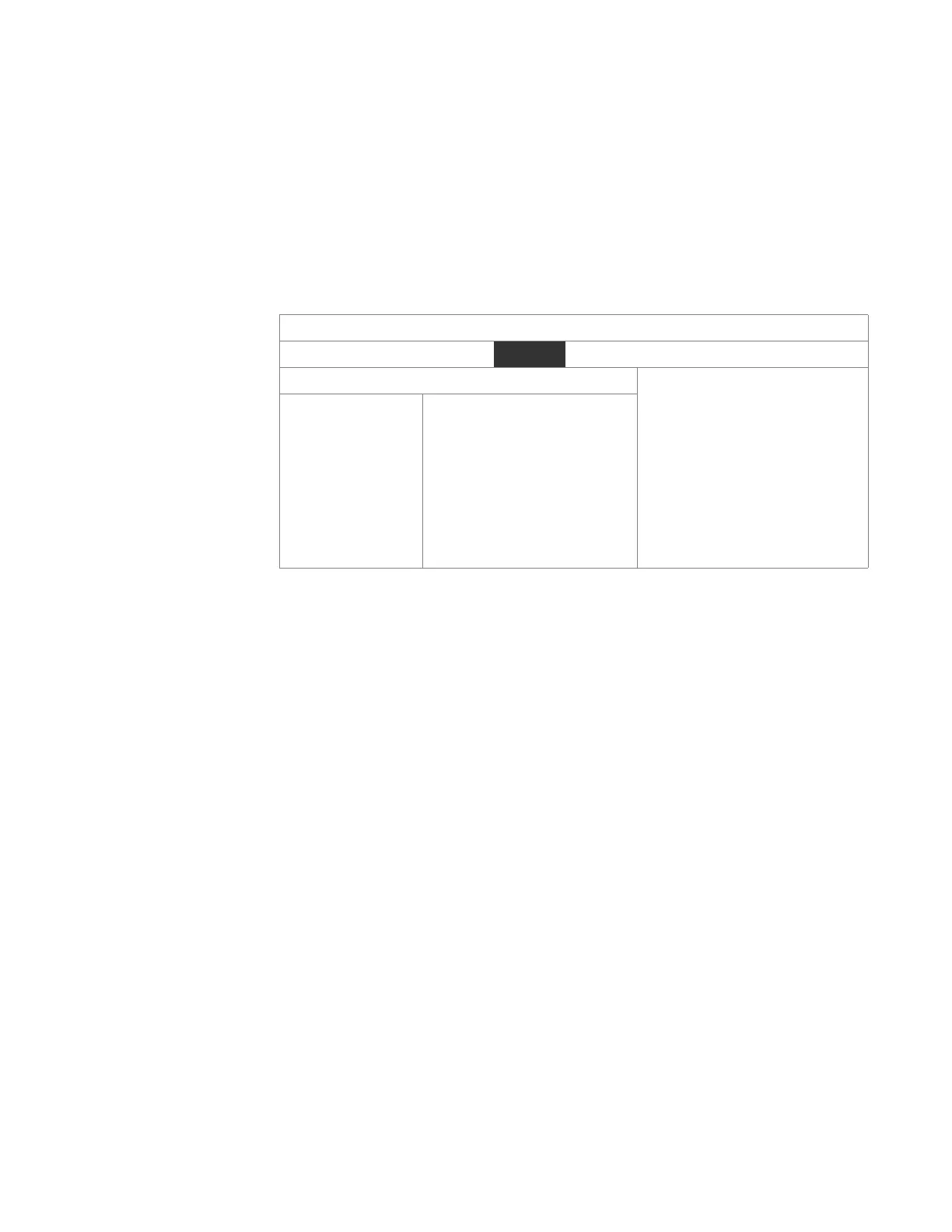
Table C-3 Boot-from-LAN BIOS Boot Menu
C.3 BIOS Features Setup
After the Intel Boot Agent has been enabled, the following information will
appear at the top of the screen.
Initializing Intel (R) Boot Agent GE v1.2.40
PXE 2.1 Build 085 (WfM2.0)
Press Ctrl+S to enter Setup Menu...
Once you press CTRL-S, the Boot Agent setup menu will appear. PXE is the boot
option available on the V7768/V7769. You can change the settings for the Setup
Prompt and Setup Menu Wait Time. You can either enable or disable the prompt,
and you can set the amount of wait time for the setup menu.
Once the configuration is set, the SBC will begin to establish the new link.
Initializing Intel (R) Boot Agent GE v1.2.40
Copyright (C) 1997-2006, Intel Corporation
Initializing and establishing link...
BIOS SETUP UTILITY
Boot
Boot Device Priority Specifies the boot
sequence from the
available devices.
←→ Select Screen
↑↓ Select Item
+- Go to Sub Screen
F1 General Help
F10 Save and Exit
ESC Exit
1st Boot Device
2nd Boot Device
3rd Boot Device
[MBA UNDI (Bus2 Slot5)]
[1st Floppy Drive]
[Hard Drive]
Network Boot Protocol PXE (Preboot eXecution Environment)
Boot Order Use BIOS Setup Boot Order
Show Setup Prompt Enabled
Setup Menu Wait Timer 2 Seconds


 To Next Page