in.xe TechBook
21
in.xe programming field options
In the event where none of the predetermined low level
program configurations built in the in.xe system suit
your spa equipment assembly, it's possible to custom
configure the in.xe system by manually entering key
parameter settings.
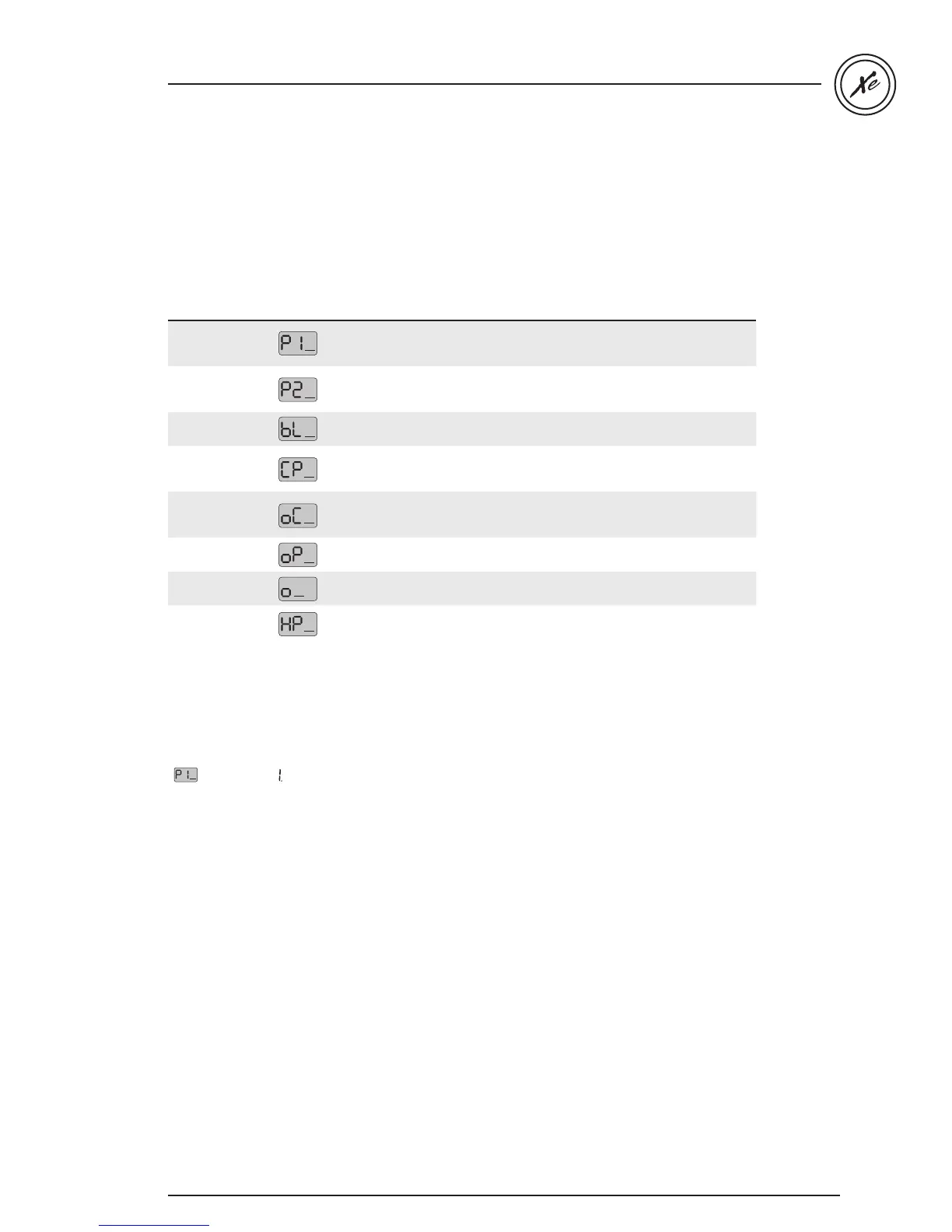
Parameter Display Options Description
Pump 1 Config
Single-speed = 1
Dual-speed = 2
*Pump #1 and Pump #3 = 3
Pump #1 configuration
*Available only on certain models.
Pump 2 Config
Not installed = 0
Single-speed = 1
Dual-speed = 2
Pump #2 configuration
Blower Config
Not installed = 0
Installed = 1
Blower configuration
Circ. Pump Config
Not installed = 0
Installed = 1
Always on = 2
Circulation pump configuration
Ozone Config
Not installed = 0
During filter cycle = 1
Always on = 2
Ozone generator configuration
Ozone Pump
Circulation pump = 0
Pump #1 = 1
Pump associated to ozone generator
Ozone Type
Standard = 0
Timed = 1
Type of ozone generator
Heater Pump
Circulation pump = 0
Pump #1 = 1
Pump associated to heater
To access this menu, press and hold Prog. (or Light key)
for 30 seconds. Use Up/Down key to choose setting.
Press Prog. key (or Light key) to go to the next parameter.
Table 1
Please note that there are three versions of field options
available, depending on your software revision.
Tables 1 & 2 were used with previous versions.
Table 3 is the latest version. The first parameter will help
to indicate which table to consult.
( = table 1) and ( = table 2 or 3)
--


 To Next Page