in.xe TechBook
3535
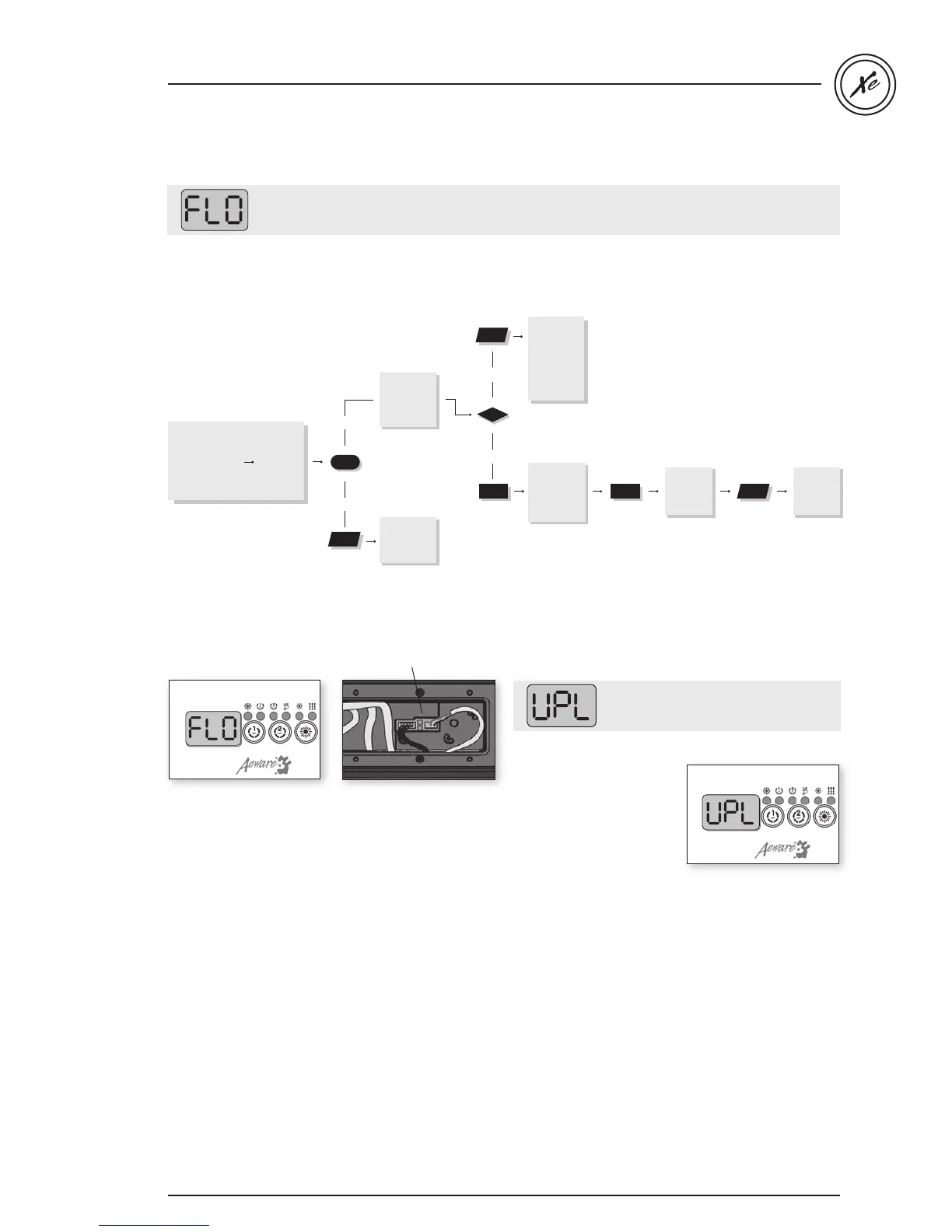
FLO & UPL error message / flow chart & step-by-step
The system did not detect any water flow while the primary pump was running.
Follow the troubleshooting flow chart below to identify the problem:
Make sure that the low-level programming has been properly set, with or without circulation pump
(depending on your system configuration).
There must be
adequate water in
spa for normal use
(a minimum of
18
GP
M
must
circulate thr
ough
the he
ater)
yes
Is pump
working
when you
try to start
it from
keypad?
no
Refer to
“Pump not
Working”
section.
Is anything
limiting the
flow of water
into the
pipes?
yes
no
Remove
anything
obstructing
filter. Cle
ar
any air lock
s
and verify
water valves.
Verify if
in
.flo cable
is pr
operly
connected
If problem
persists,
replace
heater
If problem
persists,
replace
spa pack
FLO
Primary pump is activated,
but the system doesn't
detect any water flow
• Make sure water valves
are open and that water
level is high enough.
• Check and remove
anything obstructing the
filter.
• Make sure there are
no air locks (or that no
object obstructs the
passage of water in
the heater channel).
Pumps may make
strange noises.
Follow air lock procedure
to clear them.
• Make sure that the
pump associated to the
heater (primary pump)
is running.
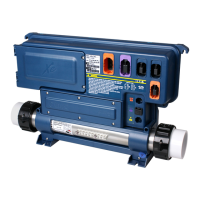
• Make sure the in.flo
cable (located above
the heater) is properly
connected.
• If problem persists
replace heater.
• If the problem is
not solved replace
the spa pack.
• New low-level
configuration
software needs to
be downloaded into
the in.xe spa system;
without it the system
will not be operable.
• Contact our toll free line
for technical support
(1.800.784.3256).
Note: this line is
dedicated to assist
authorized service
technicians and
dealers only.
No low-level configuration software
in system!
Step-by-Step
Step-by-Step
Flow chart
in.flo cable


 To Next Page