25
SHENZHEN GETECH TECHNOLOGY CO LTD
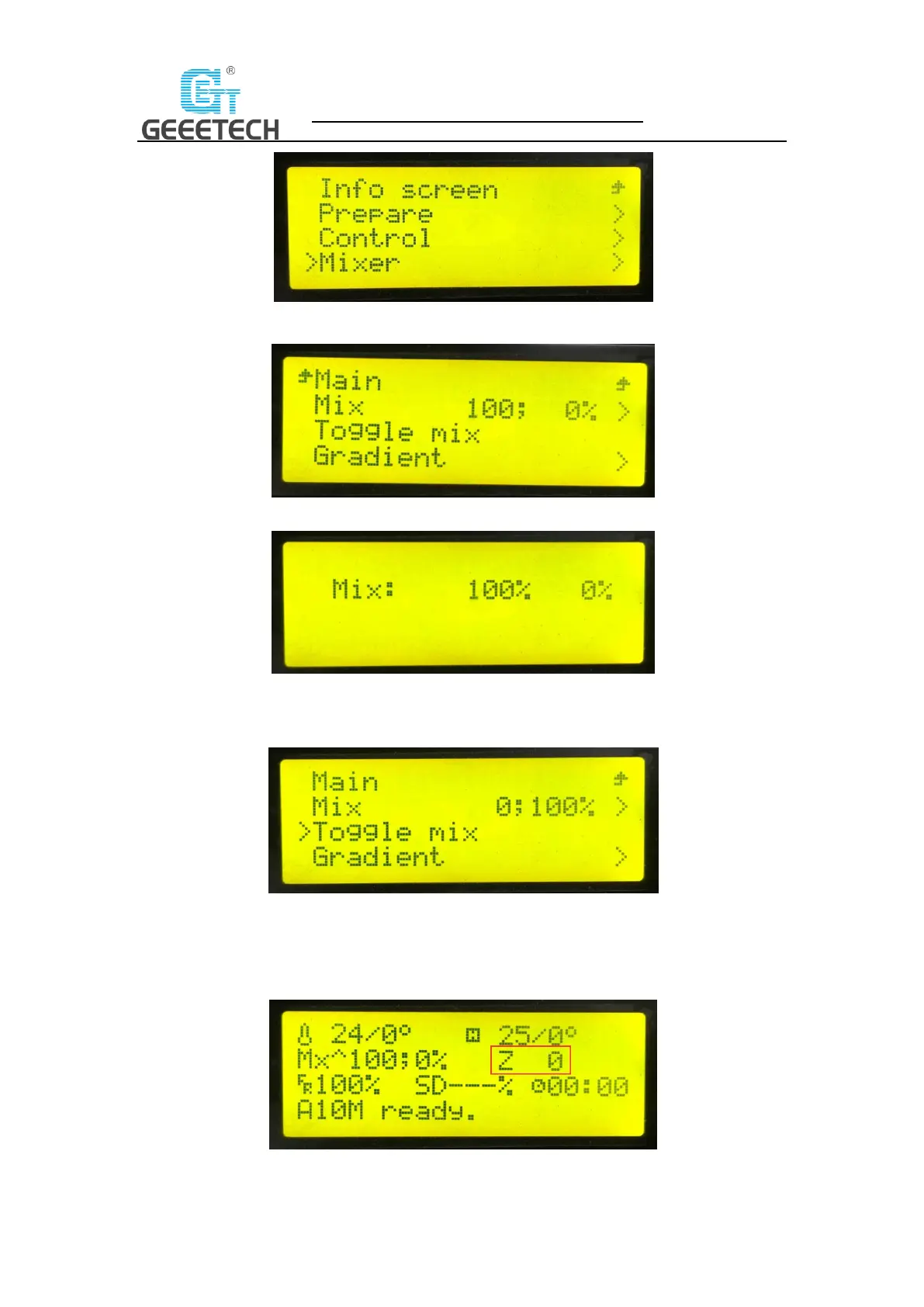
(Picture 5-11)
(Picture 5-12)
(Picture 5-13)
“Toggle mix”: If you need to quickly switch the ratio between E0 and E1, you can select this
function to switch, see picture (5-14)
(Picture 5-14)
Set variable mix ratio
First, you need to get the current z-axis coordinate, which can be found on the screen, details see
picture (5-15).
(Picture 5-15)



 To Next Page